An AI influencer is a made-up person, created with AI, who posts on social media like a human creator. Someone runs the account, writes the posts and signs the brand deals. The AI makes the face, the photos and the videos.
The hard part is not making one good picture. It is making the same person look the same in every post, every week, in photos and in video. This guide shows how to do that step by step, with real examples made in FrameSurfer, and the rules you must follow on Instagram, TikTok and YouTube.
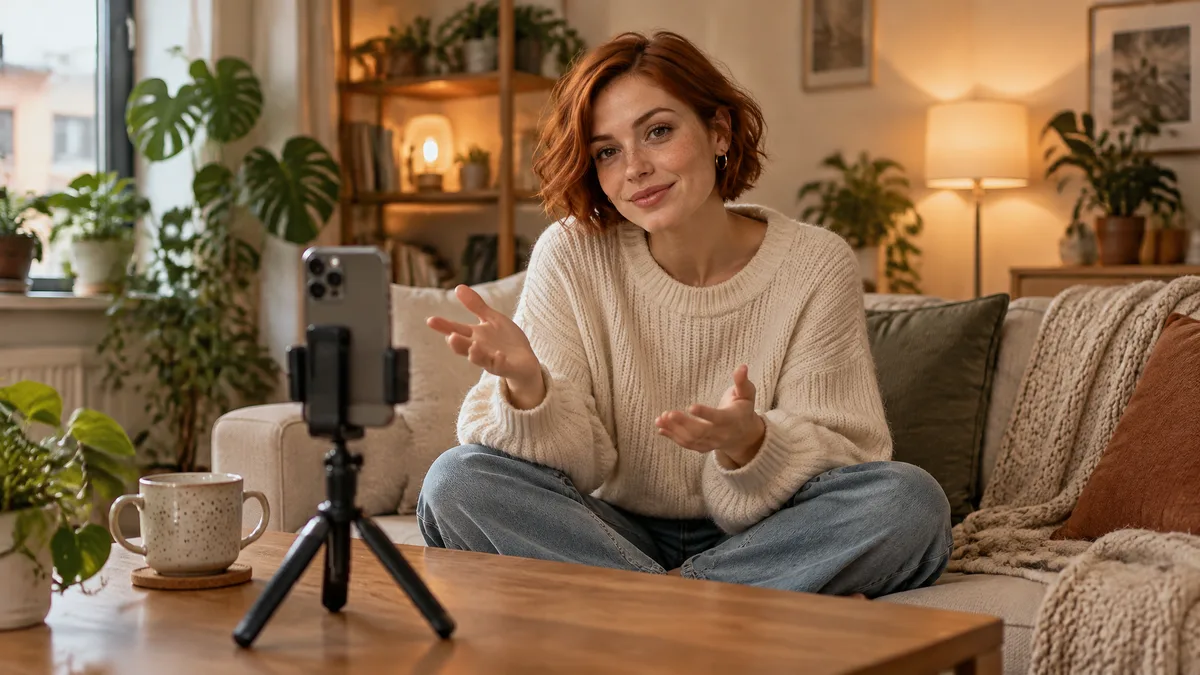
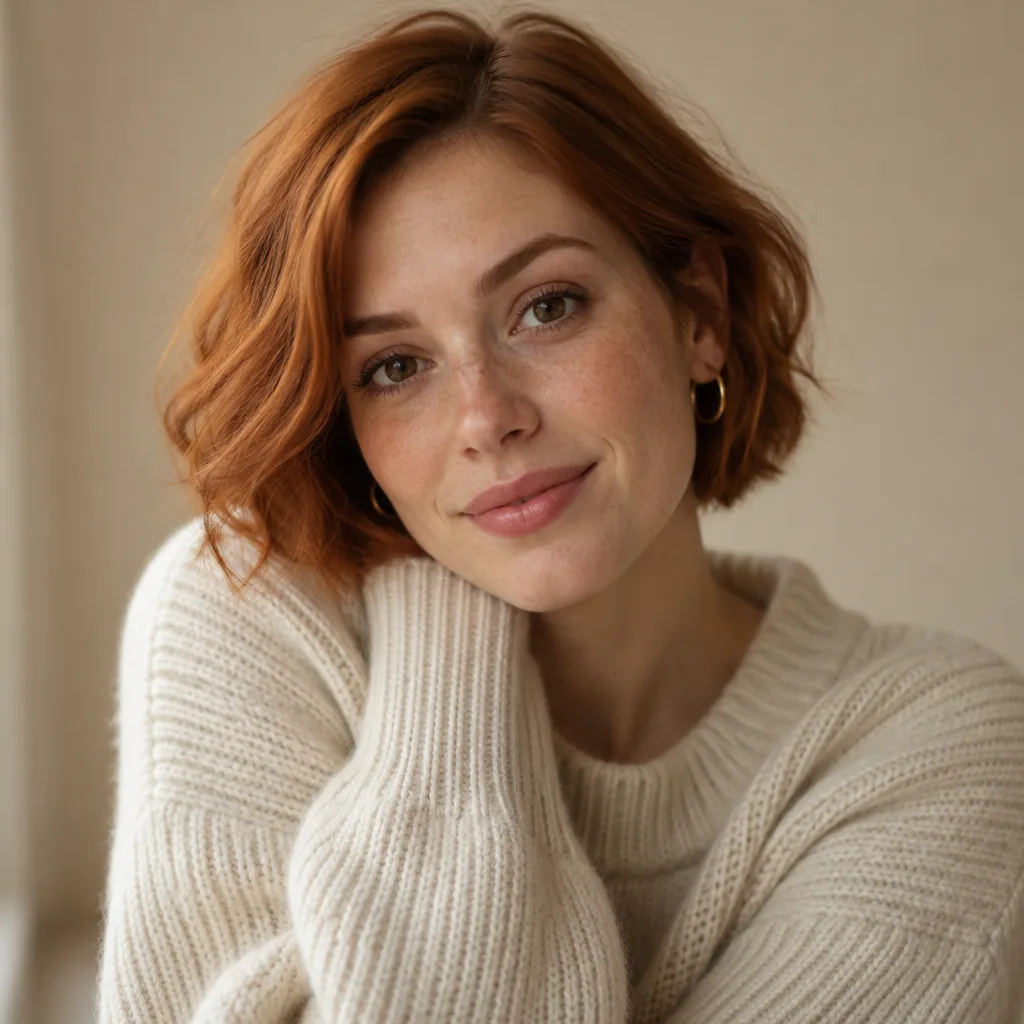 Meet Nova, the AI influencer we made for this guide with FrameSurfer. She is not a real person.
What is an AI influencer?
An AI influencer (also called a virtual influencer) is a digital character run by a person, an agency or a brand. It has a name, a look, a personality and a niche, and it posts photos and videos like a human influencer. Brands pay it to promote products, and the FTC treats it like any other endorser.
Some are 3D characters that look clearly digital. Others are photorealistic, made with AI image and video models, and look like real people. This guide is about the second kind, because that is what most new creators make in 2026.
Famous AI influencers
| AI influencer | Who runs it | Known for |
|---|---|---|
| Lil Miquela (US) | Brud, a Los Angeles startup | CGI influencer since 2016, about 2.3 million Instagram followers (CreatorDB, Aug 2026) |
| Aitana López (Spain) | The Clueless agency, Barcelona | Photorealistic AI model earning about €3,000 a month on average, up to €10,000 (Euronews) |
| Imma (Japan) | Aww Inc., Tokyo | Nearly 400,000 followers and deals with Porsche, BMW, Coach and SK-II (GMA, May 2025) |
| Lu do Magalu (Brazil) | Retailer Magazine Luiza | A brand's own avatar, about 31 million followers across platforms in 2022 |
The pattern is the same for all of them: one fixed look, one personality, one niche, and a steady stream of posts.
How to create an AI influencer, step by step
Step 1: Pick a niche and a personality
Decide what your influencer posts about before you design a face. The niche decides the brands that will pay you and the scenes you will make every week.
Good niches for AI influencers are ones that need lots of good-looking scenes but no real product handling: travel, fashion, fitness, cafes and food spots, tech and gaming, and lifestyle. Write a short profile:
- Name and age
- Where they "live" (a city gives you a backdrop for every post)
- Personality in three words, for example "warm, curious, a bit sarcastic"
- What they post each week, for example "two cafe photos, one gym video, one travel reel"
For this guide we made Nova: 26, lives in Lisbon, warm and curious, posts cafes, workouts and city walks.
Step 2: Design the face
Write a description with the details that stay the same forever: age, face shape, hair color and cut, eye color, skin details like freckles, and one signature accessory. Vague prompts give a different person every time. Specific prompts give a face you can repeat.
Nova's description was: "a 26-year-old woman with a short copper-red bob, light freckles across her nose, warm brown eyes, small gold hoop earrings."
In FrameSurfer, the AI Character Creator turns a written description like this into one clear, front-facing portrait in 9:16, 1:1 or 16:9. Make a few versions, pick the best one, and save it as a character. That portrait is now your influencer's reference for everything else.
Step 3: Keep the same face in every post
This is where most AI influencers fail. If you write a new prompt for each post, you get a slightly different person each time, and followers notice.
The fix is to start every new image from the saved portrait, not from words alone. Describe only what changes: the place, the outfit, the pose, the light. Keep the face, hair and signature details in every prompt.
These three posts all started from Nova's one portrait:
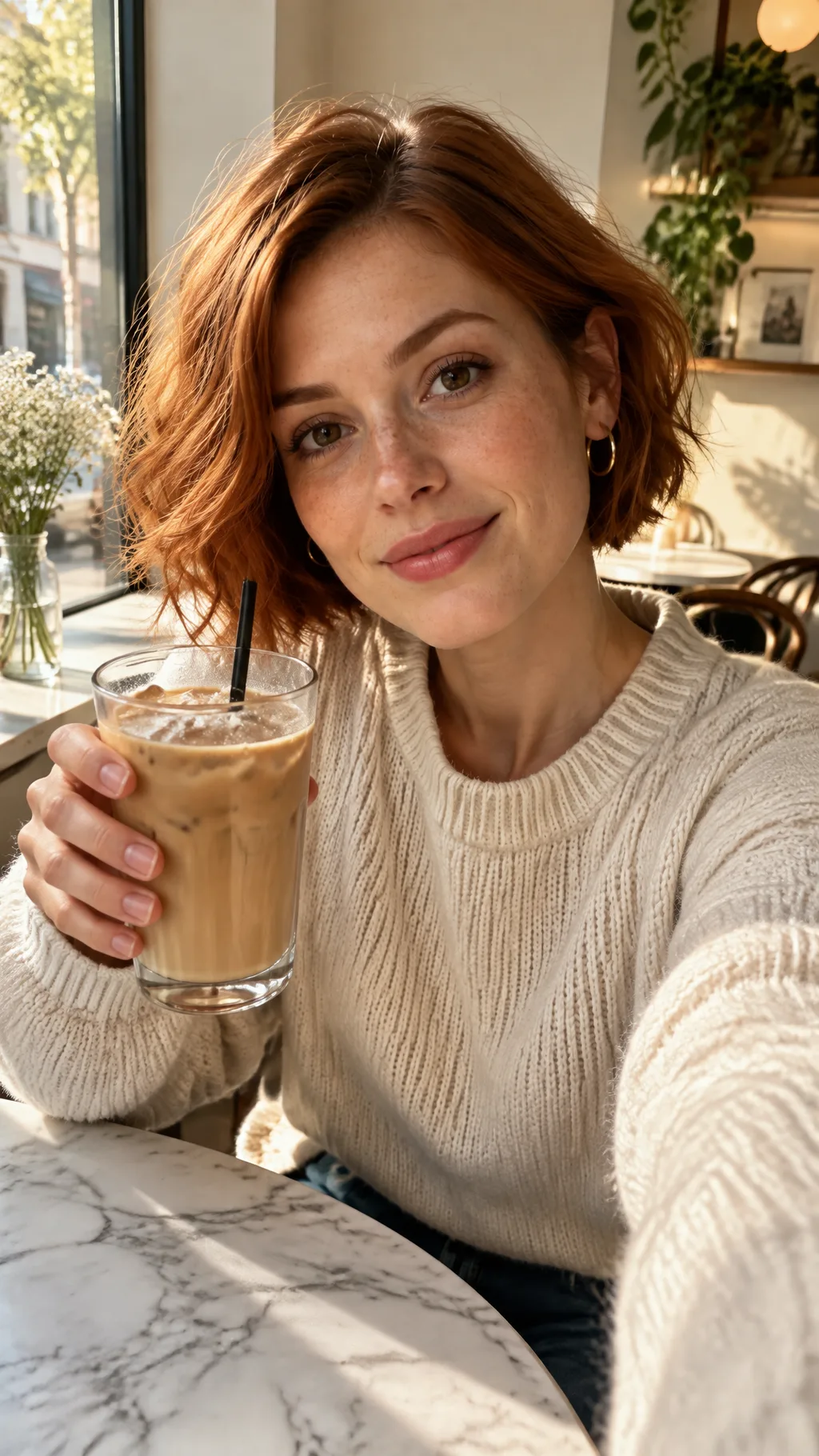 Cafe post. Made in FrameSurfer from Nova's saved portrait.
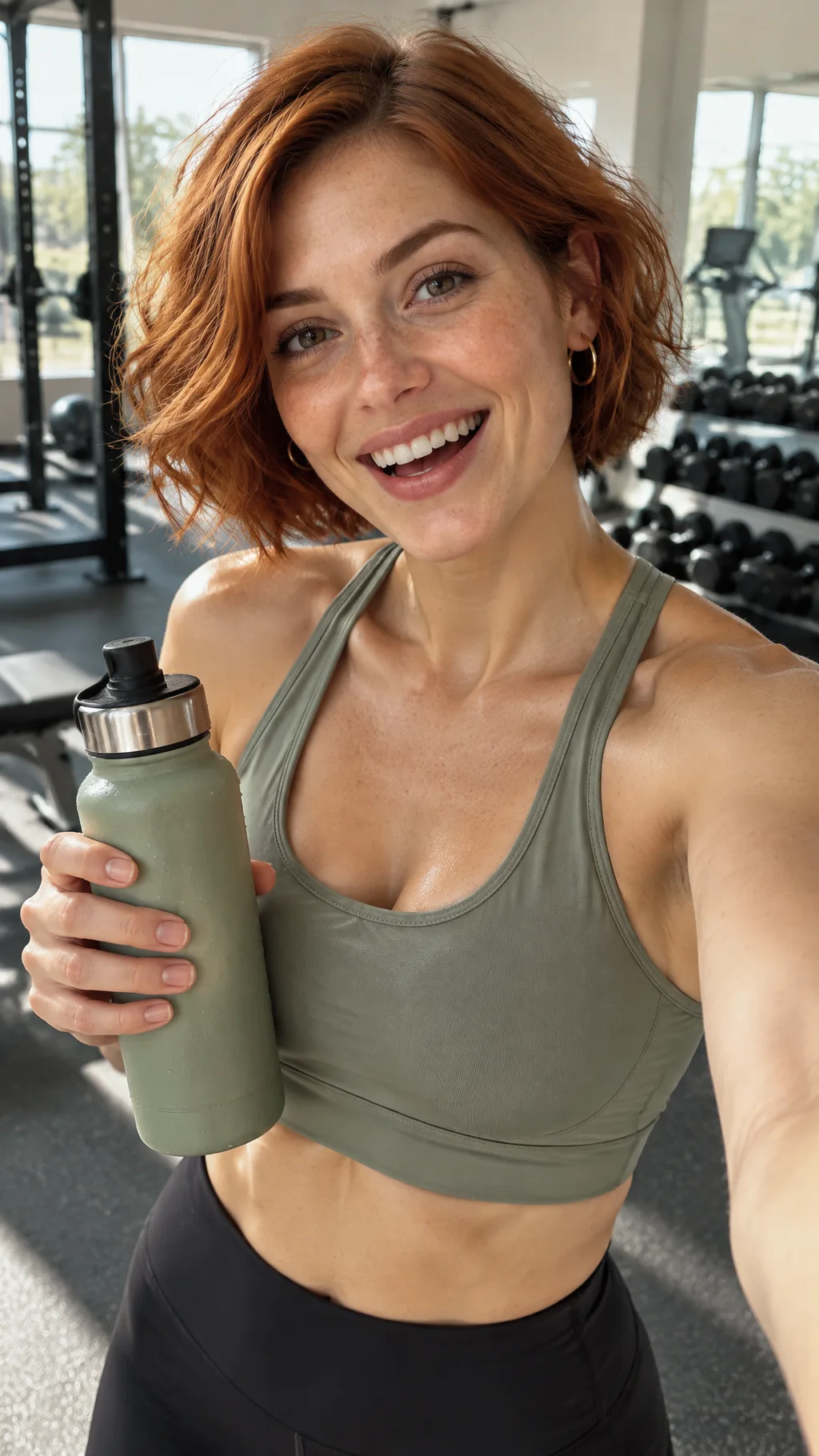 Gym post, same portrait. The face, hair and freckles carry over.
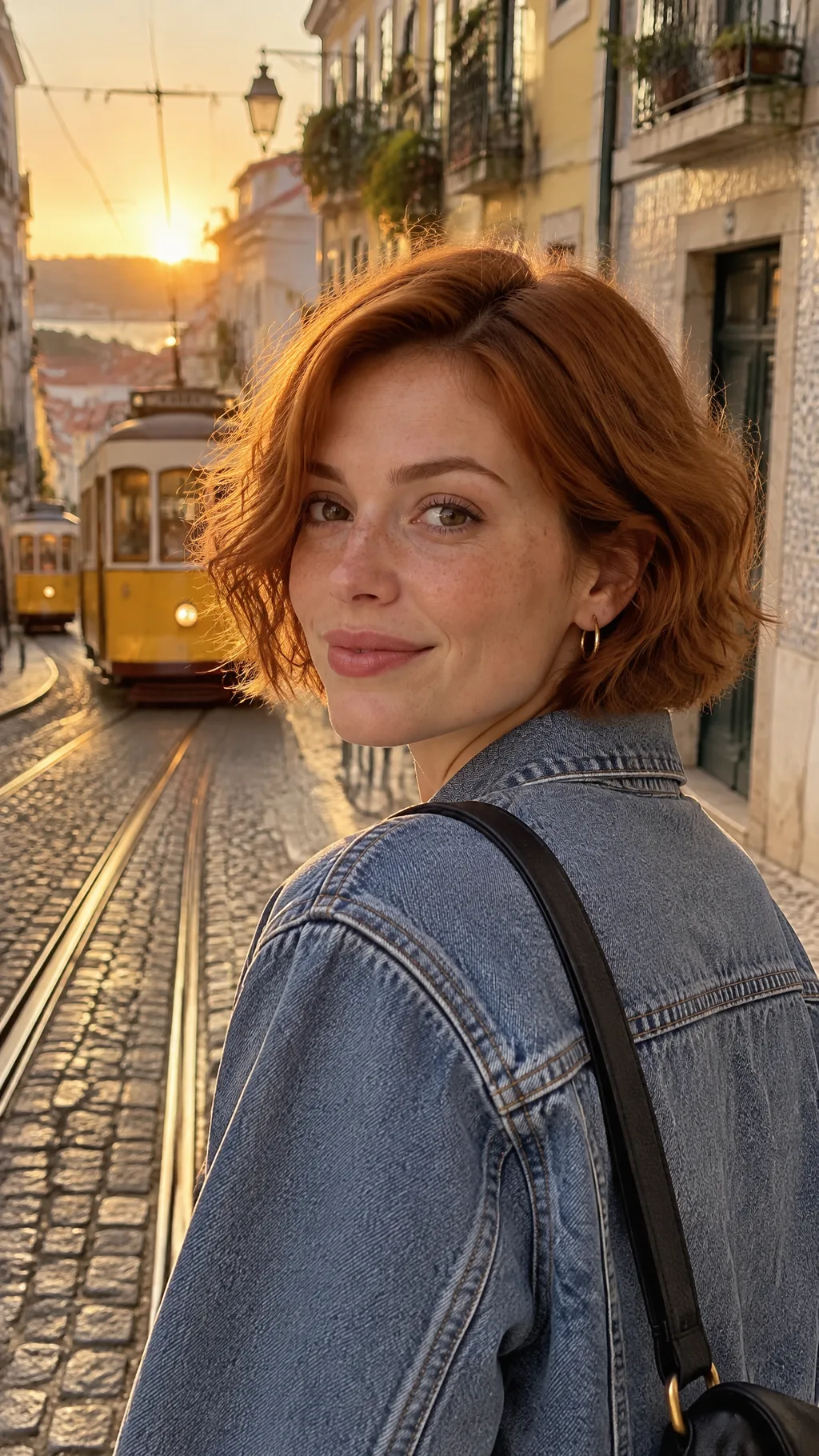 Travel post, same portrait, different outfit and city light.
A few habits keep her consistent:
- Same signature details in every prompt. Nova always has the copper bob, the freckles and the hoops.
- Change one or two things per post. A new place and a new outfit is fine. A new hairstyle, new makeup and new lighting all at once starts to look like someone else.
- Throw away near misses. If the face drifts, make it again. One off post breaks the illusion.
Our guide on keeping characters consistent in AI video covers this in more depth.
Step 4: Make your influencer talk
Photos build a feed. Video builds an audience, because Reels, TikTok and Shorts reward video.
FrameSurfer's Talking Character tool takes your saved character and a written line and returns a clip of them saying it, in 9:16 for Reels and TikTok. Keep each clip to one idea: a hook, a tip, a reaction. For longer videos, describe the whole video in the FrameSurfer Agent and pick your saved character. The Agent writes the script, makes every scene from your influencer's portrait, and adds voiceover, captions and music.
Give your influencer one voice and keep it. A face that keeps changing voices feels as wrong as a face that keeps changing shape.
Step 5: Plan a posting schedule
Treat the account like a creator would:
| Day | Post | How it's made |
|---|---|---|
| Monday | Cafe or food photo | Image from the saved portrait |
| Wednesday | Talking video: one tip or opinion | Talking Character clip |
| Friday | Travel or city photo carousel | 3 to 5 images from the portrait |
| Weekend | Short Reel or TikTok with a hook | FrameSurfer Agent video |
Reply to comments in your influencer's voice. The personality is what people follow, not just the face.
Step 6: Label it and follow the rules
AI influencers are allowed on every major platform, but they must be honest about being AI. See the rules below before you post.
Rules for AI influencers (as of November 2026)
| Platform | What you must do | Source |
|---|---|---|
| Instagram and Facebook | Use Meta's AI label when you post a photorealistic video or realistic audio made or changed with AI. Meta may add an "AI info" label itself and may penalize posts that should have been labeled | Meta |
| TikTok | Label AI-generated content that shows realistic scenes or people. Unlabeled content may be removed, restricted or labeled by TikTok, which reads C2PA Content Credentials and invisible watermarks | TikTok |
| YouTube | Turn on the "AI use" disclosure in YouTube Studio for realistic AI content. YouTube says this does not reduce reach or earnings | YouTube |
| FTC (United States) | The Endorsement Guides cover virtual influencers. Paid posts need a clear "#ad" or "Paid partnership" disclosure, and the brand, the agency and the account can all be liable | FTC |
| European Union | The AI Act's rule to disclose deepfakes (Article 50) has applied since August 2, 2026 | Goodwin |
The simplest safe setup: say "AI-generated" or "virtual creator" in the bio, switch on each platform's AI label, and mark every paid post as an ad. Never let your influencer claim to have used a product it can't use, like a skincare cream or a supplement, and never make one that looks like a real person without their permission.
How AI influencers make money
- Brand deals. Sponsored posts and videos, the same as human influencers. Aitana López reportedly earns about €1,000 per ad.
- Affiliate links. A commission on sales from links in the bio or stories.
- Subscriptions and fan platforms. Paid content for the most loyal followers.
- Ads on YouTube and TikTok. Once the account qualifies for each platform's creator program.
- Your own products. Presets, guides, merch, or using the influencer as the face of your own brand.
Most AI influencers earn nothing for months. Brands look at engagement and audience fit, not just followers, so build a real community first.
Make your first AI influencer
Start with one saved character in the AI Character Creator, make five posts from that one portrait, and check they look like the same person before you post anything. Writing a description needs no account. Generating images and video needs a FrameSurfer plan, and plans include 5 to 30 saved characters.
Frequently Asked Questions
How do I create an AI influencer for free?
You can write the profile and the face description for free, and some tools give a few free images. Keeping the same face across dozens of photos and videos usually needs a paid tool with saved characters or reference images. In FrameSurfer, writing prompts is free and generating needs a plan.
How do I keep my AI influencer's face the same?
Make one clear front-facing portrait, save it, and start every new image and video from that portrait instead of from a new text prompt. Repeat the same signature details in every prompt, change only the scene and outfit, and remake any image where the face drifts.
Are AI influencers legal?
Yes. Instagram, TikTok and YouTube allow them, but realistic AI content must be labeled with each platform's AI tool. In the US, paid posts must be disclosed as ads under the FTC Endorsement Guides, which name virtual influencers. Don't copy a real person's face or voice without permission.
Can an AI influencer make money?
Yes, through brand deals, affiliate links, subscriptions and platform payouts. Aitana López, a Spanish AI model, reportedly earns €3,000 a month on average and up to €10,000. Most new accounts earn nothing at first, so expect months of steady posting before brands pay.
Do I have to tell people my influencer is AI?
Yes. Each platform asks you to label realistic AI content, and hiding it risks removal and loses trust. Put "AI" or "virtual creator" in the bio, use the AI label on posts, and disclose paid partnerships as ads.
What is the best app to make an AI influencer?
Pick a tool that saves a character and reuses it for both photos and video, so you don't need separate apps. FrameSurfer saves characters, makes photos from them, makes them talk, and builds full Reels and TikToks with the same face.