
AI image edit
Upload a photo and say what should change. Everything you did not mention stays put.
Creating an account is free. Your photo comes with you.
One change at a time.
The small image is what went in. The prompt is the whole instruction.
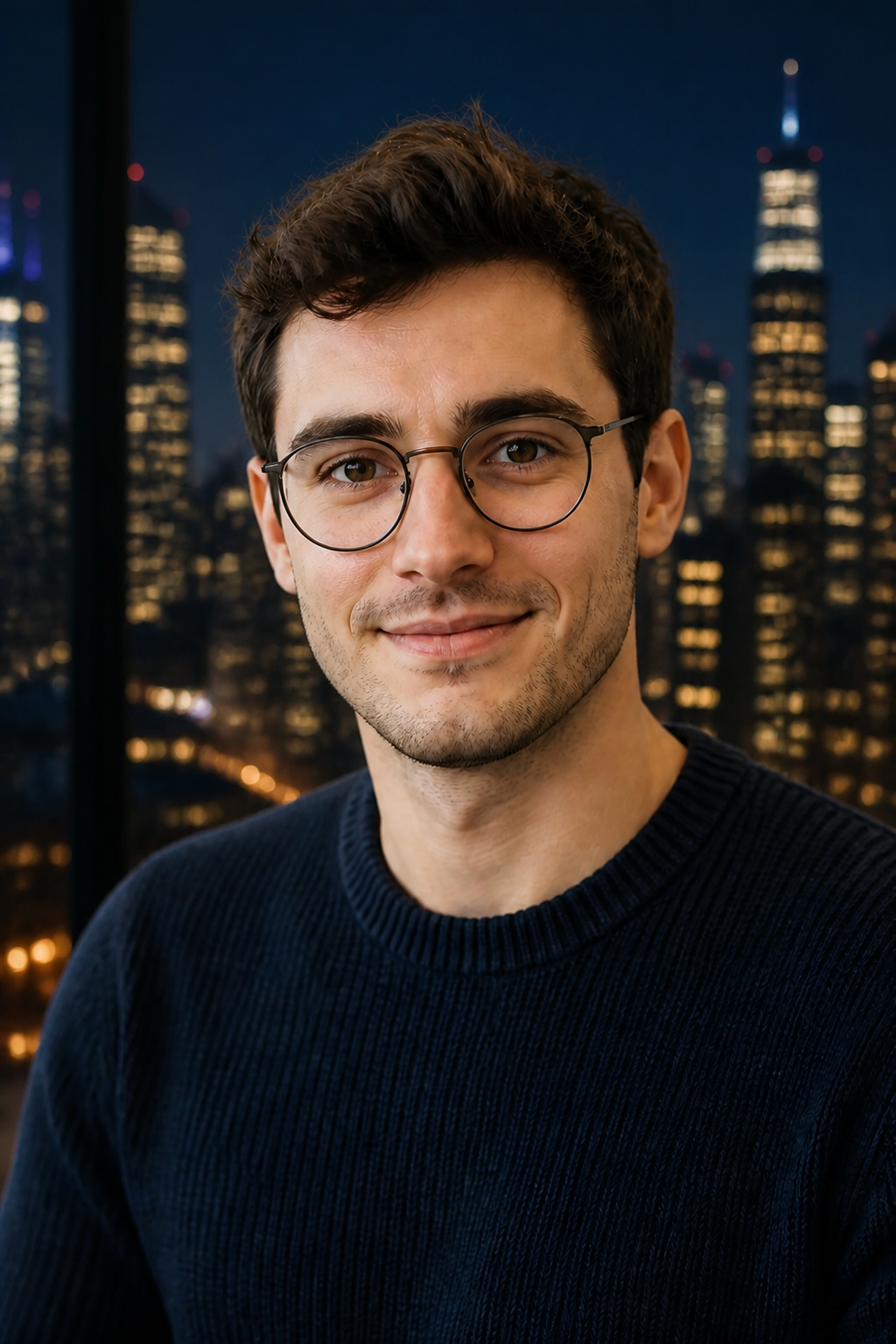
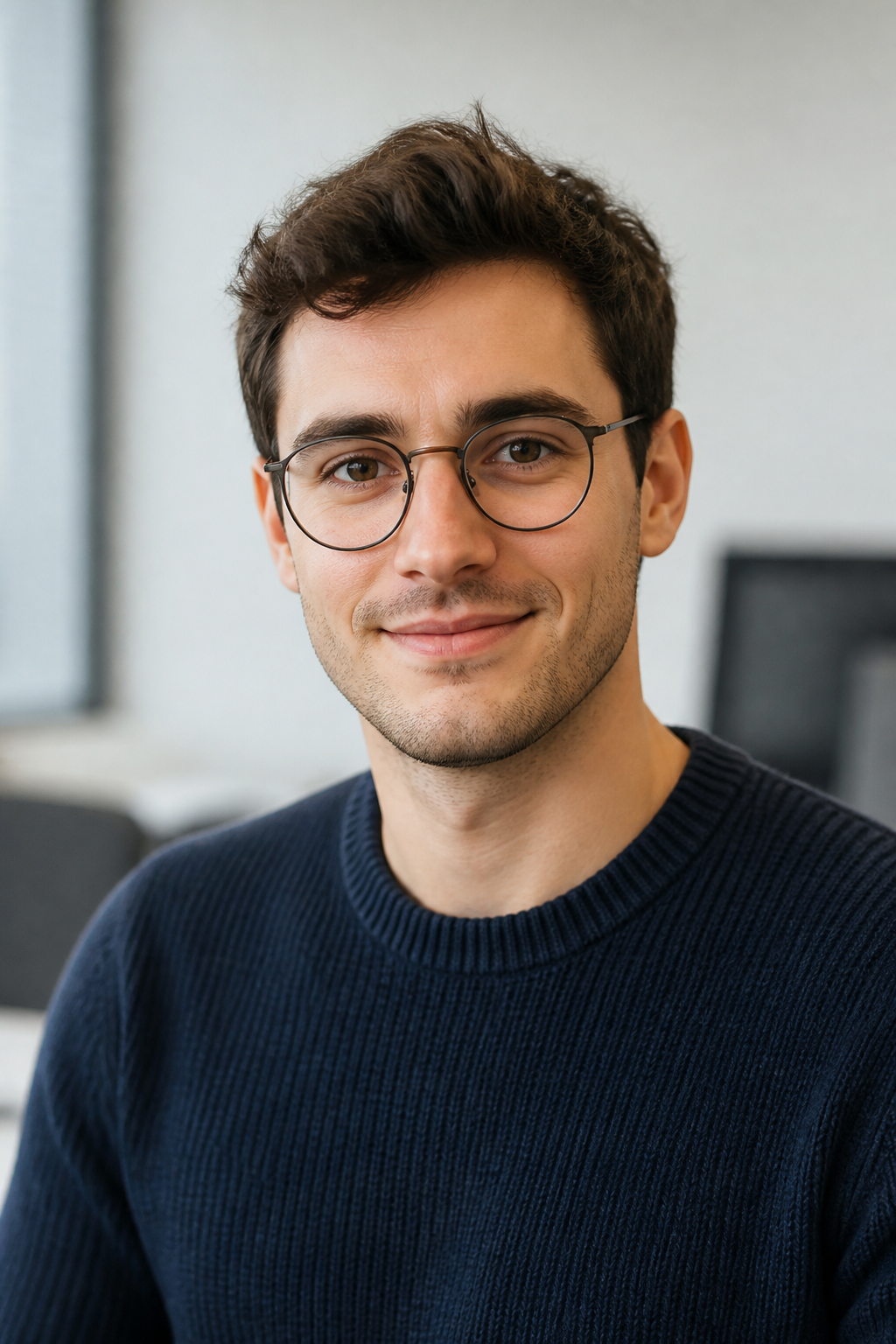
Change the background to a night city skyline with warm window lights. Keep the person, clothing and pose exactly the same.
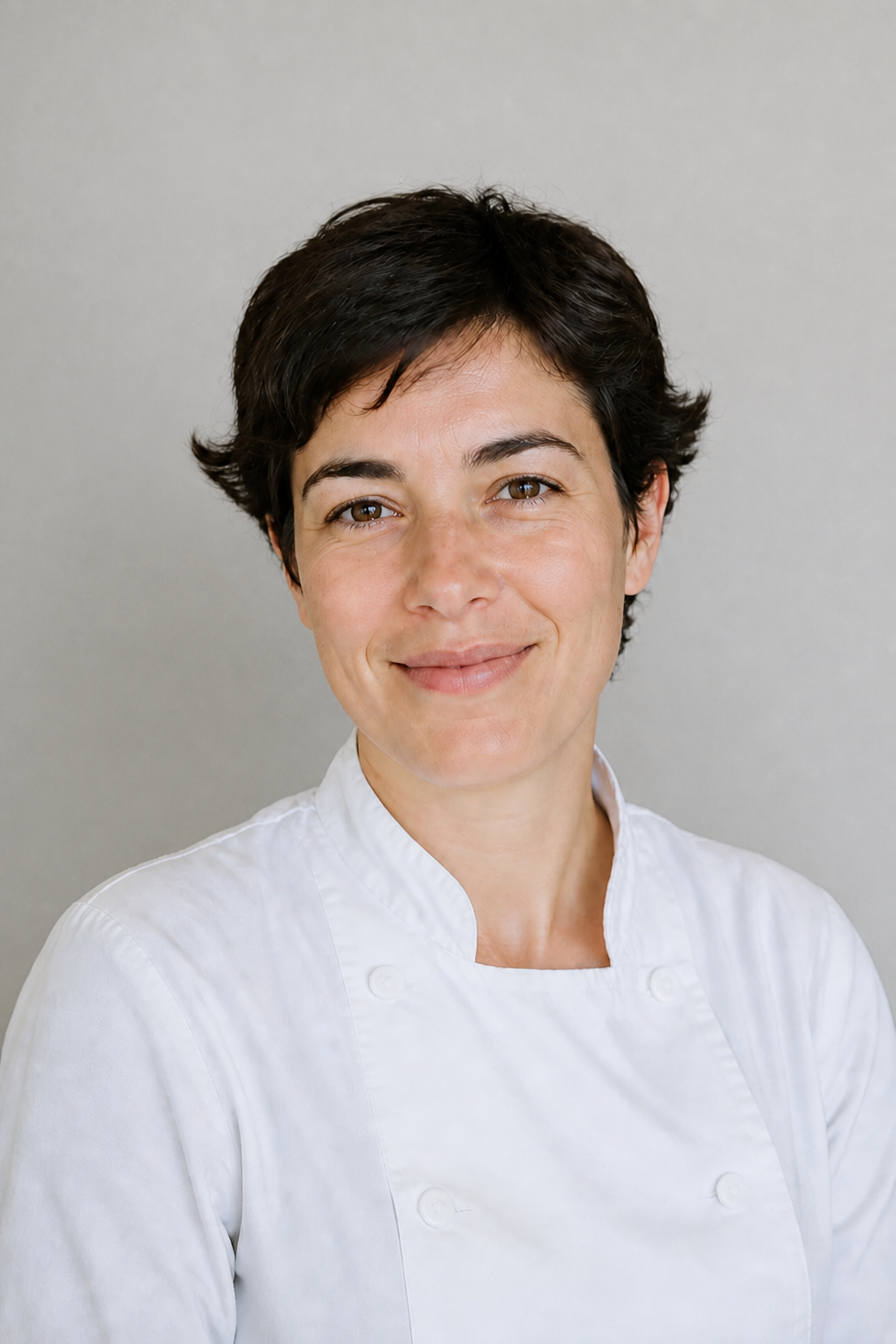
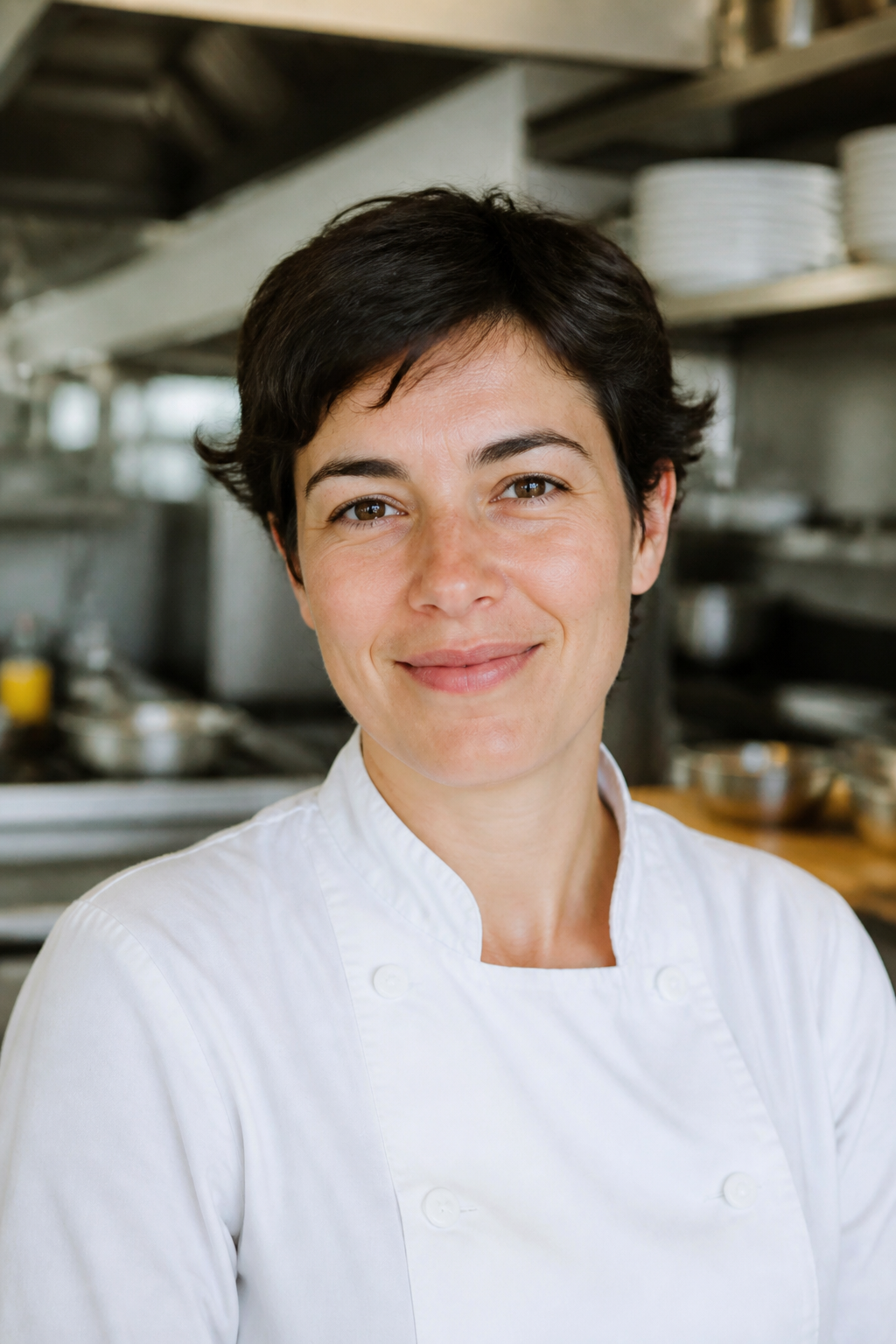
Place her against a clean pale grey studio wall. Keep the person, clothing and expression exactly the same.
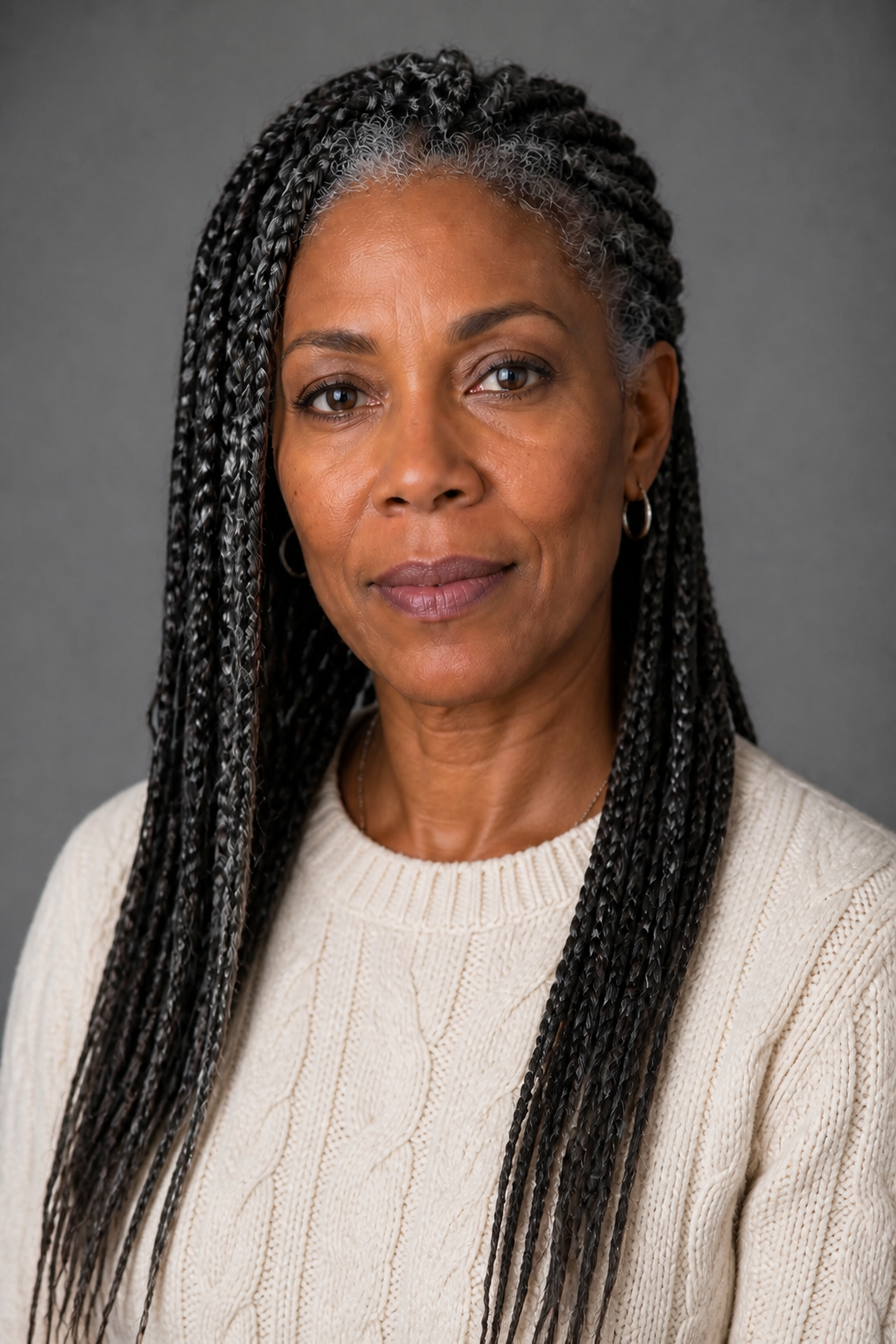
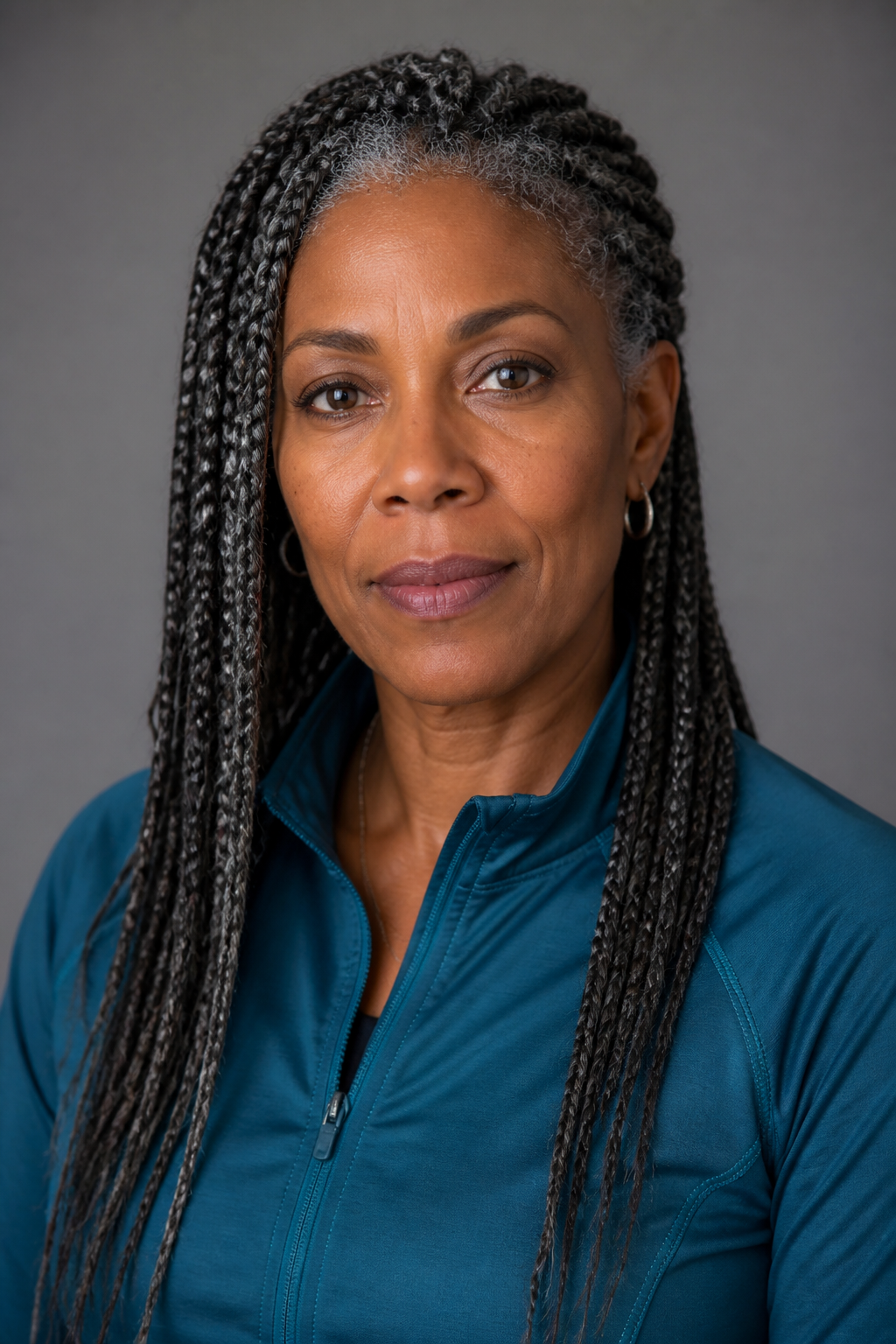
Change the teal jacket to a cream cable-knit sweater. Keep her face, hair and pose unchanged.
How it works
Add the photo
Any still you own. It is the picture being edited, not a reference.
Name the change
One instruction, specific and limited. Say what stays, too.
Download it
The edit is yours, and it stays in your media library.
Specs
- Output
- One edited image
- Aspect ratios
- 9:16, 1:1 and 16:9
- Input
- One photo, plus the change you want
Made in FrameSurfer
Full projects, built from single shots like these.
Questions
Will it change things I did not ask about?
It works from your frame and keeps what you did not mention. Naming what should stay — the face, the label, the pose — makes that more reliable.
What kind of edits work best?
One clear change at a time: a background, a colour, a garment, an object removed. Several changes at once are better run one after another.
Do I need an account?
You can pick the photo and write the instruction without one. Generating runs a paid model, so it needs an account on a plan.
Can I use the clips commercially?
Yes. Under our terms you own what you create and can use it personally or commercially.
Other tools
Text to Image
Turn a short description into one still for a post, scene, or reference.
Product Photo
Place a real product into a new scene. The product stays recognizable.
Character Portrait
Create a clear character look you can later turn into a talking clip.
Image to Video
Animate a still. The photo becomes the first frame of the clip.
Say the change. Get the photo.
One instruction, one edit, the rest untouched.