
AI image upscaler
Upload a small or blurry photo. Get it back sharper and bigger, up to 8 megapixels.
Required. This photo comes back sharper and bigger.
Creating an account is free. Your photo comes with you.
Small in, sharp out.
The small image is what went in, 213 by 320 pixels. The big one is what came back.
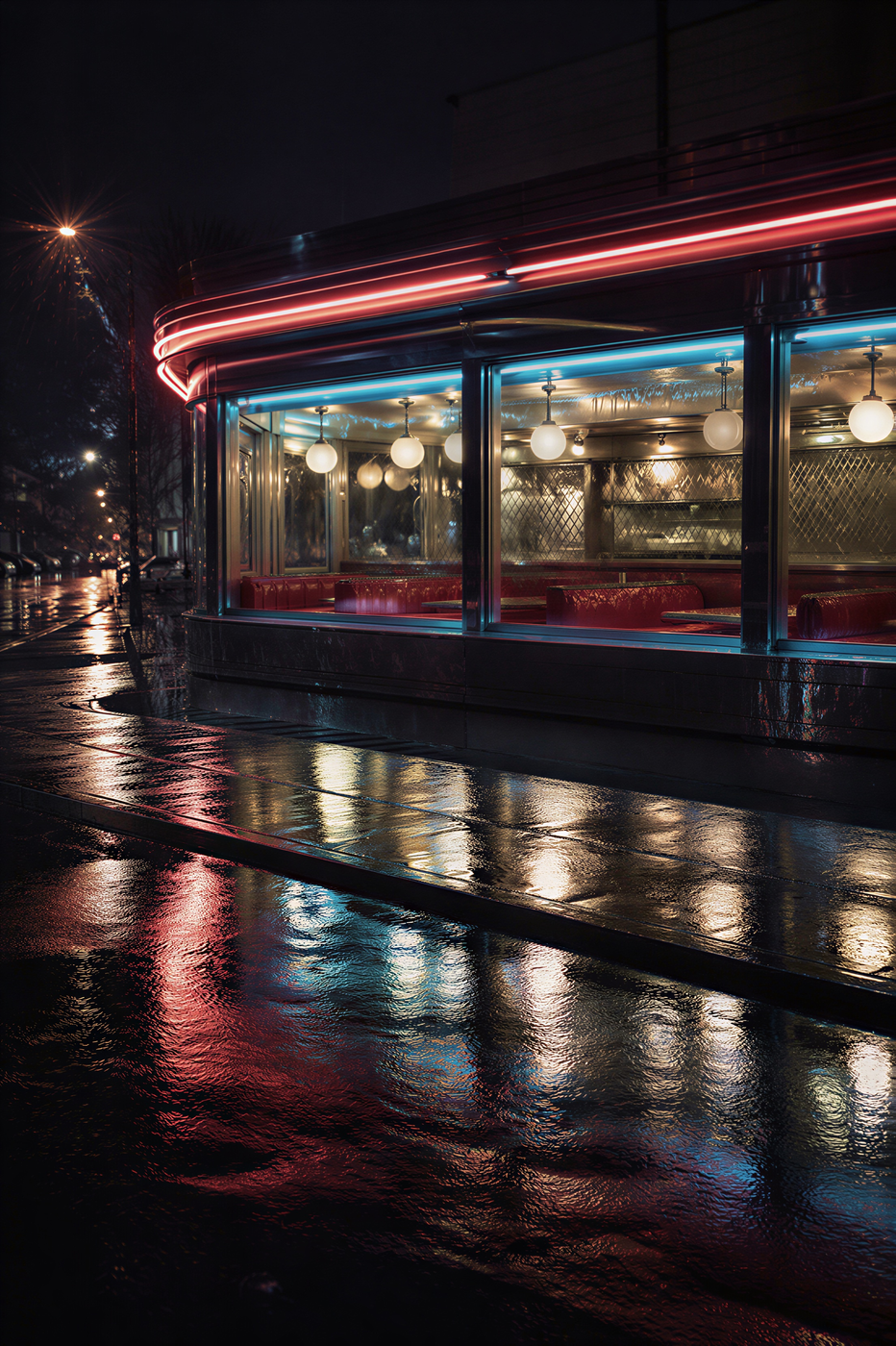
Upscaled from 213 × 320 pixels to 2210 × 3318, about seven megapixels.
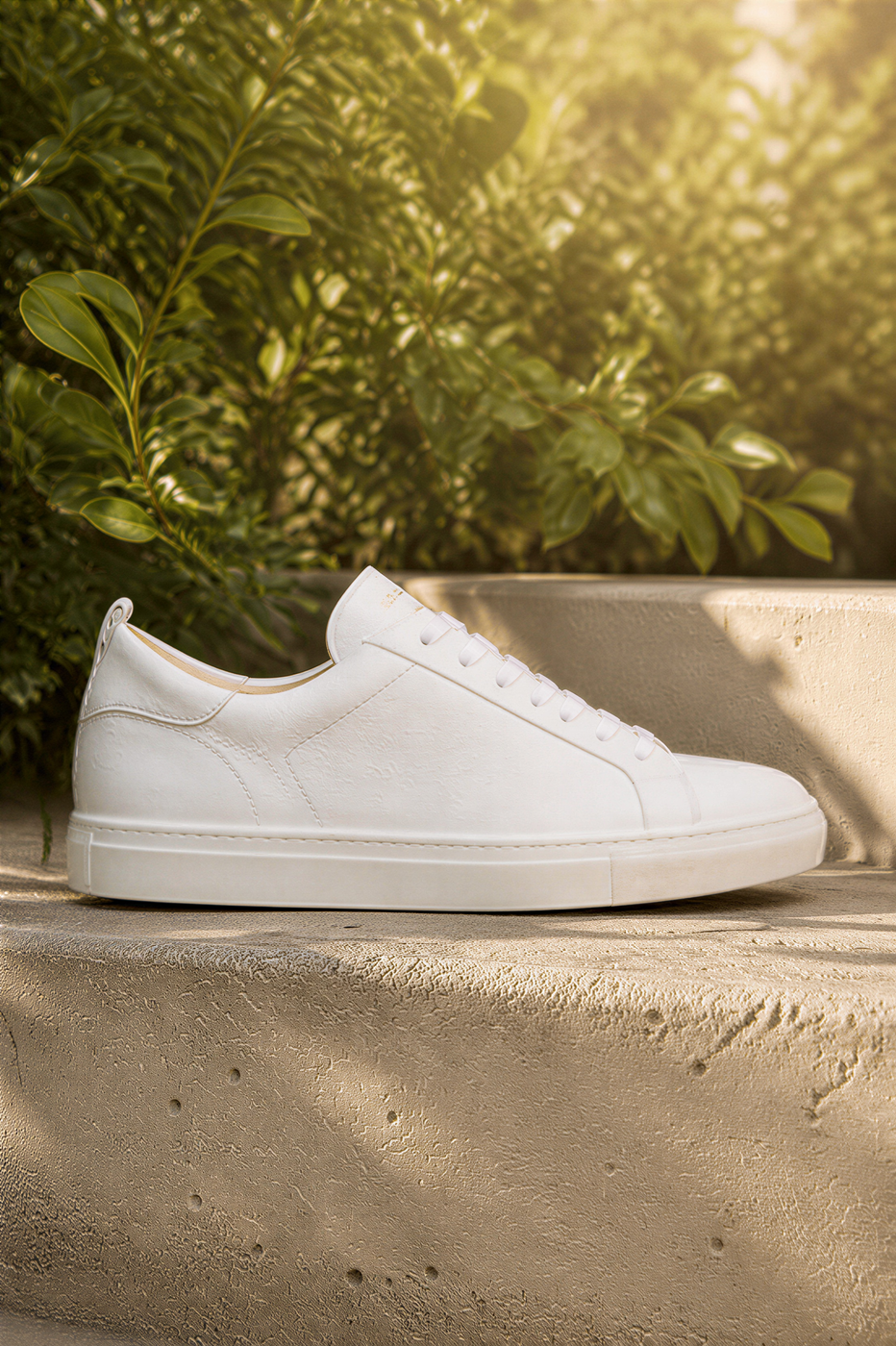
A tiny product photo made big enough for a store page or a print.


Hair, skin and eyes come back in detail from a thumbnail-sized face.
How it works
Add the photo
Any still: a small download, an old phone picture, a frame from a video.
Press Upscale
There is nothing to write. It comes back sharper and bigger, up to 8 megapixels.
Download it
The sharp copy is yours, and it stays in your media library.
Specs
- Output
- One upscaled image, up to 8 megapixels
- Input
- One photo
Made in FrameSurfer
Full projects, built from single shots like these.
Questions
How much bigger does it get?
Up to about 8 megapixels. A 320-pixel thumbnail comes back around ten times bigger on each side; a larger photo grows less.
Will it change my photo?
It keeps the picture and adds the detail a bigger size needs. Faces, products and text stay what they were.
Do I need an account?
You can pick the photo without one. Upscaling runs a paid model, so it needs an account on a plan.
Can I use the clips commercially?
Yes. Under our terms you own what you create and can use it personally or commercially.
Other tools
Image Edit
Upload a photo and describe the change. Keep everything else the same.
Product Photo
Place a real product into a new scene. The product stays recognizable.
Image to Video
Animate a still. The photo becomes the first frame of the clip.
Text to Image
Turn a short description into one still for a post, scene, or reference.

Small photo? Make it sharp.
One photo in, a bigger, cleaner one out.