
Black Friday ad video generator
Upload a product photo and say how the Black Friday ad should move. Get a vertical clip ready for Reels, TikTok and Stories.
Creating an account is free. Your photo comes with you.
Product photo in. Black Friday ad out.
Each clip started on the photo beside its prompt.
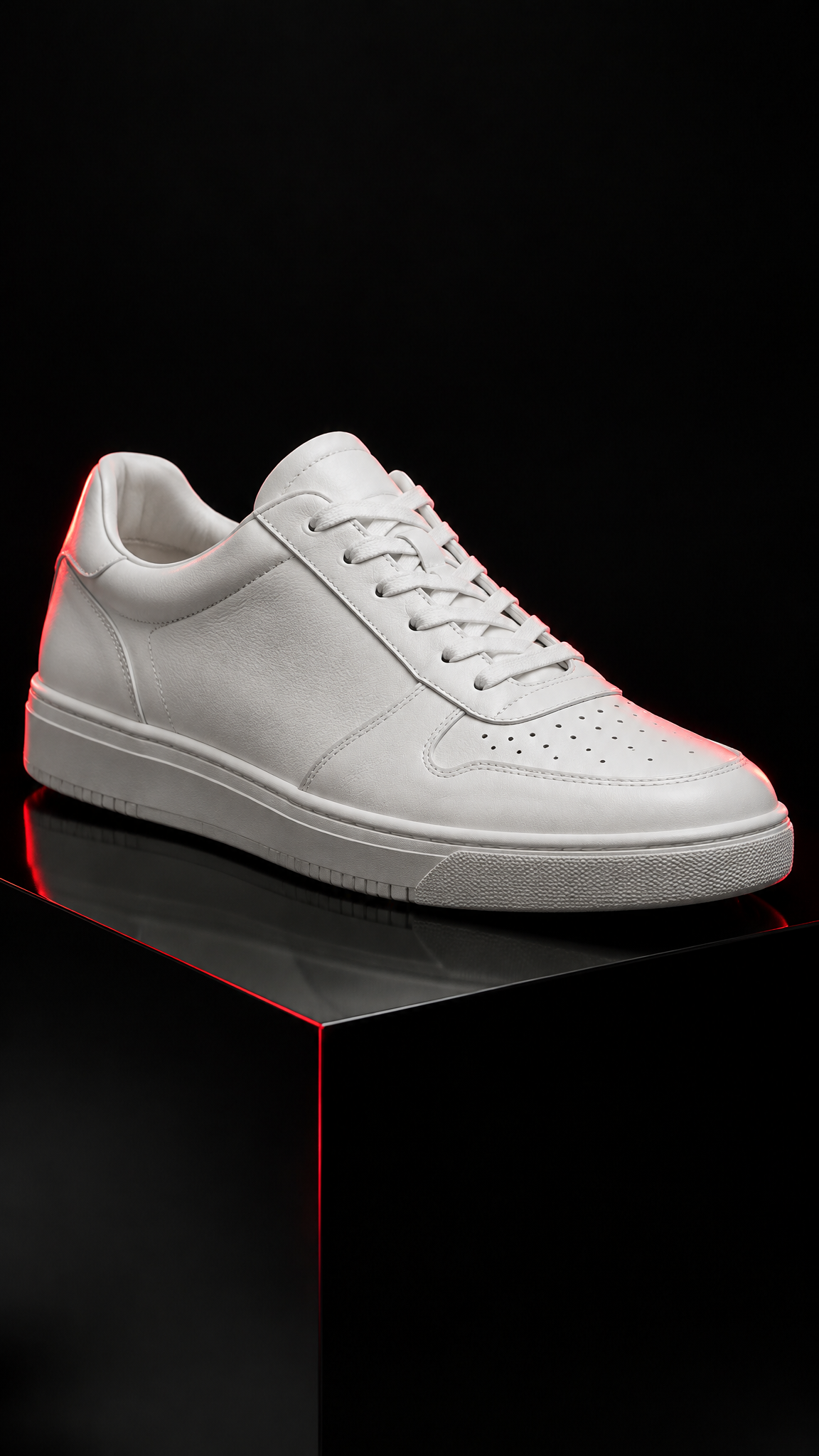
Red and black confetti falls around the sneaker while the camera pushes in slowly and a red spotlight sweeps across the leather. The shoe itself does not change.
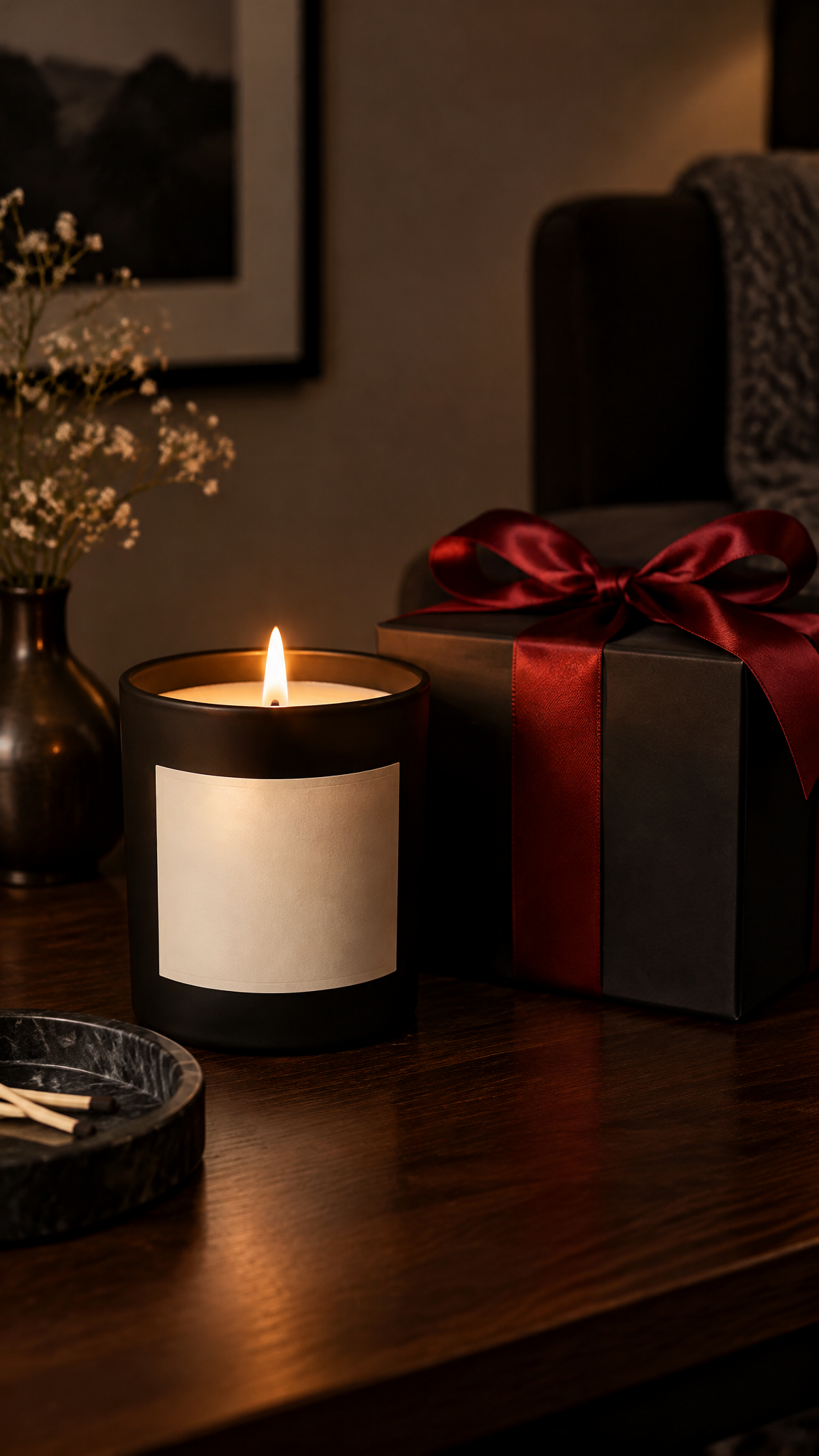
The candle wick lights and the flame flickers, the red ribbon on the gift box slips loose and the lid lifts open. The camera drifts slowly closer.
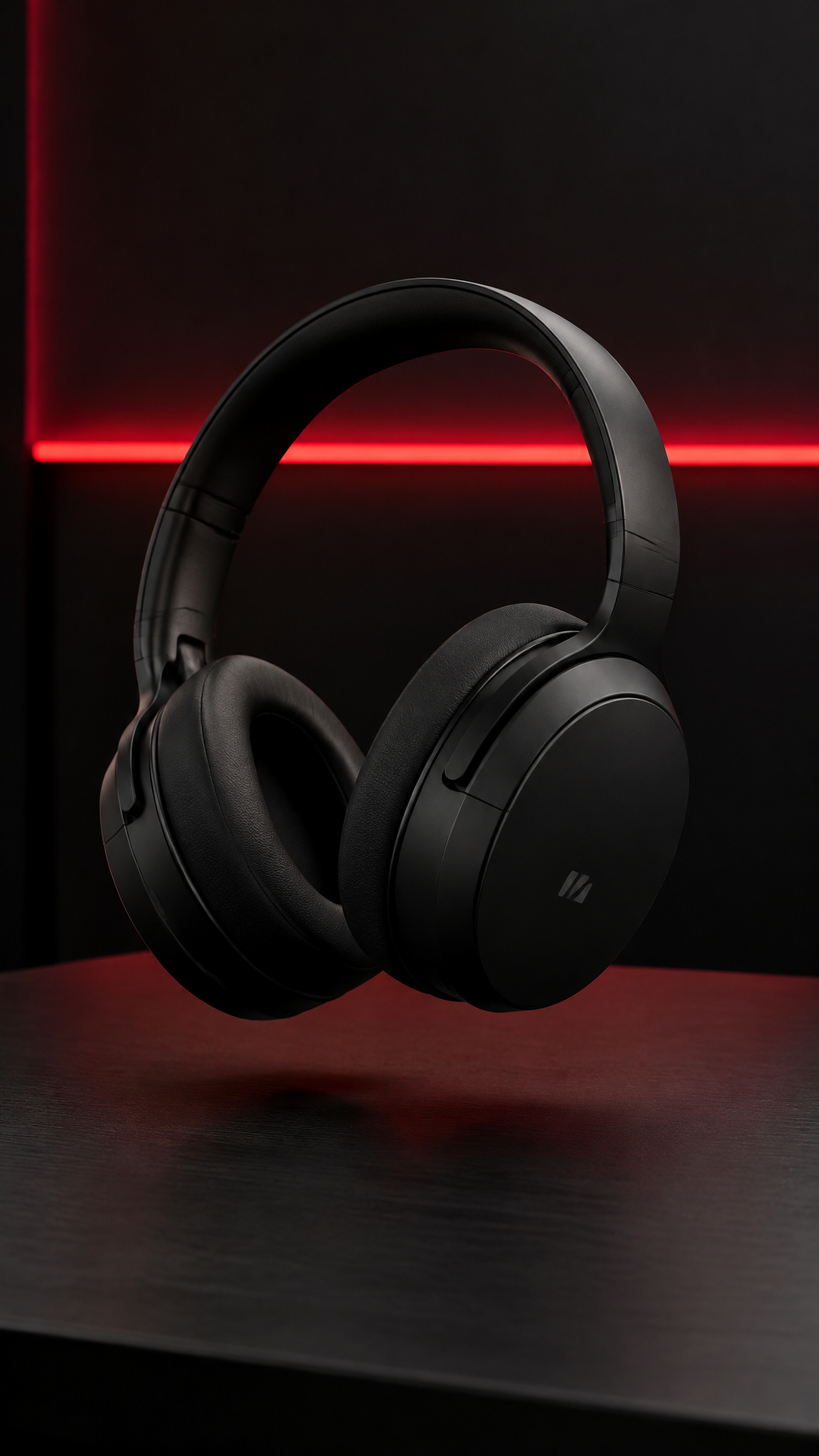
The headphones turn slowly in the air while the red light behind them pulses like a beat. The camera pulls back to show black shopping bags with red tissue paper below.
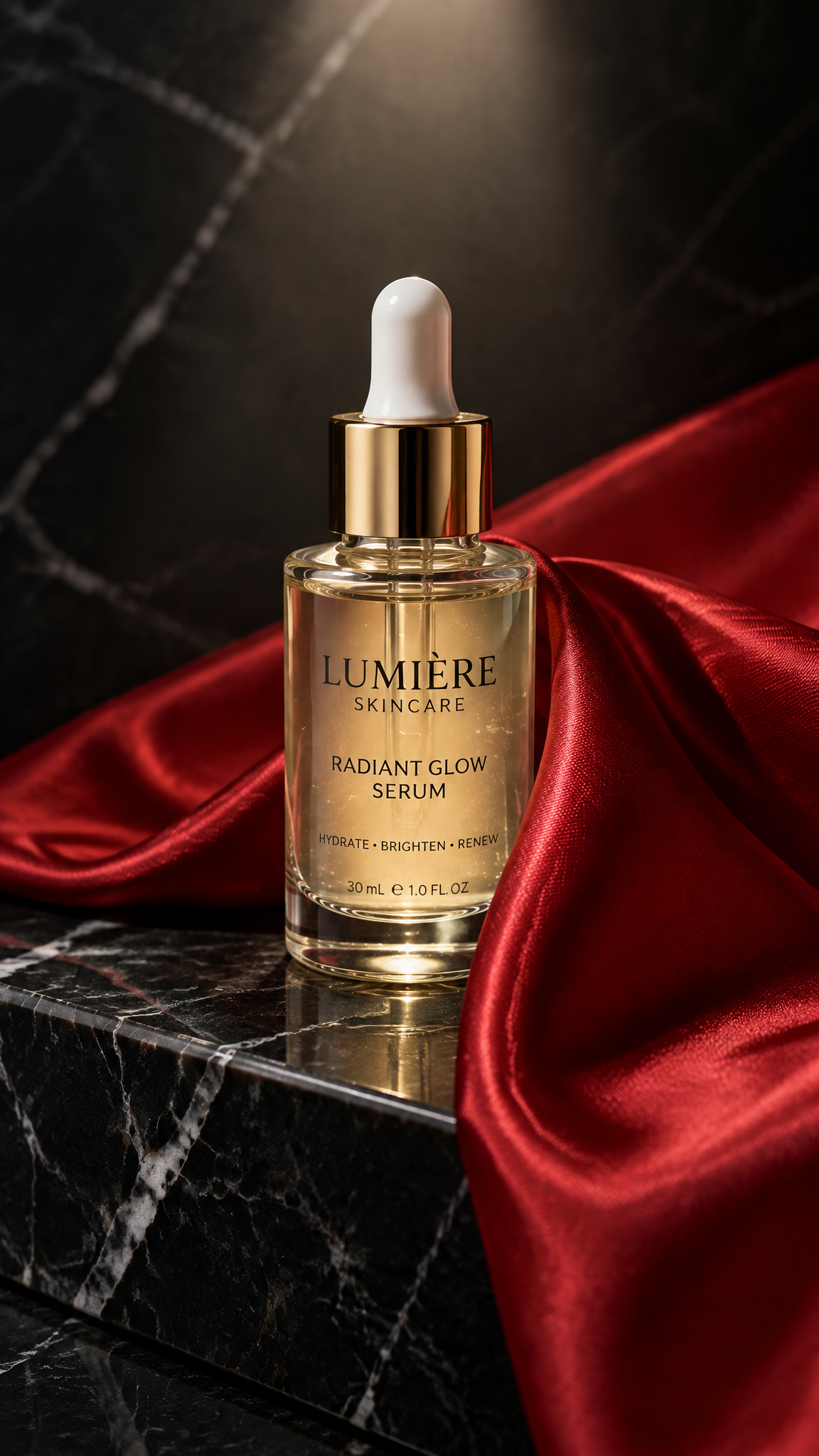
The red satin cloth slides off the bottle in slow motion and the light catches the glass. A few drops run down the side. Nothing else moves.
How it works
Add the product photo
The shot from your store page works. A dark background reads as Black Friday before anything moves.
Describe the ad
Confetti, a red spotlight, a gift box opening. End with: the product itself does not change.
Add your offer and post it
Put the discount and the dates on top in your ad tool, then run it on Reels, TikTok or Stories.
Specs
- Output
- One MP4 clip, up to 30 seconds
- Aspect ratios
- 9:16, 1:1 and 16:9
- Sound
- Generated audio on or off, per clip
- Pruna P-Video-2 Pro model
- 480p and 768p, up to 15s, default
- Pruna P-Video-2 model
- 720p and 1080p, up to 20s
- Grok Imagine model
- 720p, up to 15s
- MiniMax H3 Max Turbo model
- 480p and 768p, up to 15s
- Alibaba Wan 3 model
- 480p, 720p and 1080p, up to 30s
- Seedance 2.5 model
- 480p and 720p, up to 30s
- Seedance 2.0 Fast model
- 480p and 720p, up to 15s
- Kling 3.0 model
- 720p and 1080p, up to 15s
- Kling 4.0 model
- 720p and 1080p, up to 30s
- Veo 3.1 Fast model
- 720p and 1080p, up to 8s
- Input
- One photo, plus a line about the motion
Made in FrameSurfer
Full projects, built from single shots like these.
Questions
Will it change my product?
It starts on your photo, so the product is the first frame. Describe the motion around it, not a new look, and end with "the product itself does not change".
Can it write the discount on the video?
Lettering drawn by the AI can come out misspelled, so leave the price out of the prompt. Add "40% off" and the dates as text on top in your ad tool or in the editor, where you can change them for Cyber Monday.
Which size should I pick?
9:16 for Reels, TikTok and Stories, 1:1 for feed posts, 16:9 for YouTube and your website. Pick it before you generate.
How long can the clip be?
Up to 15 seconds on Pruna P-Video-2 Pro, up to 20 seconds on Pruna P-Video-2, up to 15 seconds on Grok Imagine, up to 15 seconds on MiniMax H3 Max Turbo, up to 30 seconds on Alibaba Wan 3, up to 30 seconds on Seedance 2.5, up to 15 seconds on Seedance 2.0 Fast, up to 15 seconds on Kling 3.0, up to 30 seconds on Kling 4.0 and up to 8 seconds on Veo 3.1 Fast. You pick the exact length before generating.
Can it make a longer ad with a voiceover?
This page makes one clip. For a full ad with several shots, a voiceover and captions, paste your product page into URL to Video.
Do I need an account?
You can add the photo and write the ad without one. Generating runs a paid model, so it needs an account on a plan.
Can I use the clips commercially?
Yes. Under our terms you own what you create and can use it personally or commercially.
More for the holidays
Same tools, set up for the season.
Other tools
Make the Black Friday ad.
One product photo, one line of motion, one clip.