
AI text to image
Describe the still. One image comes back, ready for a post, a scene or a reference.
Creating an account is free. Your prompt comes with you.
Prompt in. Image out.
Each still below came from the prompt beneath it.
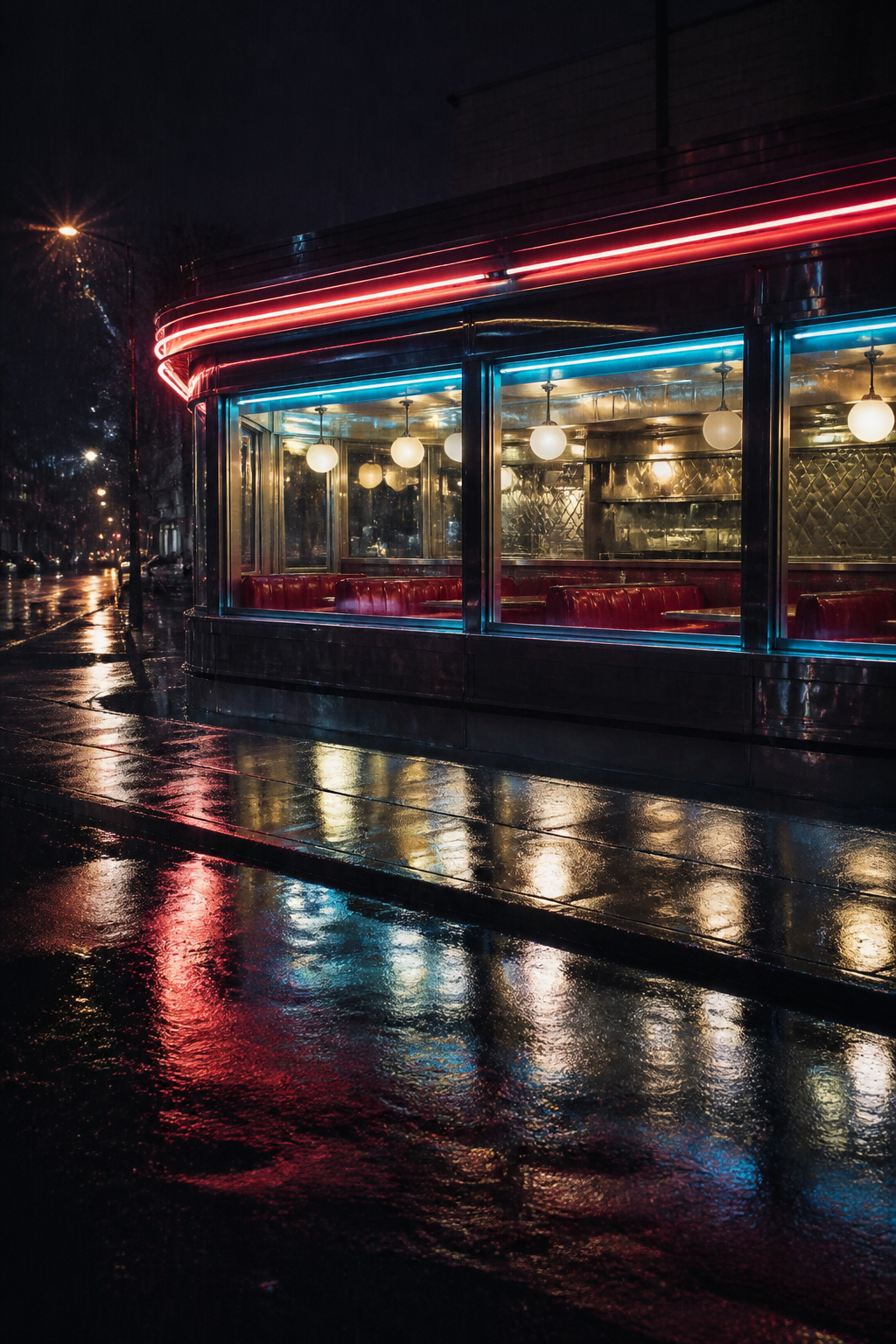
A neon-lit diner window on a rainy night, reflections on wet asphalt, photorealistic, moody, no text.
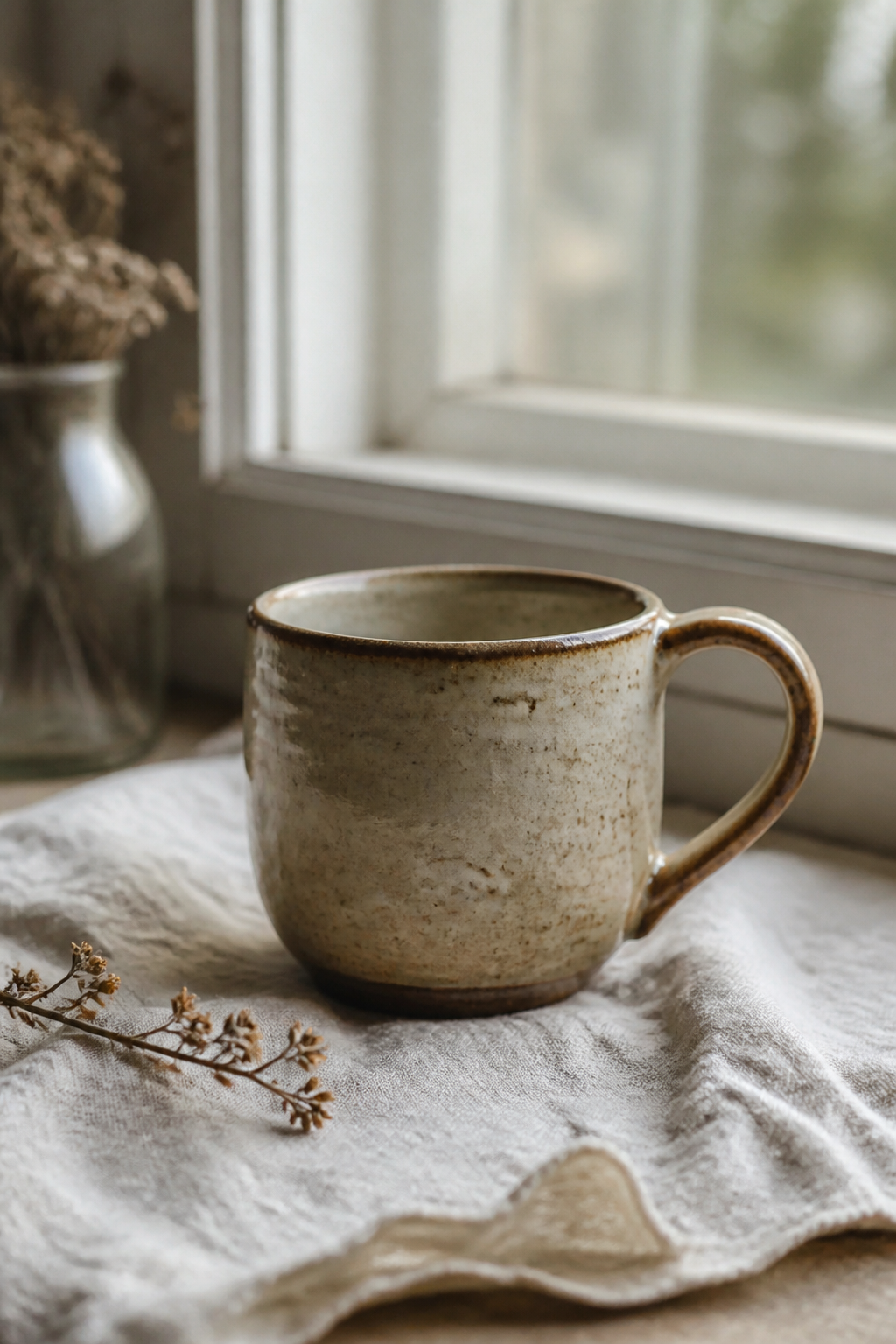
A handmade ceramic mug on a linen cloth beside a window, soft morning light, still life photograph, shallow depth of field.
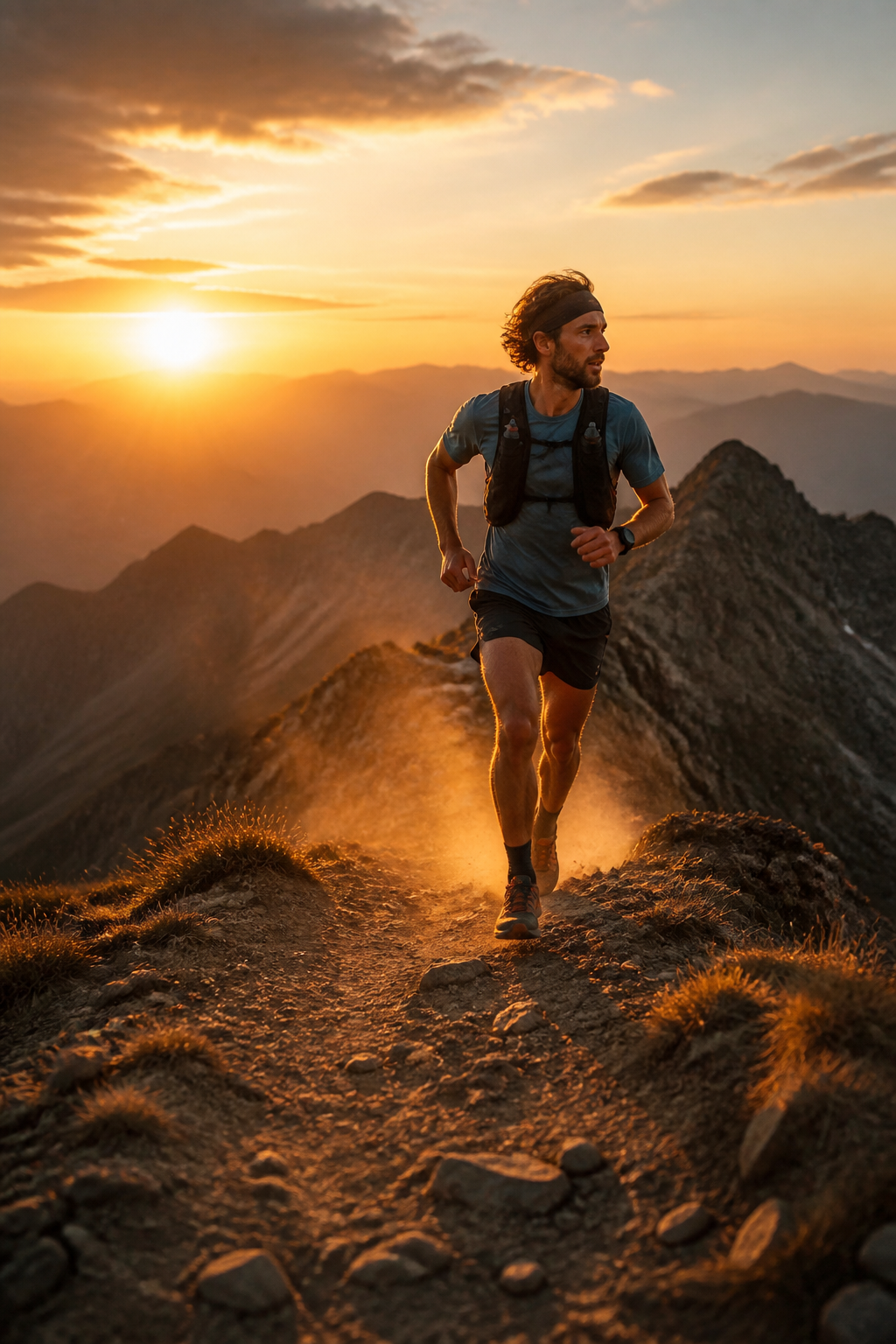
A trail runner cresting a ridge at golden hour, dust in the air, wide cinematic still, warm backlight.
How it works
Describe the still
Subject, light, materials, framing. Two lines is plenty.
Pick the shape
Vertical for a post, square for a feed, widescreen for a scene.
Use it anywhere
Download it, or animate it later with Image to Video.
Specs
- Output
- One image
- Aspect ratios
- 9:16, 1:1 and 16:9
- Input
- A written description
Made in FrameSurfer
Full projects, built from single shots like these.
Questions
How many images do I get?
One per run. Change the prompt and run it again for a different take, rather than sifting through a grid of four.
Do I need an account?
You can write the prompt without one. Generating runs a paid model, so it needs an account on a plan — sign up and the tool opens with your prompt in it.
Can I turn the image into a video?
Yes. Image to Video takes any still as its first frame and animates it from a line of motion.
Can I use the clips commercially?
Yes. Under our terms you own what you create and can use it personally or commercially.
Other tools
Image Edit
Upload a photo and describe the change. Keep everything else the same.
Product Photo
Place a real product into a new scene. The product stays recognizable.
Character Portrait
Create a clear character look you can later turn into a talking clip.
Image to Video
Animate a still. The photo becomes the first frame of the clip.
Describe it. Get the still.
One prompt, one image, seconds later.