
AI image to video
Upload one photo, describe the motion, and get a finished clip. Your still becomes the first frame.
Creating an account is free. Your photo comes with you.
Photo in. Motion out.
Each clip started on the still beside its prompt.
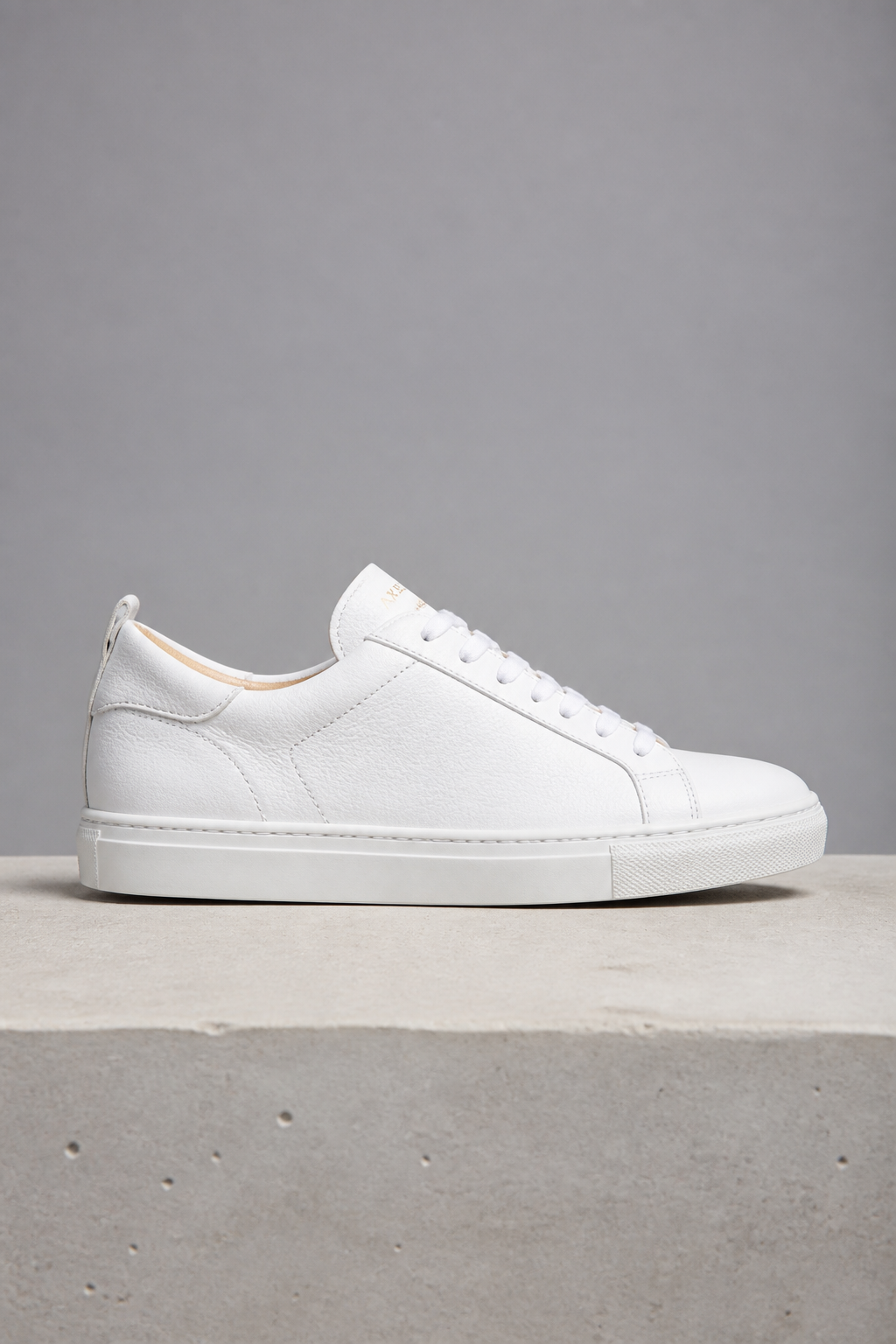
The camera orbits slowly around the sneaker as a soft highlight sweeps across the leather. Nothing else moves.
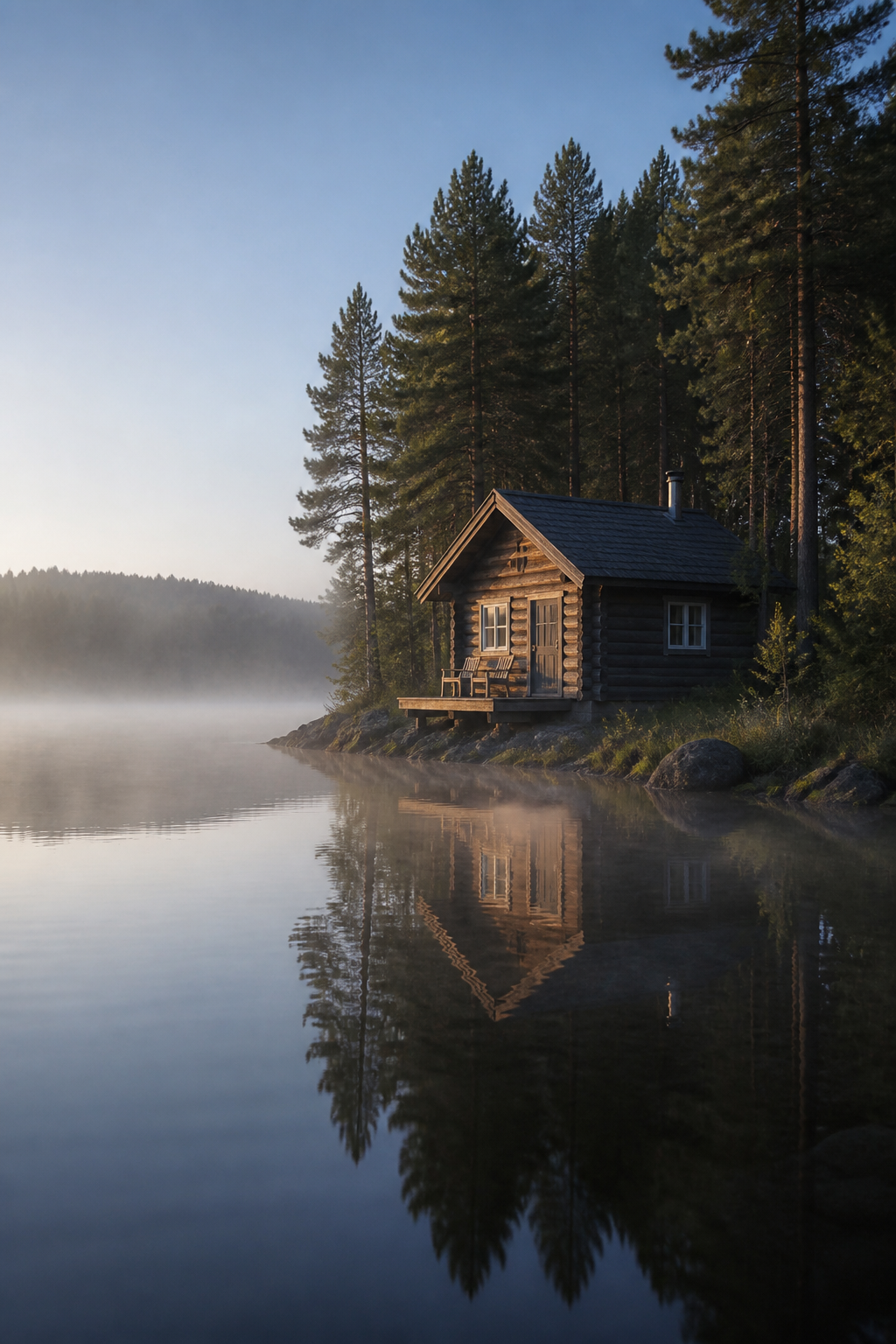
Mist drifts across the water, the reflection ripples gently, and the camera pushes slowly forward toward the cabin.
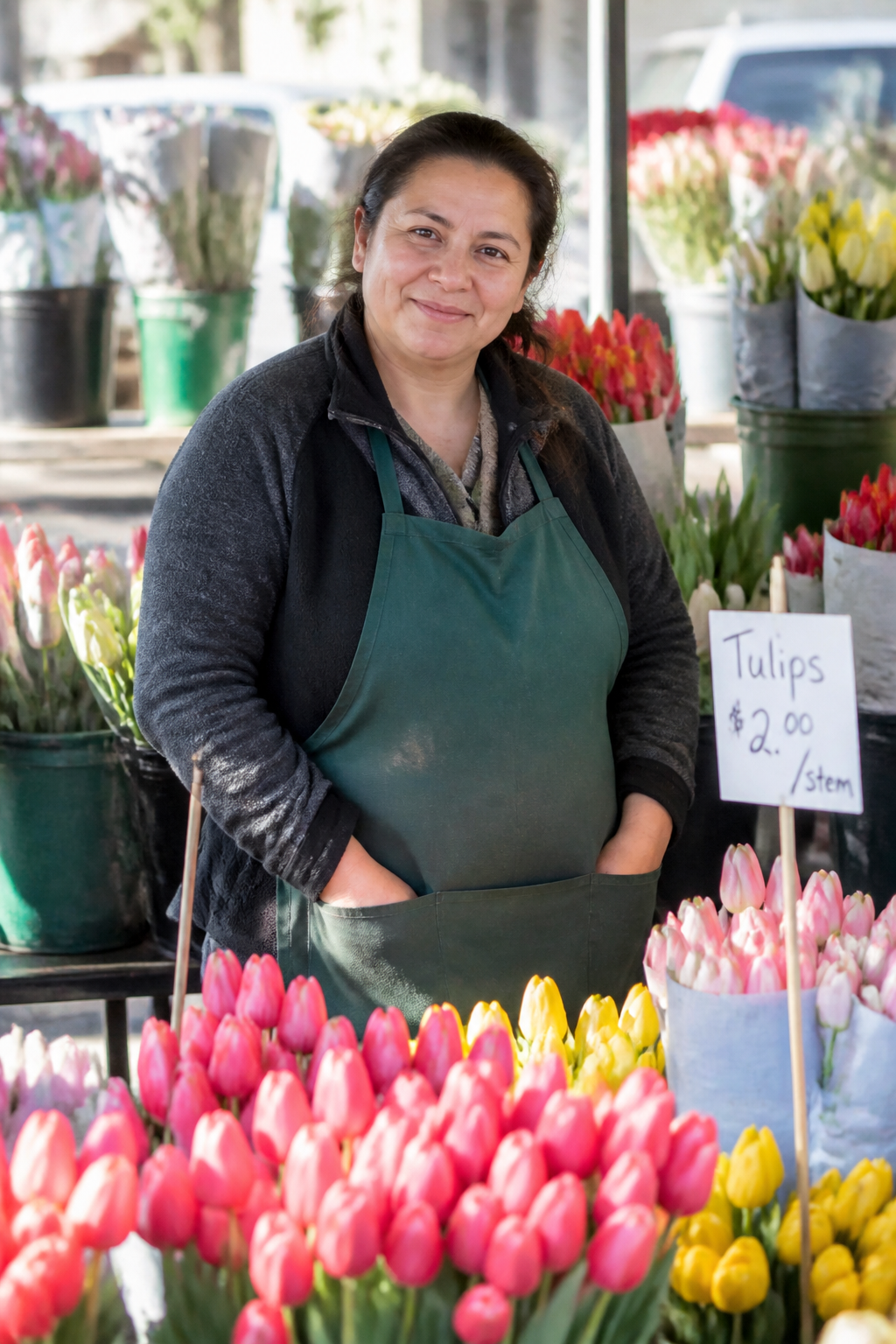
She lifts a bunch of tulips and turns her head toward the camera with a small smile. Leaves and fabric move in a light breeze.
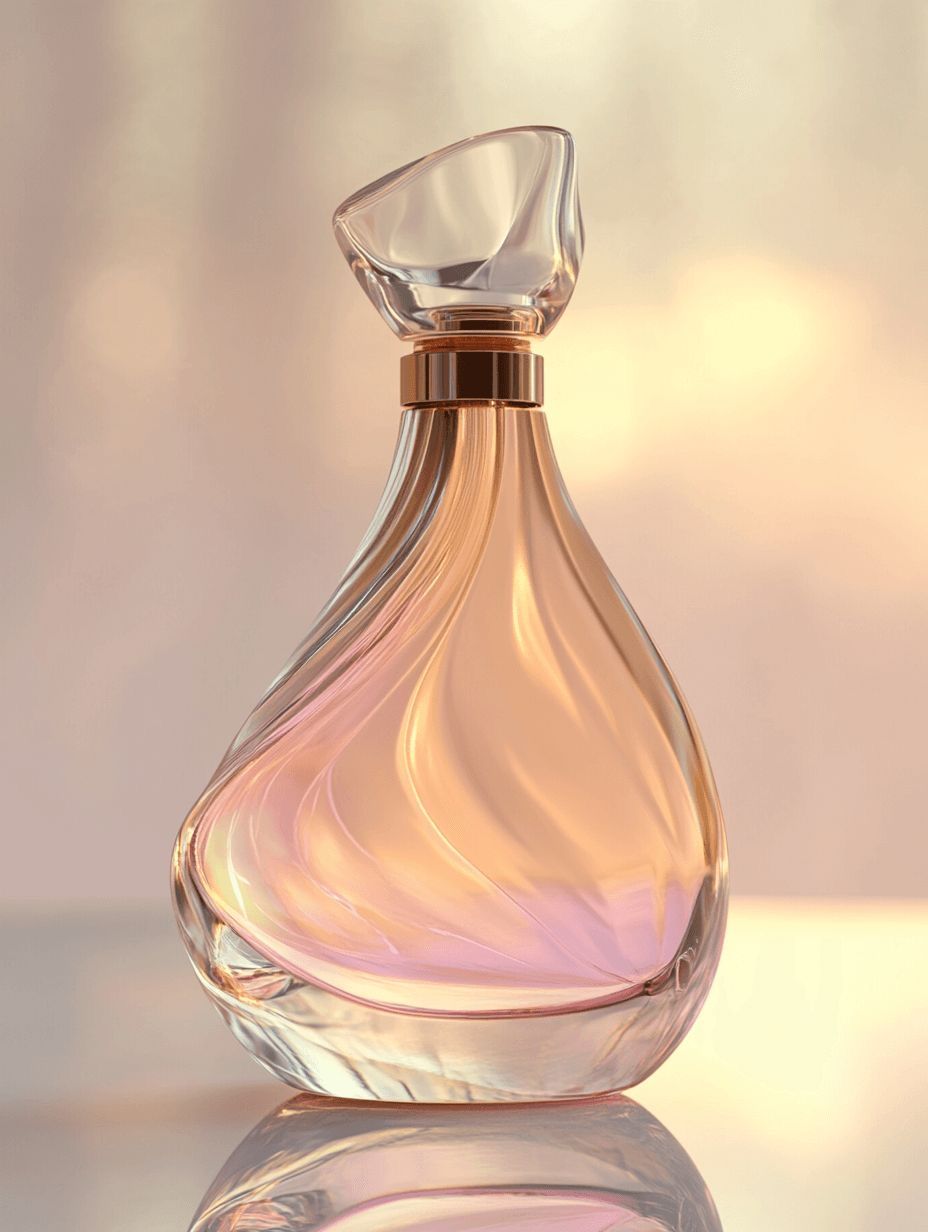
Create a 15-second perfume ad using this bottle and its pastel pink setting. Begin with a close-up of the glass and label, let soft light move across the bottle, and finish with a clean full-product shot.
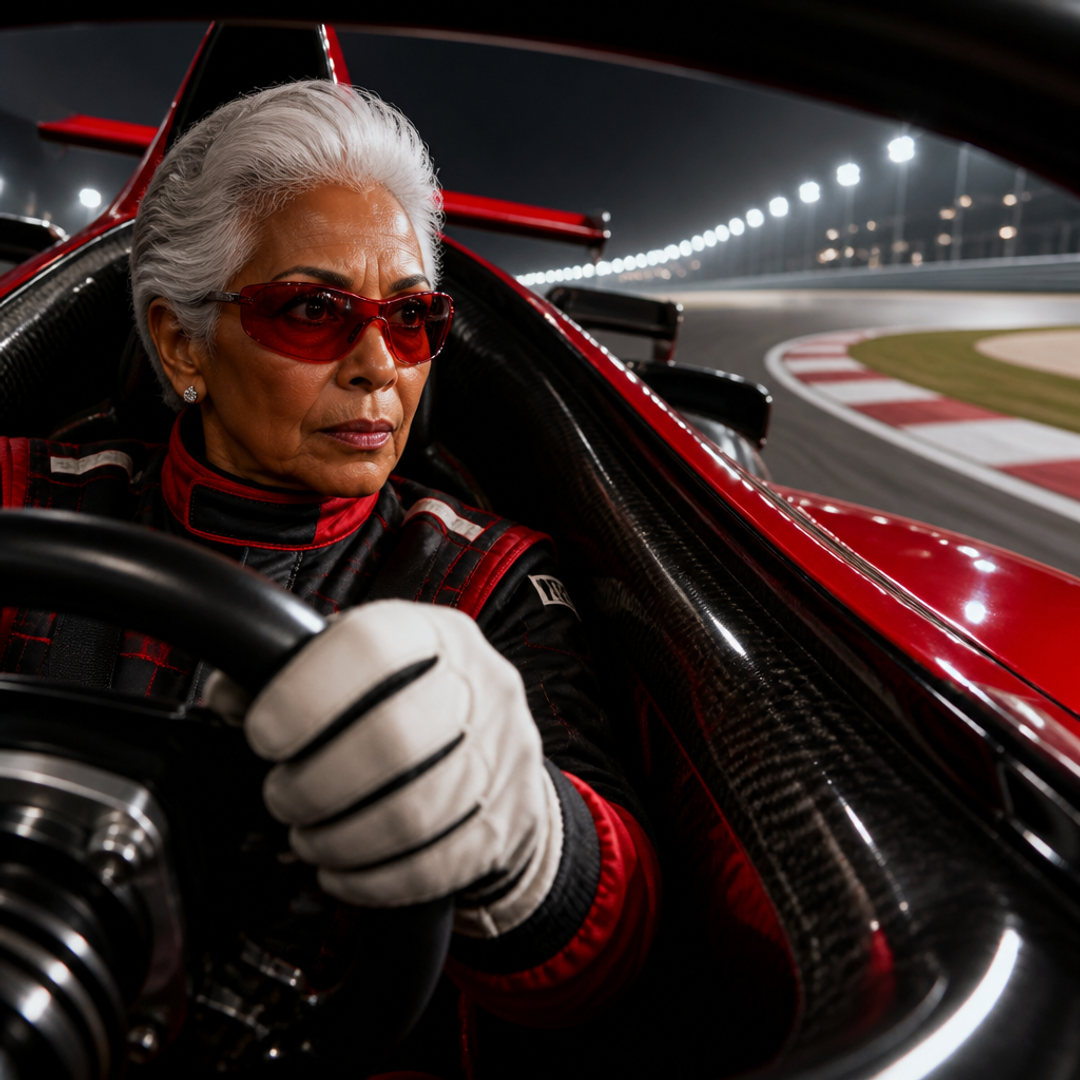
I want a video about a grandma who is the world's greatest Formula 1 driver. A cool grandma.
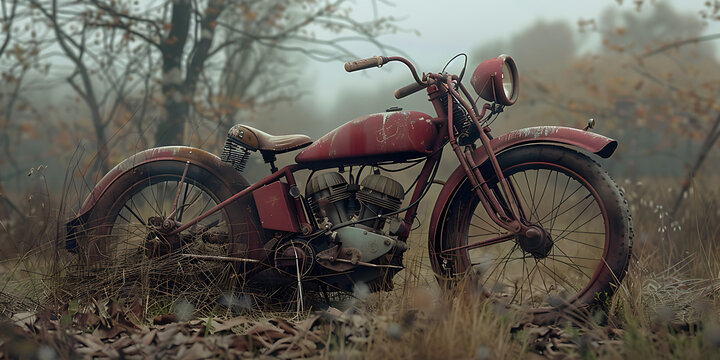
Create a 25-second faceless video showing a mechanic restoring a vintage motorcycle. Show worn parts being removed, the engine being cleaned, sparks during repair, and the finished motorcycle leaving the garage.
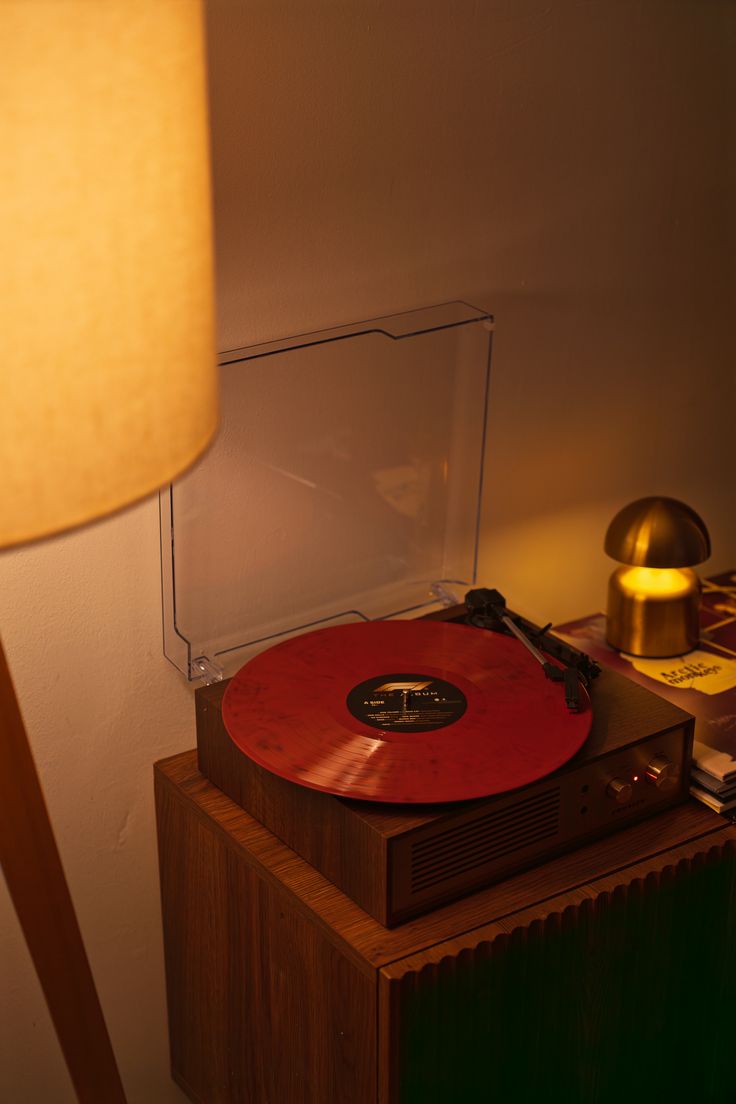
Explain how a vinyl record turns grooves into music in 30 seconds. Follow the needle through the groove, show the vibration becoming a signal, and end with the music coming through the speaker.
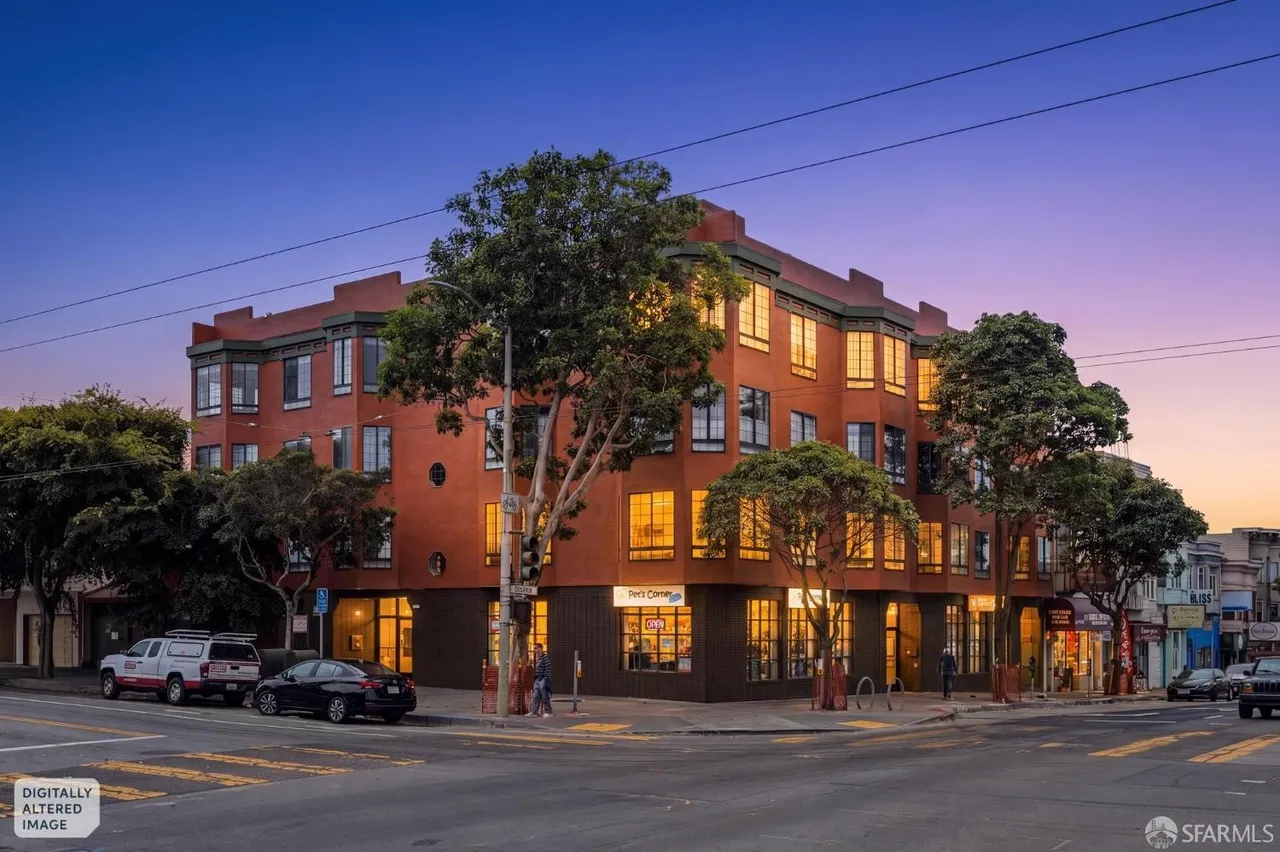
Create a 25-second listing video for this San Francisco apartment. Start with the exterior, move through the living room, kitchen and bedrooms, highlight the natural light, and finish on the city view.
Cards marked Full editor were built as complete projects, not by this tool.
How it works
Add your photo
A product shot, a portrait, a place. It becomes frame one.
Say how it moves
Camera and subject motion. Describe the change, not the picture.
Download it
The MP4 is yours, and the clip stays in your media library.
Specs
- Output
- One MP4 clip, up to 30 seconds
- Aspect ratios
- 9:16, 1:1 and 16:9
- Sound
- Generated audio on or off, per clip
- Pruna P-Video-2 Pro model
- 480p and 768p, up to 15s, default
- Pruna P-Video-2 model
- 720p and 1080p, up to 20s
- Grok Imagine model
- 720p, up to 15s
- MiniMax H3 Max Turbo model
- 480p and 768p, up to 15s
- Alibaba Wan 3 model
- 480p, 720p and 1080p, up to 30s
- Seedance 2.5 model
- 480p and 720p, up to 30s
- Seedance 2.0 Fast model
- 480p and 720p, up to 15s
- Kling 3.0 model
- 720p and 1080p, up to 15s
- Veo 3.1 Fast model
- 720p and 1080p, up to 8s
- Input
- One photo, plus a line about the motion
Made in FrameSurfer
Full projects, built from single shots like these.
Questions
What makes a good source photo?
One clear subject, in focus, without text or logos over it. The model keeps what is already in the frame and adds movement.
How long can the clip be?
Up to 15 seconds on Pruna P-Video-2 Pro, up to 20 seconds on Pruna P-Video-2, up to 15 seconds on Grok Imagine, up to 15 seconds on MiniMax H3 Max Turbo, up to 30 seconds on Alibaba Wan 3, up to 30 seconds on Seedance 2.5, up to 15 seconds on Seedance 2.0 Fast, up to 15 seconds on Kling 3.0 and up to 8 seconds on Veo 3.1 Fast. You pick the exact length before generating.
Will it change my product or my face?
It works from your frame, so the subject stays. Describing motion only — not appearance — keeps it that way.
Do I need an account?
You can pick the photo and write the motion without one. Generating runs a paid model, so it needs an account on a plan — sign up and the tool opens with both waiting.
Can I use the clips commercially?
Yes. Under our terms you own what you create and can use it personally or commercially.
Other tools
Add the photo. Get the clip.
One still, one line of motion, one clip.