
AI character creator
Describe who they are and get a clear portrait — the starting point for a talking clip.
Creating an account is free. Your description comes with you.
A description. A face.
Each portrait below came from the description beneath it.
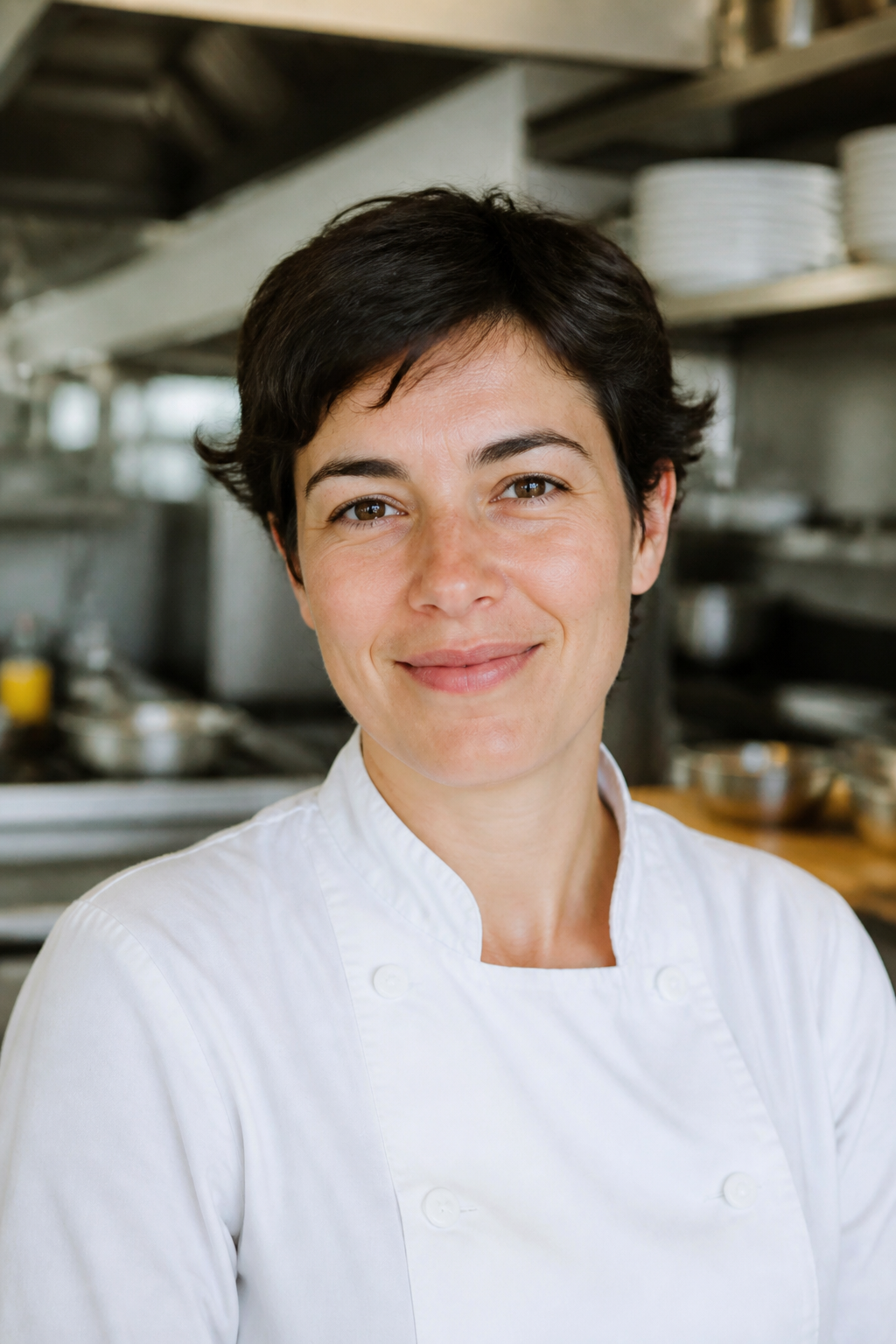
Photorealistic portrait of a chef in her thirties with short dark hair and a warm smile, white chef coat, softly blurred kitchen behind her, natural light.
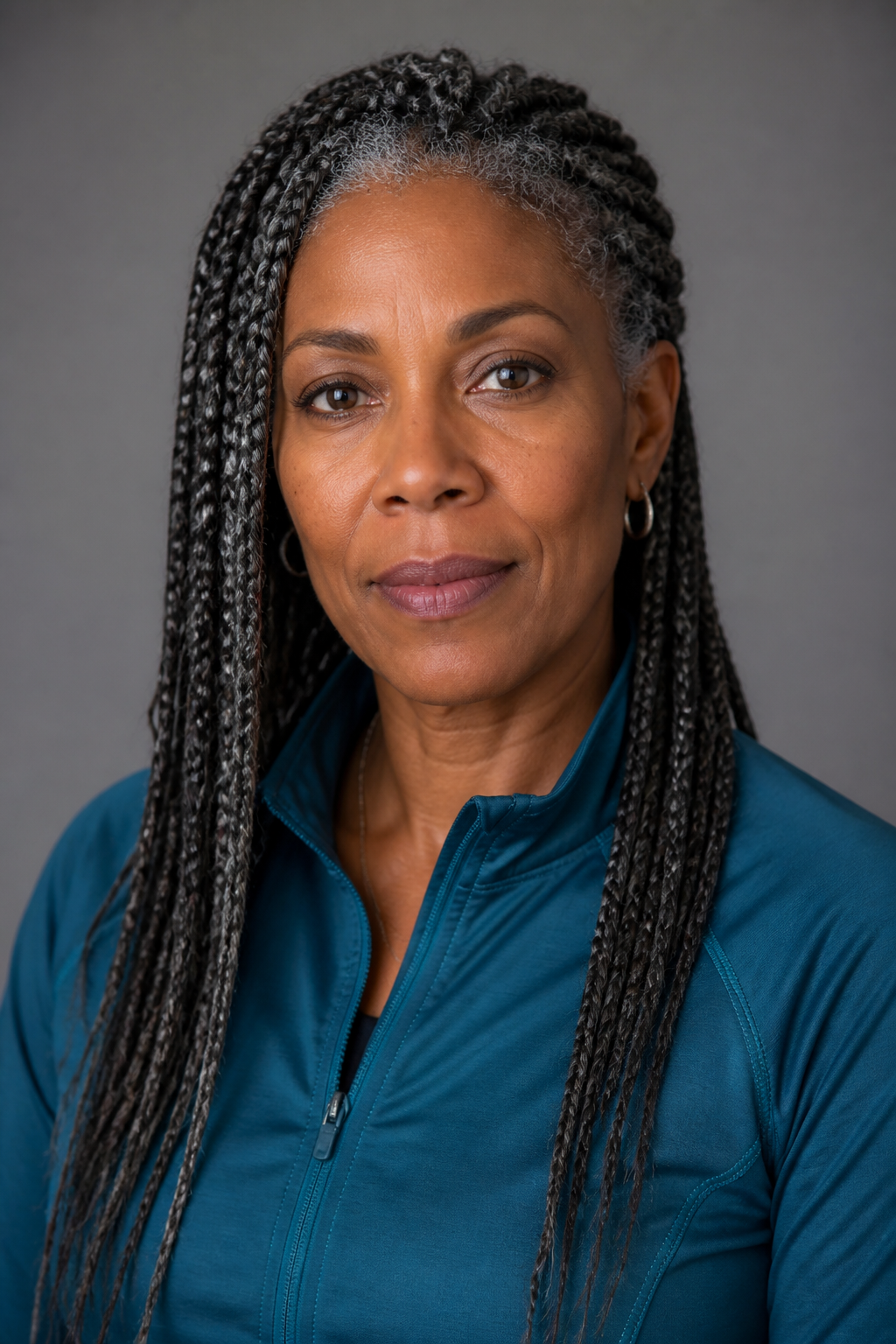
Photorealistic portrait of a woman in her forties with grey-streaked braids in a teal athletic jacket, calm expression, neutral studio backdrop, soft even light.
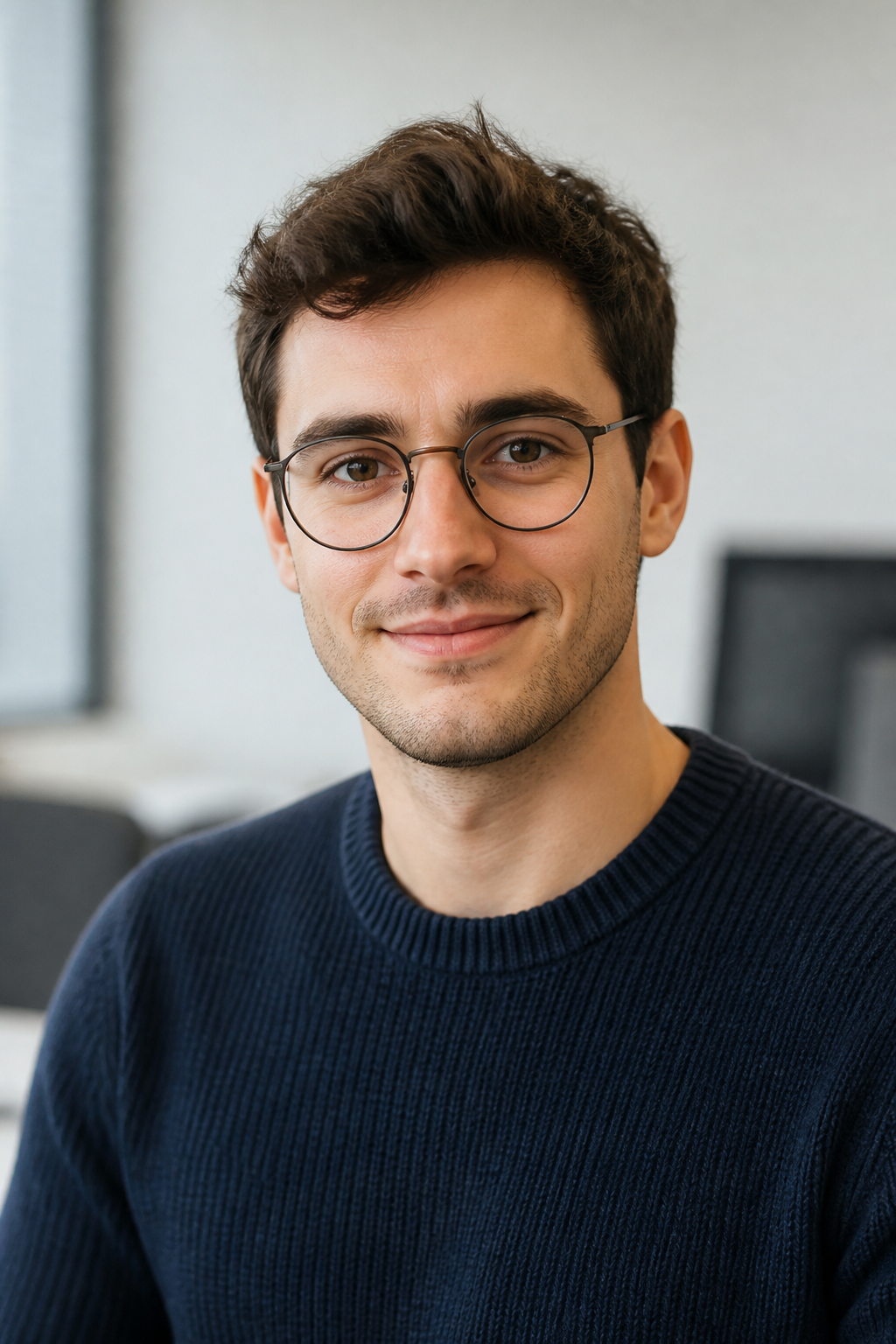
Photorealistic portrait of a young man with round glasses and a navy knit sweater, friendly expression, soft office light, shallow depth of field.
How it works
Describe the character
Age, face, hair, clothing, setting. Specifics keep them consistent.
Get the portrait
One clear front-facing image — the look you will keep reusing.
Give them a line
Talking Character turns that portrait into a clip that speaks.
Specs
- Output
- One portrait
- Aspect ratios
- 9:16, 1:1 and 16:9
- Input
- A written description
Made in FrameSurfer
Full projects, built from single shots like these.
Questions
Can I keep the same character across videos?
Yes — that is what the portrait is for. Save it, then reuse it as the reference for talking clips and scenes.
Can I make them talk?
Talking Character takes this portrait and a written line and gives you a clip of them saying it.
Do I need an account?
You can write the description without one. Generating runs a paid model, so it needs an account on a plan.
Can I use the clips commercially?
Yes. Under our terms you own what you create and can use it personally or commercially.
Other tools
Talking Character
Give a character a spoken line. Use a saved character or one photo.
Image Edit
Upload a photo and describe the change. Keep everything else the same.
Text to Image
Turn a short description into one still for a post, scene, or reference.
Image to Video
Animate a still. The photo becomes the first frame of the clip.

Describe them. Meet them.
One description, one portrait, reusable from then on.