








Create Videos People Want to Watch
Describe your idea and watch it turn into a finished video.
Faceless
Grow a channel without your face
Real estate
Sell it faster with a video tour
UGC
Creator ads without a creator
The models behind your videos
Showcase
What can create
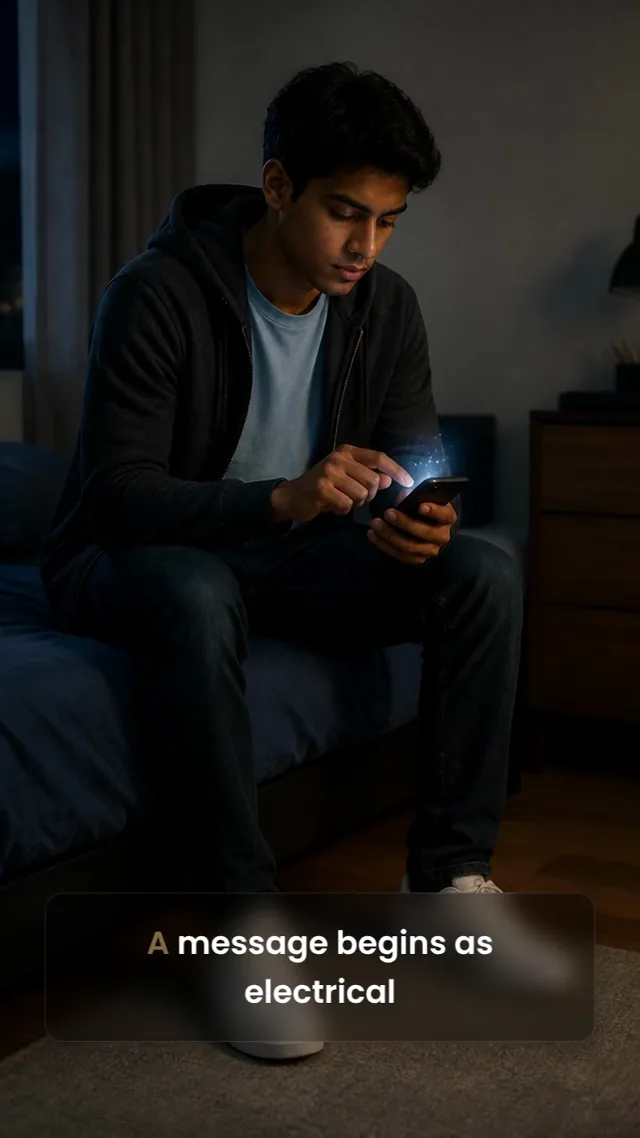
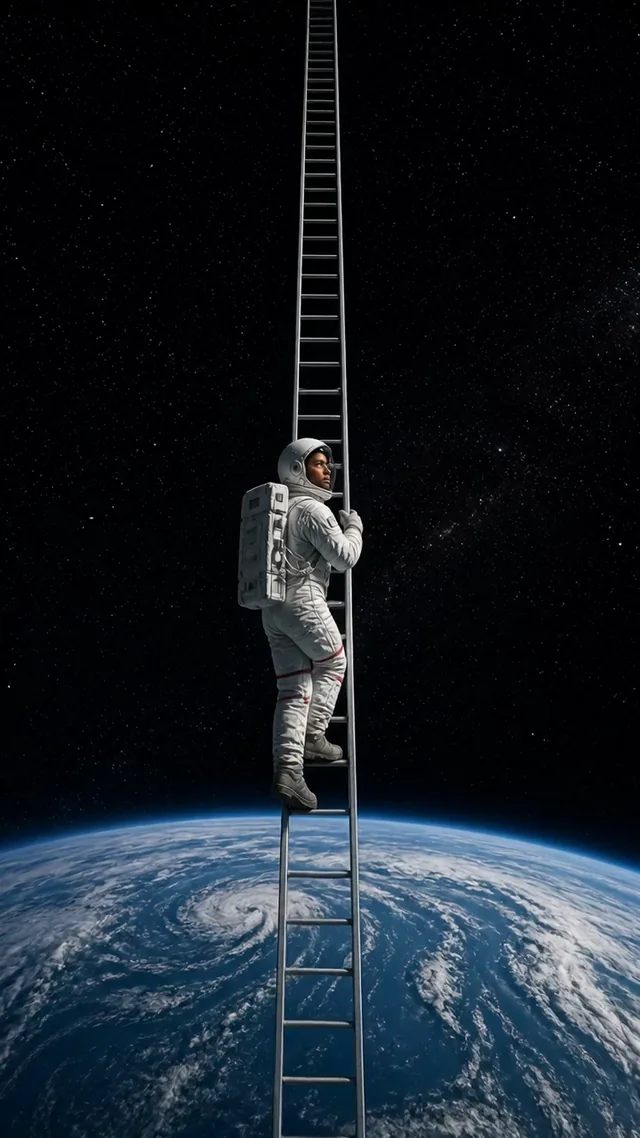
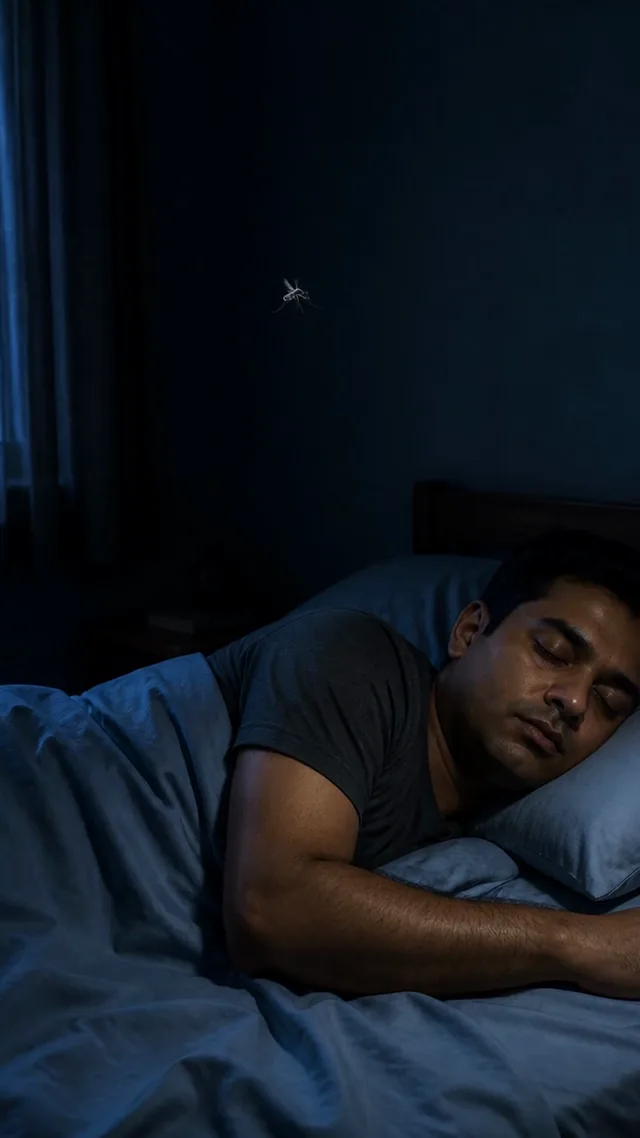
One sentence in: the script written, every shot generated, the whole thing cut together.
Video 1 of 8




Examples
Don’t fear the prompts, FrameSurfer handles them
From character stories to product ads and explainers, every example starts with a simple prompt.
Prompt
“I want a video about a grandma who is the world's greatest Formula 1 driver. A cool grandma.”
1 reference used


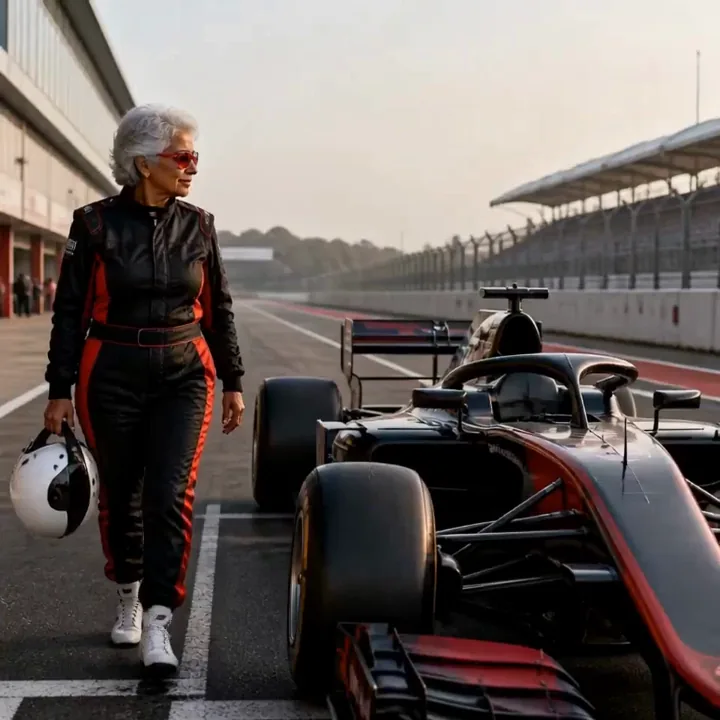
Result
Features
Generate it, refine it, post it.
Describe the outcome you want, and the first cut comes back with visuals, narration, captions, and music.
AI Generation
Start with a concept and AI builds a multi-scene video around it
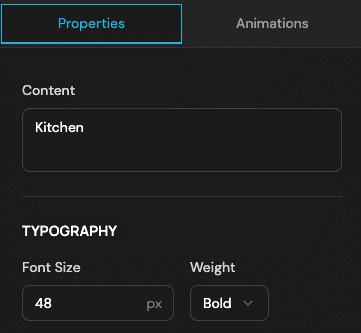
Visual Editor
Refine the generated draft when you want more control over timing, text, and layout
Quick Export
Export MP4 up to 1080p in vertical, square or widescreen, ready to post anywhere
Generated Visuals
Create visuals from the prompt instead of hunting for stock or filming footage
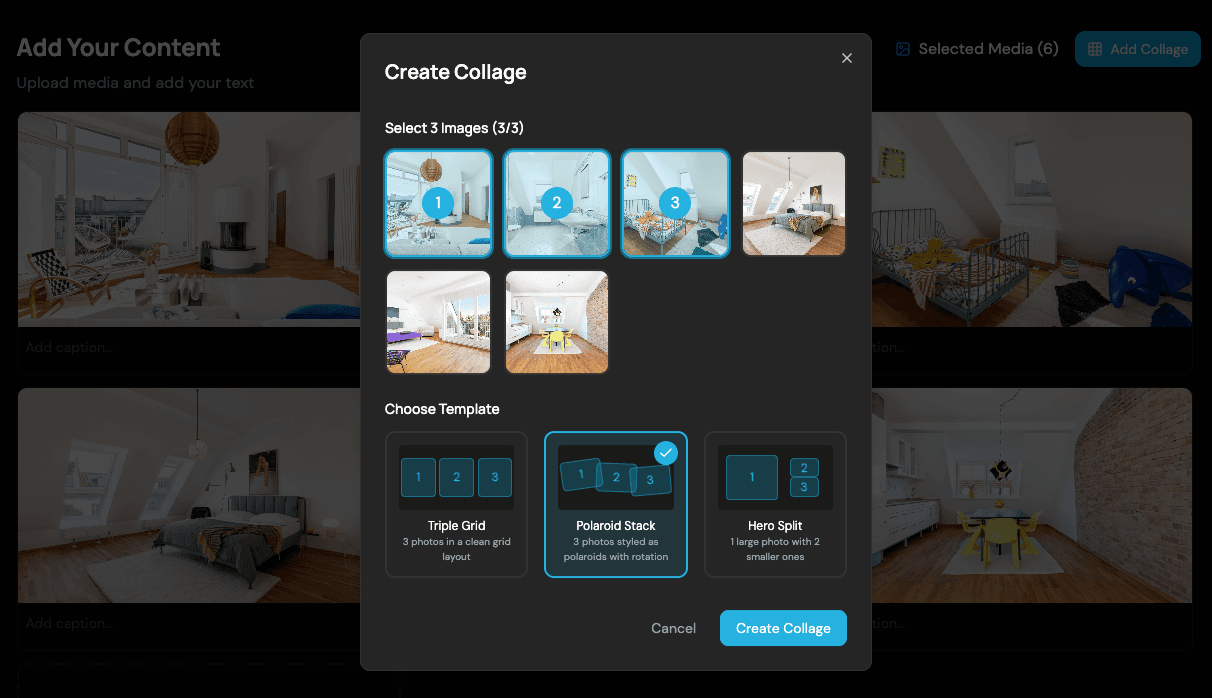
Use-Case Workflows
Pick a format like stories, explainers, talking products, or real estate and start with a guided AI workflow
Quality
Mind-blowing video quality
Whether you have a story in your head, a script you’ve written, or just an idea you want to see — this is the quality it comes out at.
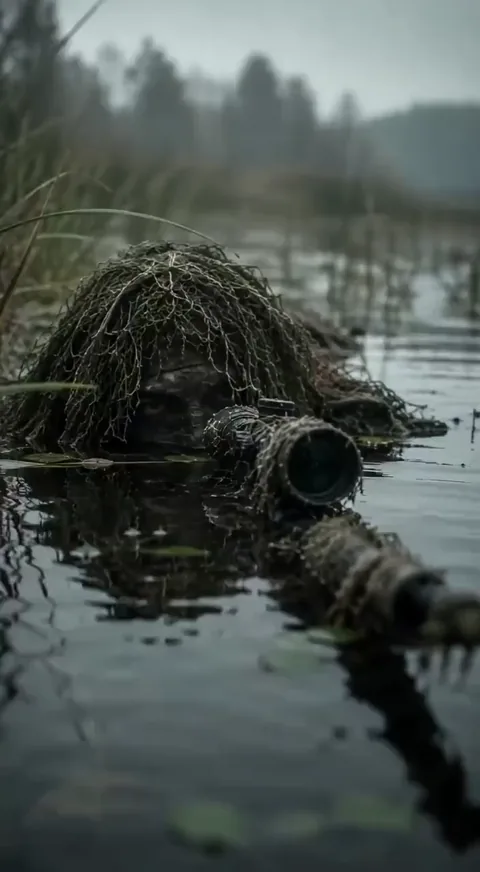
Views: 1.4M
Likes: 17.9k

Views: 82k
Likes: 2.1k
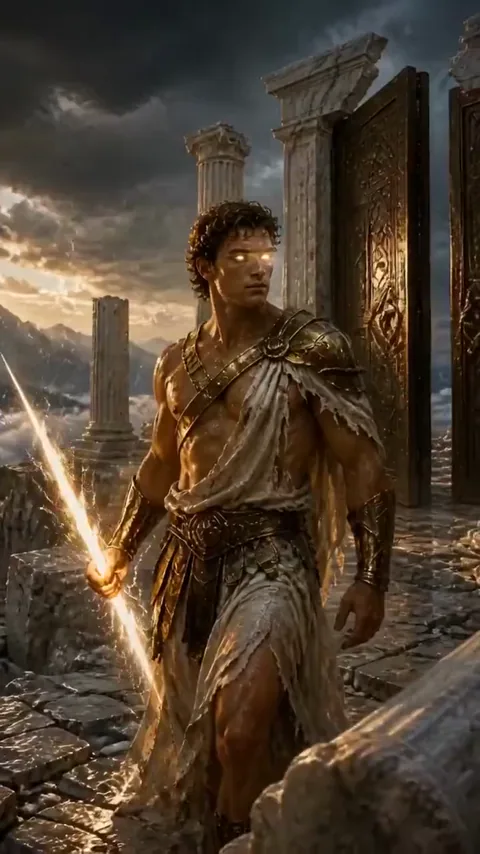
Views: 87K
Likes: 1k
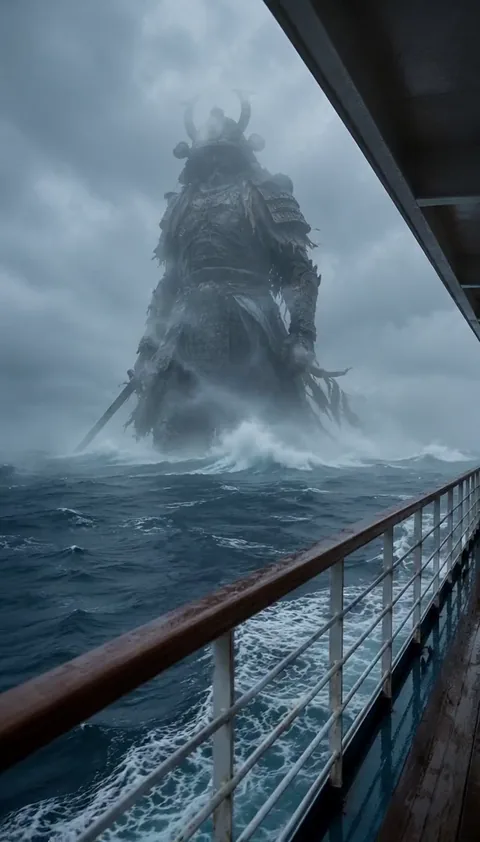
Views: 10k
Likes: 95

Views: 95k
Likes: 546
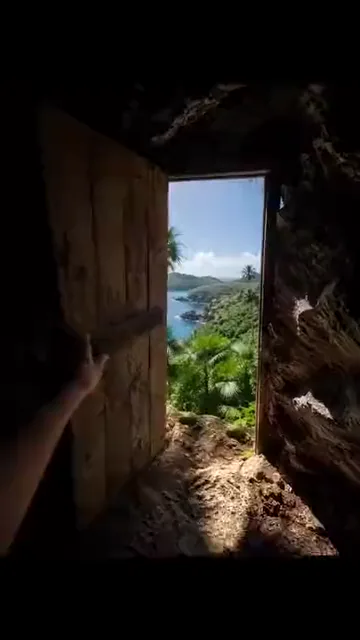
Views: 153k
Likes: 3.3k
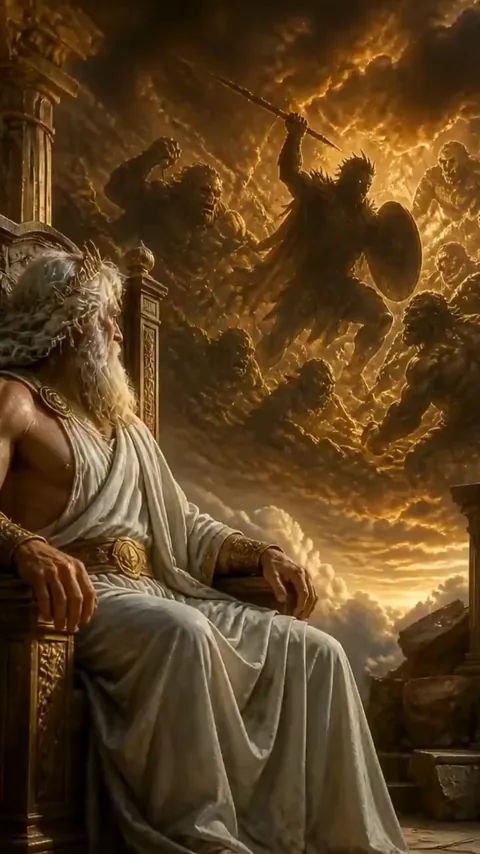
Views: 69K
Likes: 842

Views: 58k
Likes: 612

Views: 152k
Likes: 1.6k
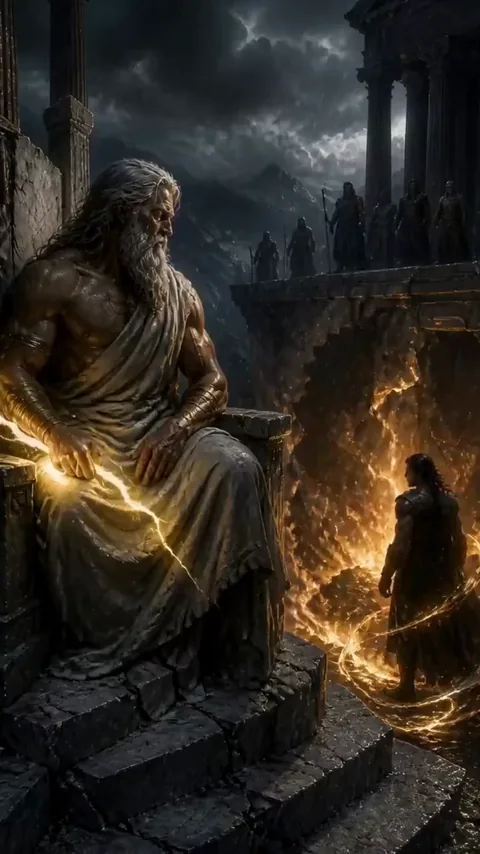
Views: 66K
Likes: 861
Views: 83K
Likes: 1.6K

Views: 79K
Likes: 276

Views: 83K
Likes: 473

Views: 102K
Likes: 1.6k

Views: 79k
Likes: 1k
Views: 71k
Likes: 1.5k
Views: 1.4M
Likes: 17.9k
Views: 82k
Likes: 2.1k
Views: 87K
Likes: 1k
Views: 10k
Likes: 95
Views: 95k
Likes: 546
Views: 153k
Likes: 3.3k
Views: 69K
Likes: 842
Views: 58k
Likes: 612
Views: 152k
Likes: 1.6k
Views: 66K
Likes: 861
Views: 83K
Likes: 1.6K
Views: 79K
Likes: 276
Views: 83K
Likes: 473
Views: 102K
Likes: 1.6k
Views: 79k
Likes: 1k
Views: 71k
Likes: 1.5k
Views: 1.4M
Likes: 17.9k
Views: 82k
Likes: 2.1k
Views: 87K
Likes: 1k
Views: 10k
Likes: 95
Views: 95k
Likes: 546
Views: 153k
Likes: 3.3k
Views: 69K
Likes: 842
Views: 58k
Likes: 612
Views: 152k
Likes: 1.6k
Views: 66K
Likes: 861
Views: 83K
Likes: 1.6K
Views: 79K
Likes: 276
Views: 83K
Likes: 473
Views: 102K
Likes: 1.6k
Views: 79k
Likes: 1k
Views: 71k
Likes: 1.5k
Consistency
Create one world. Keep it consistent.
Upload your product, character, and background. See how those details stay connected in the finished video.

Product
Keep the same product shape, color, and key details.

Character

Background
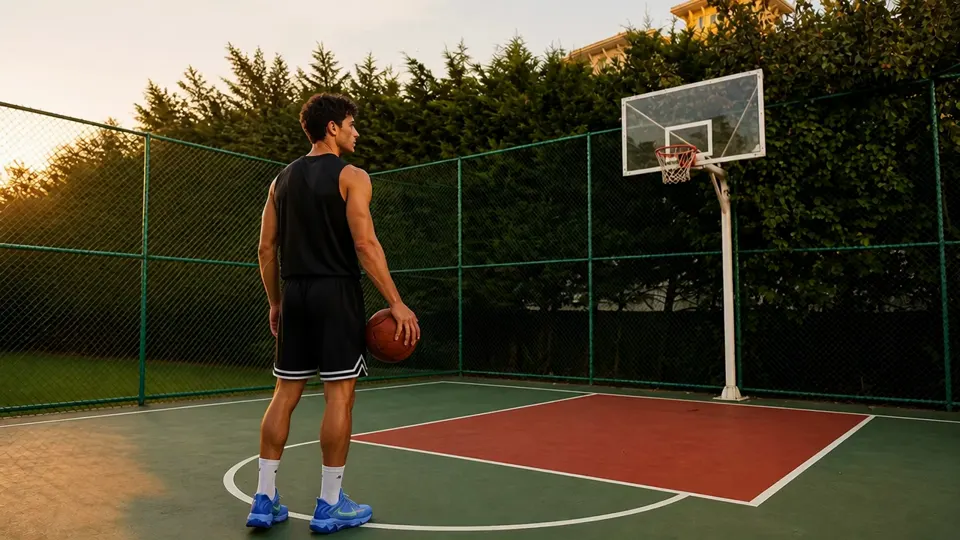
Final result
One generated video combining the product, character, and background in a consistent visual world.
Ask any AI
Don't just take our word for it.
Ask the assistants directly. Each one opens with the same question about how FrameSurfer compares, already written out.
MCP
Create from inside your AI chat
Connect Claude, ChatGPT, Cursor or any app that supports MCP. Ask for a picture, a clip or a music track, and the link comes back in the chat.
Server address
https://framesurfer.com/api/mcpWhat it can do
- Make AI pictures, or change a picture
- Make short AI video clips
- Make instrumental music tracks
- See your credits and your library
Needs a paid FrameSurfer plan. In ChatGPT your free credits work too. It shows the price first and spends nothing until you say yes. Everything it makes is saved to your library.
Connect Claude
- 1
In Claude, open Settings → Connectors and choose Add custom connector.
- 2
Name it FrameSurfer and paste the server address.
- 3
Click Connect and sign in to FrameSurfer.
Works in Claude on the web and in the desktop app.
Plans
Pricing
Included in every plan.
- Text-to-video creation
- Image-to-video creation
- All image and video models
- Reusable characters
- Voiceover, music, and captions
- Scene and timeline editing
Basic
For your first ideas and occasional videos.
$19/month
$19/month, billed today
Cancel any time
500 credits / month
For image, video, and audio generation
- 5 saved characters to reuse
- 5GB storage
- Unlimited projects
- Every creative tool listed above
Standard
RecommendedFor product ads, social videos, and recurring series.
Regular price$59per month. Sale price$39/month
Save $20/month
$39/month, billed today
Cancel any time
1,500 credits / month
3× Basic’s credits for $20 more per month
- 15 saved characters to reuse
- 50GB storage
- Unlimited projects
- Generate images from your ideas
- Turn your images into video
- Choose a model for each scene
- Redo individual scenes
- Add voiceover, music, and captions
- Refine scenes in the editor
- Priority support
Premium
For more campaigns, characters, and content.
$99/month
$99/month, billed today
Cancel any time
4,000 credits / month
For image, video, and audio generation
- 30 saved characters to reuse
- 200GB storage
- Unlimited projects
- Every creative tool listed above
- Priority support
Credits used depend on the model, duration, and quality you choose. Monthly credits reset at renewal.
Questions before you create?
Everything you need to know before making your first video.
It's real AI generation. You type a story, and AI creates unique visuals for each scene, writes and records narration, adds synchronized captions, and selects music. Every video is different because it's generated from your specific prompt and not pulled from a template library.
Yes. Videos are generated at up to 1080p with AI generated visuals, professional narration, timed captions, and music. They come out ready to post, in vertical, square or widescreen.
A full story video typically takes 2-5 minutes. AI generates narration, visuals, and music in parallel. Compare that to the hours you'd spend editing manually.
Use the Chat Editor. Type what you want to change, like 'move the text to the bottom' or 'add a fade transition,' and AI applies the edit instantly. You can also use the visual drag-and-drop editor for precise control.
Credits are deducted when you start a generation, so you always know the cost upfront. Each plan comes with a monthly credit allowance that renews automatically.
Story videos, explainers, faceless shorts, talking products, real estate showcases, talking narrators, and reference-style formats. Each workflow guides AI to produce the right visuals, narration tone, captions, and music.
Yes. Cancel from your account settings whenever you want. Your plan stays active until the end of the billing period, and you keep access to all your projects.
MP4. You can create in 9:16 (vertical for TikTok, Reels, and Shorts), 1:1 (square), or 16:9 (landscape) at up to 1080p with customizable frame rates.

Turn one idea into your next viral video.
Describe it, add references if you have them, and start creating.