FrameSurfer publishes this guide and is one of the tools covered.
Updated September 2026
The best AI video generator depends on what you need back: one clip or a finished video. For single clips, Google Veo 3.1, Kling 3.0, Seedance and Wan 3 lead in September 2026. For a finished video with script, voiceover, captions and music, use an AI video app such as FrameSurfer or CapCut. For a talking presenter, pick HeyGen or Synthesia. Skip Sora: OpenAI closed the app in April 2026 and set September 24, 2026 as its API shutdown date.
Quick picks
- Best all-round clip model: Google Veo 3.1, for realistic shots with built-in sound.
- Best for action and multi-shot scenes: Kling 3.0.
- Longest single shots: Wan 3 and Seedance 2.5, up to 30 seconds each.
- Best free option: Gemini Omni Flash in Google Vids and YouTube Shorts.
- Best for finished short videos from an idea, photo or link: FrameSurfer.
- Best for presenter videos: HeyGen and Synthesia.
- Best for editing footage you shot: CapCut or invideo.
AI video models vs AI video apps
Understand this before you pay. The two get mixed up all the time.
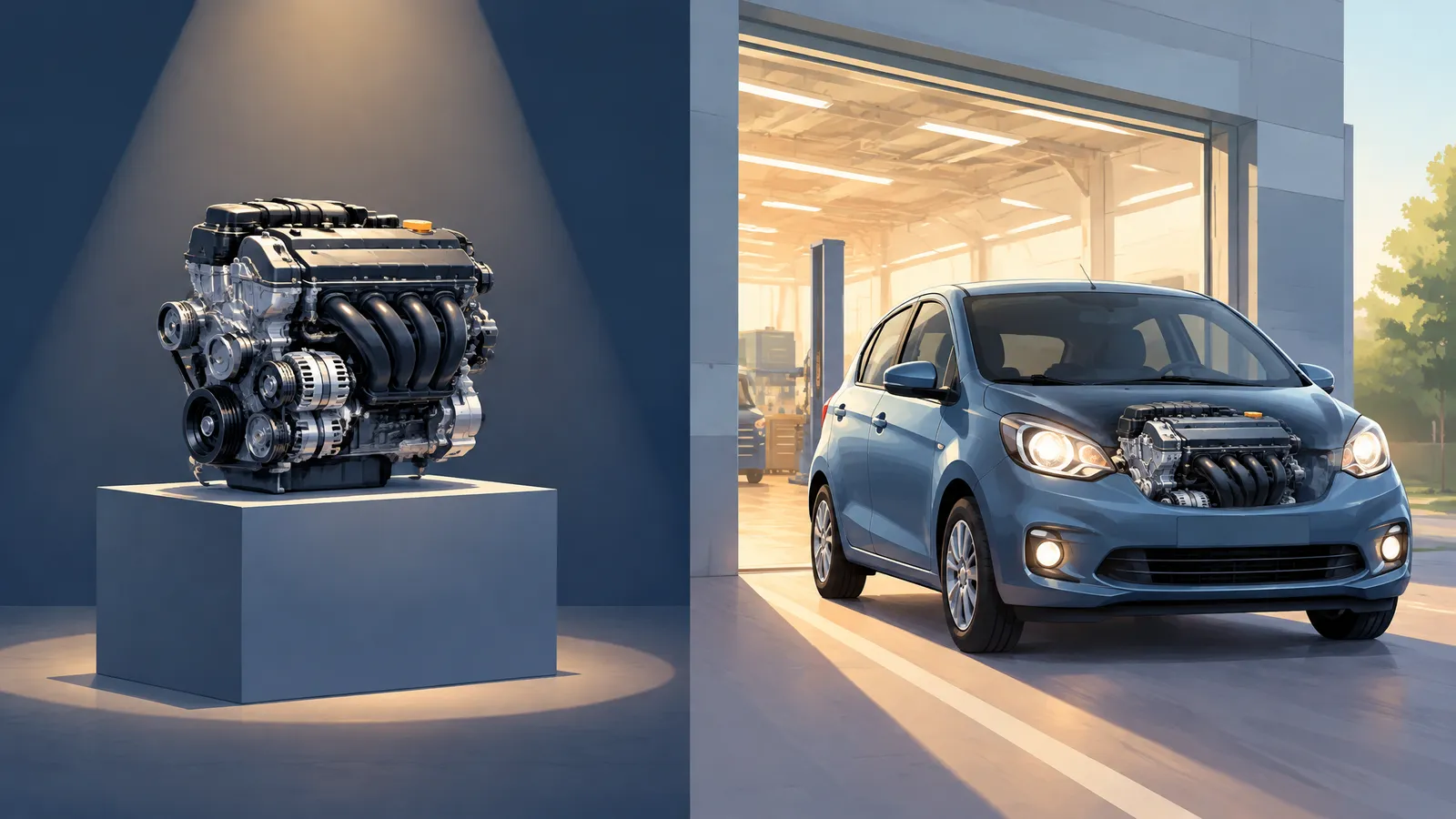
An AI video model is the engine. You give it a prompt or a photo, and it returns one short clip. Veo 3.1 makes clips of up to 8 seconds. Kling 3.0 goes up to 15. The clip is a single shot, with no script, captions or edit.
An AI video app is the workshop around the engine. It plans the scenes, calls a model for each shot, and adds narration, captions and music. Then it cuts everything together.
Say you want a 40-second product ad for TikTok:
- With a model only: you write six prompts and download six clips. Then you add a voiceover, captions and music in a separate editor.
- With an app: you describe the ad or paste the product link. You get back one edited video that you can adjust.
The line is blurring. Runway, Luma, PixVerse and Hailuo now sell other makers' models inside their own apps. So ask two questions. Which models can I use? And what does the tool do after the clip is made?
Comparison table (as of September 2026)
Prices are the lowest paid plan on each official page, in US dollars, as of September 2026. "Monthly" means billed monthly. Several sites run first-month discounts, so check before you pay.
| Tool | Type | Best for | Longest clip | Sound | Starting price |
|---|---|---|---|---|---|
| Google Veo 3.1 | Model (Gemini, Flow) | Realistic clips with dialogue | 8 s, extendable in the API | Yes | $19.99/mo AI Pro (Veo 3.1 Lite trial); highest Veo 3.1 access on Ultra from $99.99/mo |
| Kling 3.0 | Model | Action, multi-shot scenes | 15 s | Yes | Free plan; Standard $8.80/mo after a $6.99 first month |
| Seedance 2.0 / 2.5 | Model | Reference-driven ads | 15 s (2.0), 30 s (2.5) | Yes | No standalone price found; sold inside other apps |
| Wan 3 | Model | Long single shots | 30 s | Yes | Free plan; Pro $6.50/mo monthly, $5/mo yearly |
| MiniMax H3 (Hailuo) | Model | Low-cost clips with sound | 15 s | Yes, stereo | Trial credits; Standard $10.50/mo monthly, down from $14.99 |
| Grok Imagine | Model | Quick clips inside a chatbot | 15 s | Yes | Free to try; paid prices not shown publicly |
| Runway Gen-4.5 | Model and studio | Creative control | 10 s | Separate sound tools | 125 free credits; Standard $15/mo monthly, $12/mo yearly |
| Luma Ray3.2 | Model and studio | Keyframes, HDR | 20 s | Not listed for Ray | Plus $30/mo monthly, $25/mo yearly |
| PixVerse V6 | Model and app | Cheap social clips | 15 s | Yes | Free plan; Standard $10/mo monthly, $8/mo yearly |
| FrameSurfer | App | Finished multi-scene shorts | Up to 30 s per clip, many clips per video | Native on most models; voiceover and music on any | Every plan includes every model |
| invideo AI | App (AI editor) | Editing footage with AI agents | Not stated | Voice and music tools | Basic $9/mo billed annually |
| CapCut | App (editor) | Editing, captions, templates | Not stated | Text to speech | Free to start |
| Canva | App (design) | Short clips inside designs | 8 s with audio | Yes | Free plan; paid price varies by country |
| Synthesia | App (avatars) | Training videos | 10 min of video a month on Starter | 160+ languages | Free plan; Starter $29/mo monthly, $18/mo yearly |
| HeyGen | App (avatars) | Presenters, translation | 30 min per video on Creator | Voice cloning | Free plan; Creator $29/mo monthly, $24/mo yearly |
For clip length, sound and inputs of every model FrameSurfer runs, see our AI video models comparison.
The AI video models
Specs and prices below come from each linked official page, as of September 2026.
Google Veo 3.1
Best at: realistic clips with sound. Veo 3.1 always generates audio, so dialogue and effects arrive in the same file. The Gemini API docs list 4, 6 or 8 second clips at 720p, 1080p or 4K. In the API, a clip can grow 7 seconds at a time, up to 148 seconds, at 720p.
Limits: 8 seconds per generation. On Google's plans page, the $19.99 Pro plan gets a limited trial of Veo 3.1 Lite. The highest Veo 3.1 access is on Ultra, from $99.99 a month.
Google's newer Gemini Omni Flash makes and edits video through conversation. It comes with Plus, Pro and Ultra, and Google says it is free in YouTube Shorts and YouTube Create. Since September 23, 2026, any Google account can use Omni 1.1 Flash free in Google Vids.
Kling 3.0
Best at: movement and short multi-shot scenes. The Kling 3.0 page lists up to 15 seconds per generation, native audio with lip-sync, and multi-shot sequences.
Limits: plans are credit-based. On the membership page, 1080p/4K generation, watermark removal and commercial use are paid-plan benefits. Standard's $6.99 is a first-month offer, then $8.80 a month.
Seedance 2.0 and 2.5
Best at: ads built from references. ByteDance describes Seedance 2.0 as joint audio and video generation from text, image, audio and video inputs. Seedance 2.5 makes up to 30 seconds per generation, with two optional extensions.
Limits: ByteDance's Seedance pages list no consumer price. You reach Seedance through an app, and each sets its own rates. CapCut says Seedance 2.5 is available globally in CapCut. invideo, Runway, Luma and PixVerse sell it too. FrameSurfer runs Seedance 2.5 and Seedance 2.0 Fast. It dropped the full Seedance 2.0 on October 12, 2026.
Wan 3
Best at: long single takes. Alibaba's Wan site leads with native 30-second clips with sound. Its Pro plan is one of the cheapest here.
Limits: the pricing page puts 1080p and 10 to 30 second videos on Pro. The free plan runs one video at a time.
MiniMax H3 (Hailuo)
Best at: low-cost clips with sound. MiniMax launched H3 on July 31, 2026. It makes up to 15 seconds at 2K with native stereo sound. It takes text, images, video and audio as references. The Hailuo plans page lists H3 Max at 480p for $0.042 a second on Standard.
Limits: the free plan is one-time trial credits. The $10.50 price is a discount from $14.99.
Grok Imagine
Best at: quick clips without leaving a chatbot. xAI's Grok page lists text-to-video up to 15 seconds at 720p, free to try. The plans page lists 30-second video on SuperGrok.
Limits: no prices show before you sign in. SuperGrok is 720p; 1080p needs SuperGrok Plus.
Runway Gen-4.5
Best at: creative control. Runway is a full studio. Plans add other models such as Kling 3.0, plus music, voice and sound effect tools and 4K upscaling. Pro adds Seedance 2.5.
Limits: the Gen-4.5 help page lists 2 to 10 seconds at 720p. The pricing page says Standard's monthly credits cover 52 seconds of Gen-4.5.
Luma Ray3.2
Best at: precise motion and post-production. Luma's launch post lists clips up to 20 seconds at 1080p. It also offers up to 16 keyframes per clip and native HDR with EXR export.
Limits: the pricing page shows no free plan. It lists no audio for Ray models, though some third-party models on Luma have it.
PixVerse V6
Best at: cheap social clips and model variety. PixVerse says V6 makes up to 15 seconds at 1080p, with audio and multi-shot sequences. From Pro up, one plan also covers Seedance 2.5, Wan 3.0, MiniMax H3 and Gemini Omni Flash.
Limits: the plans page caps Standard at 720p. 4K and third-party models start on Pro, at $30 a month billed monthly.
Sora 2: discontinued
OpenAI's help center says the Sora web and app experiences ended on April 26, 2026. The API deprecations page lists sora-2 and sora-2-pro for removal on September 24, 2026. Apps that offered Sora 2 through OpenAI's API lose it after that date. If you have old Sora videos, export them.
The AI video apps that build finished videos
Prices and limits below are from each linked official page, as of September 2026.
FrameSurfer
Best at: finished short videos with many scenes. Describe an idea, or give it a photo, a script or a web link. FrameSurfer writes the script, generates every shot, and cuts a video with voiceover, captions and music.
What sets it apart:
- One plan, many models. Choose from Veo 3.1 Fast, Kling 3.0, Seedance 2.5, Wan 3, Grok Imagine, MiniMax H3 Max Turbo and Pruna. The model you pick is the one that runs.
- Start from a link. Paste a product page or property listing. It uses the page's facts and photos.
- Consistent characters. Save a character once and keep the same face across scenes.
You can refine timing, text and layout in a visual editor, or type changes in chat. Videos export as MP4 up to 1080p, in vertical, square or widescreen.
Limits: no 4K export. It is built for short-form social video, not long documentaries or corporate training. It has no stock presenter library like Synthesia or HeyGen. New models can land elsewhere first: Gemini Omni is not in its catalog as of this update.
Need just one shot? The text to video tool makes one clip of up to 30 seconds.
invideo AI
Best at: editing with AI help. The invideo homepage now calls it "the agentic video editor." Its agents find moments in your footage and apply one change across many clips. You work on a multitrack timeline, with script writing and live team editing built in.
Limits: you direct the edit. On the pricing page, Basic only includes Seedance 2.0 Fast and Mini. Seedance 2.5 starts on Pro, at $25 a month billed annually. Unused credits don't roll over.
CapCut
Best at: hands-on social editing. CapCut has auto captions, text to speech and templates. Its "Instant AI video" builds a video from a script, a style, a voiceover and a length, using Seedance 2.5.
Limits: fine control still means editing the timeline yourself. It suits people who like editing.
Canva
Best at: adding a short AI clip to a design. The Canva help page says Canva AI makes 8-second clips with audio, or 6-second clips without. You then edit them in Canva's video editor.
Limits: prompts are English only, and you can't change the audio in clips with sound. Clips use a shared AI allowance.
Synthesia
Best at: training and company videos with an AI presenter. An avatar reads your script, in 160+ languages. Enterprise adds SSO and SCORM export for learning systems.
Limits: it is a presenter format, not a scene generator. Starter covers about 10 minutes of video a month. On the pricing page, downloads start on Starter, not the free plan.
HeyGen
Best at: presenter videos and translation. Creator makes videos up to 30 minutes at 1080p, with voice cloning and 175+ languages and dialects. Pro adds 4K export.
Limits: it is avatar-first. On the pricing page, the free plan covers 3 videos a month, up to 1 minute each.
How to choose by use case
Faceless YouTube channel
You need a script, narration, captions and many scenes, often with the same character. That is app work. FrameSurfer is built for it, and CapCut works if you like editing yourself. For a single free Shorts clip, try Gemini Omni Flash inside YouTube Shorts. See our faceless YouTube channel guide. Read the rules on AI videos and monetization before you upload.
Product ads
Start from what you have. With a product page, URL to video reads it and uses its photos. With a product photo, image to video keeps your photo as the first frame, so the product starts exactly as photographed. For one hero shot, Seedance 2.0, Kling 3.0 and Veo 3.1 Fast are strong picks.
Cinematic clips
Pick the model first. Veo 3.1 suits realism with sound. Kling 3.0 suits motion and multi-shot scenes. Runway and Luma add more control, such as editing tools and keyframes. For one long unbroken take, use Wan 3 or Seedance 2.5.
Talking avatars
For a presenter reading a script, choose HeyGen or Synthesia. That is their core job. FrameSurfer's talking character tool makes a character speak one line, up to 30 seconds. It is not a presenter platform.
Real estate
Listing videos should show the real rooms. Paste a listing link into FrameSurfer's URL to video. It works with Zillow, Realtor.com, Redfin, Rightmove, Zoopla and more, and keeps the listing's own photos. Still, watch every shot before posting, because any AI model can add details that aren't there. Our AI real estate video guide walks through a full tour. If you only make listing videos, our sister product VidListings is built for that one job.
What is the cheapest AI video generator?
As of September 2026, these are free:
- Google Vids: Omni 1.1 Flash for any Google account, since September 23, 2026.
- YouTube Shorts and YouTube Create: Gemini Omni Flash.
- Free plans at Kling, Wan, PixVerse, HeyGen and Synthesia, plus trial credits at Hailuo and Runway.
The cheapest paid plan is Google AI Plus at $4.99 a month, with Flow credits and Omni Flash. Next come Wan Pro at $5 a month billed yearly and Kling Standard at $8.80.
A low monthly price is not the same as cheap video. Compare seconds of video per plan. Runway's $15 Standard plan, for example, covers 52 seconds of Gen-4.5 a month. For the full workflow, see our guide to making AI videos.
Ready to try one idea? Start with FrameSurfer's text to video tool and pick the model that fits your shot.
Frequently Asked Questions
What is the best AI video generator in 2026?
For single clips, Google Veo 3.1, Kling 3.0, Seedance and Wan 3 lead as of September 2026. For finished videos with script, voiceover and captions, an app like FrameSurfer fits better. For presenters, choose HeyGen or Synthesia.
Is there a free AI video generator?
Yes. Since September 23, 2026, any Google account can make videos with Omni 1.1 Flash in Google Vids at no cost. Kling, Wan, PixVerse and HeyGen also have limited free plans.
Which AI video generator is best for YouTube?
For single Shorts clips, Gemini Omni Flash is free inside YouTube Shorts. For full faceless videos with narration and captions, use an app that builds the whole video, such as FrameSurfer.
Is Sora still available?
No. OpenAI ended the Sora app on April 26, 2026, and set September 24, 2026 for removing Sora 2 from its API. Apps that used Sora through the API lose it too.
Which AI video generator makes the longest clips?
Wan 3 and Seedance 2.5 make up to 30 seconds per generation. Veo 3.1 makes 8 seconds, but its API can extend a clip to 148 seconds. Longer videos are several clips cut together.
Can I use AI-generated videos commercially?
It depends on the tool and plan. Kling lists commercial use as a paid-plan benefit. On FrameSurfer, you own what you create and can use it personally or commercially under its terms.