AI real estate videos are listing tours, teasers and social clips that AI builds from material you already have: the listing's photos, price and details. With a listing-based real estate video maker like FrameSurfer, you paste a Zillow, Realtor.com or Redfin link. It reads the price, beds, baths, square footage and photos, then builds a narrated video with captions and music. You still check the script and every shot before you post, because the video has to show the home as it really is.
This guide covers video ideas, a step-by-step workflow from a listing link, editing tips and where to post. It ends with the fair housing and disclosure rules for AI-made property media.
What an AI Real Estate Video Maker Does
Real estate video tools come in two kinds. Template tools give you a fixed layout: you drop in photos and type the text yourself. Listing-based tools read the listing and write the video from its facts.
A listing-based AI real estate video generator handles four jobs:
- Script. It turns the price, specs and description into narration.
- Shots. It starts each shot from a listing photo, and an AI video model adds camera motion.
- Sound and text. It adds a voiceover, captions timed to the words, and music.
- Sizing. It exports vertical for Reels, TikTok and Shorts, or widescreen and square when you need them.
What it must never do: add features the home does not have, hide flaws, or change the view out the window. That is where the legal risk sits, covered below.
Real Estate Video Ideas Agents Use
One listing can feed several videos. Here are the types that come up most, and what each needs.
| Video type | When to post | What to show | Start from |
|---|---|---|---|
| Listing tour | The day the listing goes live | Exterior, main rooms, standout features, key facts | The listing link |
| Just listed teaser | Launch day | The best 3 or 4 shots, price, beds and baths | The listing link, cut short |
| Open house | A few days before | Date, time, address, one reason to come | The listing link plus event details |
| Price improvement | After a price change | The new price and what makes the home worth a look | The updated listing |
| Just sold | After closing | The home and the result | Your closed listing |
| Neighborhood guide | Any time | Parks, cafes, commute, local amenities | Your own photos and notes |
| Agent intro | Once, pinned to your profile | Who you are, where you work, how you help | Your own script |
| Market update | Monthly | Median price, inventory, days on market, with source and date | Your MLS data |
| Rental or vacation listing | When it is listed | Rooms, amenities, location | An Airbnb or Vrbo link |
| Client story | After closing, with permission | A real client describing their move | Their own recorded words |
A few of these carry rules worth knowing:
- Just sold. Under NAR's Code of Ethics, only the listing broker or the cooperating broker may claim to have "sold" a property (Standard of Practice 12-7). Skip "just sold" videos for deals you were not part of.
- Market updates. Use real numbers from your MLS or a named source, and show the date. Never let an AI tool fill in numbers.
- Neighborhood guides. Talk about places, not people. NAR's Standard of Practice 10-1 says REALTORS should not volunteer the racial, religious or ethnic makeup of a neighborhood.
- Client stories. Use only real clients, with their written permission.
For market updates and agent intros, the AI video script generator turns a one-line idea into a timed, scene-by-scene script you can record or generate.
How to Make a Listing Video From a Listing Link
Here is the workflow in FrameSurfer, using a Zillow listing as the example.
- Copy the listing URL. Open the home detail page and copy the address bar. On Zillow, home detail pages, new construction and rental listings all work. FrameSurfer also reads Realtor.com, Redfin, Rightmove, Zoopla, Idealista, ImmobilienScout24 and realestate.com.au listings.
- Paste it into Zillow listing to video. Creating an account is free. Reading the page and building the video need an account on a plan.
- Check what it read. You see the price, beds, baths, square footage, description and photos it pulled. Correct any fact. Remove photos you do not want, such as a cluttered garage. Photos arrive in the order the listing shows them, and you can add your own.
- Shape the script in chat. Tell the agent the length, the tone and what to lead with. Ask for your name, brokerage and phone number in the closing frame, and it rewrites the ending around them.
- Render. The video comes back with voiceover, captions and music. It is vertical by default. Ask for widescreen or square if you need a version for YouTube or your website.
- Review every shot. Compare each clip with its original photo. If a shot added or changed anything in the home, remove it or ask for it again.
- Post with the right disclosures. See the fair housing and disclosure section below.
Write Lines That Work on Video
Listing copy often reads well and sounds wrong out loud. Ask for plain, specific lines:
| Brochure line | Line that works on video |
|---|---|
| "Stunning, move-in-ready home with incredible finishes." | "Three bedrooms, two baths, and a kitchen that opens onto the back patio." |
| "Perfect for a growing family." | "A fenced backyard, plus a fourth bedroom that works as an office." |
The second row matters for fair housing too. Describe the property, not the buyer.
No Listing Link Yet?
For a coming-soon home, add your own photos on the FrameSurfer home page and describe the property in a sentence. To animate a single photo into one clip, use image to video. Short-term rentals work from a link too, with Airbnb listing to video.
Real Estate Video Editing Tips
Whether AI made the first cut or you edited it yourself, the same habits make a listing video work.
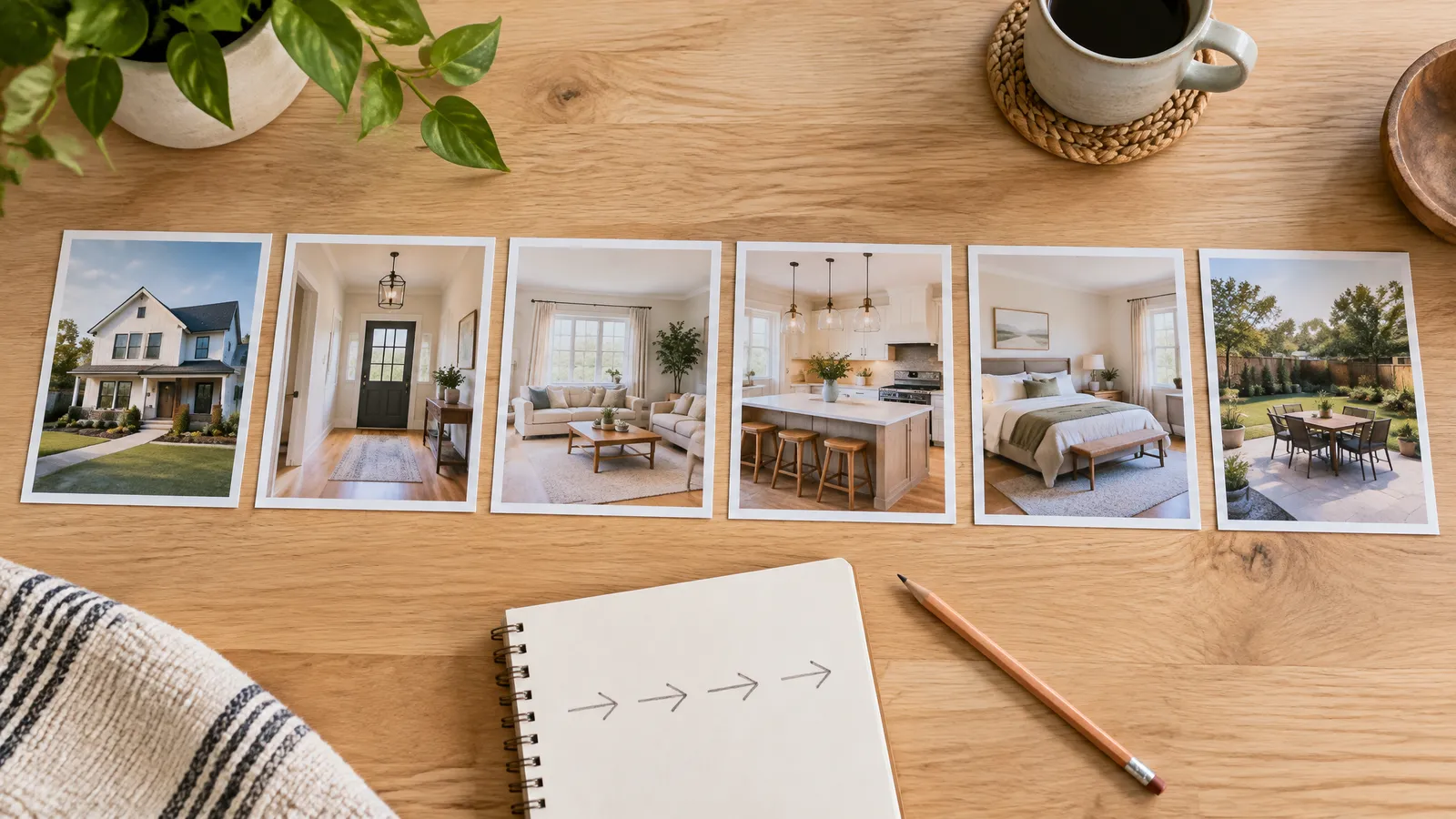
- Order rooms like a showing. Exterior, entry, living areas, kitchen, bedrooms, baths, then outdoor space. A viewer should be able to sketch the floor plan afterward.
- Lead social cuts with the best shot. On Reels, TikTok and Shorts, open on the strongest room or view, not a slow drive-up.
- Put one fact on screen at a time. "4 beds, 3 baths" reads well on a phone. A paragraph of specs does not.
- Use captions every time. They carry the key facts for anyone watching with the sound off.
- Keep the voice on top. Music sits under the narration. If you cannot hear the price clearly, turn the music down.
- Use licensed music only. Popular songs can get a video muted or taken down.
- Brand the ending. NAR's Standard of Practice 12-5 requires REALTORS to disclose their firm's name in ads in a readily apparent way. Put it in the closing frame with your name and contact.
- Give vacant homes more structure. Without furniture, lead with layout and label rooms whose purpose is not obvious.
- Check it on a phone. That is where most people will watch it. Look at text size and pacing there, not on a big monitor.
If you shot your own footage, the basics still apply. Stabilize shaky clips, match brightness from room to room, and use straight cuts instead of flashy transitions. For pacing, music licensing and export settings per platform, see this real estate video editing workflow from our sister site VidListings.

Where to Post Real Estate Videos
| Channel | Format | What works |
|---|---|---|
| Instagram Reels and TikTok | Vertical 9:16 | A short teaser, strongest shot first, one clear next step |
| YouTube Shorts | Vertical, up to 3 minutes (as of September 2026) | A teaser that points to the full tour |
| YouTube | Widescreen 16:9 | A full tour, with home type, neighborhood and city in the title |
| Your website | Widescreen or vertical | Embedded near the top of the listing page |
| MLS and listing portals | Check local rules | Follow your MLS rules on video links and branding |
| Email and texts to buyers | A short clip or link | Sent to buyers whose search matches the home |
The Shorts length comes from YouTube's Shorts upload help page.
For YouTube titles, be literal. "Full Tour: 3-Bedroom Craftsman With a Pool in [Neighborhood], [City]" tells a searcher exactly what they will get. And reuse the same project across the listing's life: launch teaser, full tour, open house reminder, price update.
Fair Housing and Disclosure Rules for AI Property Videos
This section is general information, not legal advice. Check with your broker and your MLS before you publish.
Show the Home as It Is
NAR's Code of Ethics Article 12 requires REALTORS to "present a true picture" in their advertising. Standard of Practice 12-10 extends that duty to online content and images, and bars misleading images.
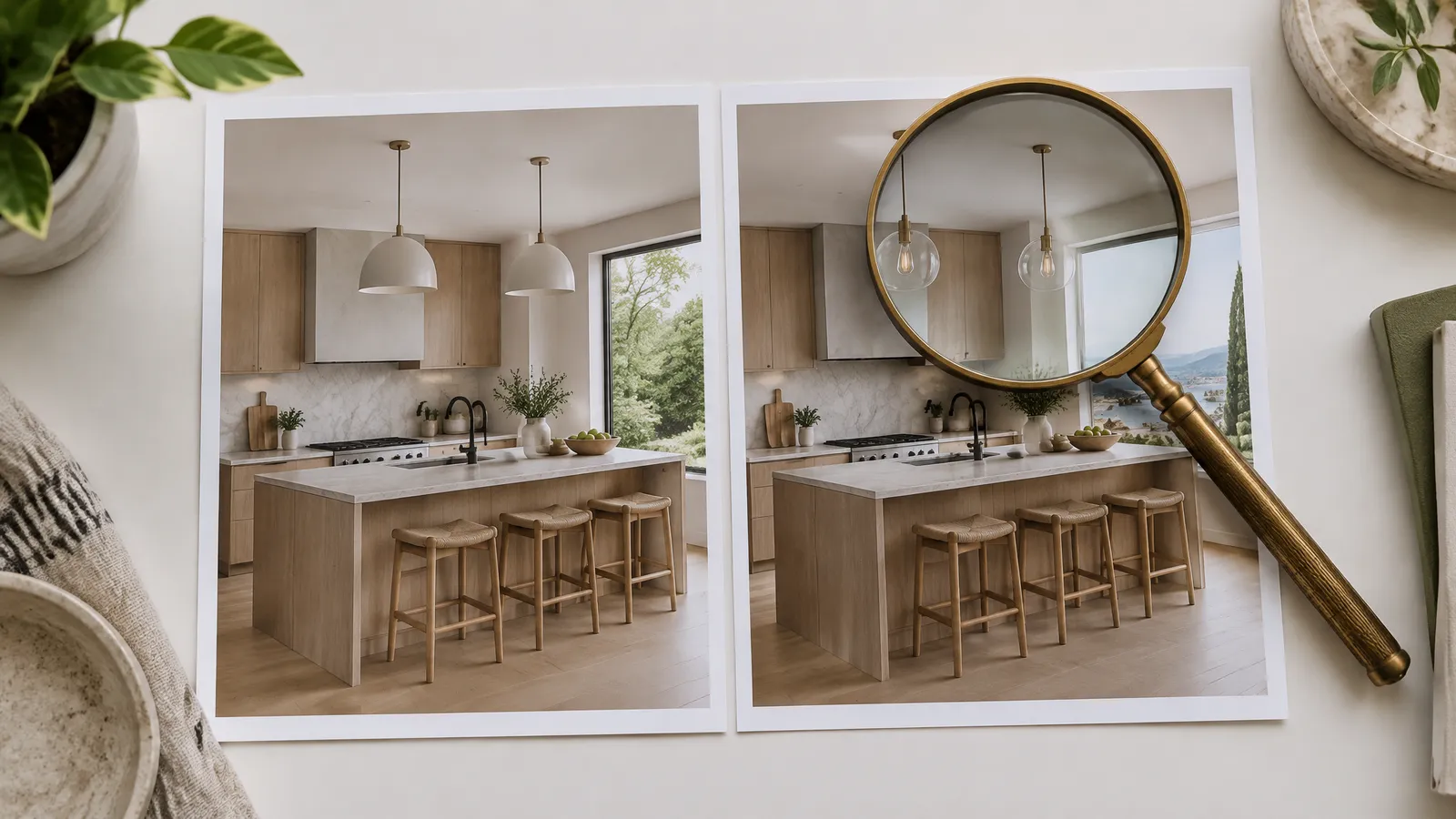
AI video models start from a real photo, but they can still invent details: an extra window, a different countertop, a better view. Treat every AI shot as a draft. If it does not match the home, it does not go out.
Disclose Altered Images Where the Law Requires It
California's AB 723 was signed on October 10, 2025. The San Diego MLS lists its effective date as January 1, 2026. Agents who use a digitally altered image in a property ad must say so. They must also link to the original, unaltered image.
The law defines altered images broadly. It covers added, removed or changed fixtures, furniture, appliances, flooring, paint, yards, views and neighboring properties. Basic edits such as lighting, color correction and cropping do not count. The law talks about images, so ask your broker how your office applies it to video. Your MLS may also have its own rules on virtually staged photos. VidListings keeps a plain-English rundown of virtual staging disclosure rules, including AB 723 and sample MLS rules.
Label AI Where Platforms Ask
YouTube's AI disclosure page asks creators to label realistic AI content. One of its own examples is AI-generated footage of a real place in a promotional video. A listing video with AI motion on real room photos may fall under that. When in doubt, switch on "AI use" in YouTube Studio. TikTok also asks creators to label AI-generated content that contains realistic images, audio or video.
Describe the Property, Not the Buyer
The Fair Housing Act bars housing ads that indicate a preference or limitation based on race, color, religion, sex, handicap (disability), familial status or national origin (42 U.S.C. 3604(c)). NAR's Standard of Practice 10-3 adds sexual orientation and gender identity for REALTORS.
AI scripts can drift into lines like "perfect for young professionals" or "ideal for a couple." Replace them with facts about the home:
| Avoid | Say instead |
|---|---|
| "Perfect for a young family" | "Three bedrooms and a fenced yard" |
| "Great for empty nesters" | "Single-level living with the primary suite on the main floor" |
Market Only Listings You Have Authority to Market
NAR's Standard of Practice 12-4 says REALTORS shall not advertise property without authority. Standard 12-10 also bars presenting content developed by others without attribution or permission. So make videos from your own listings, and check that your photographer's license covers use in video.
What to Expect From Listing Videos
Be honest with sellers about what video does. A Harvard Business School study looked at 75,178 home sales in the Los Angeles area from 2019 to 2021. It found that 3D virtual tours had no significant effect on sale price once photo quality and listing descriptions were taken into account. The authors suggest tours may still help buyers screen out homes that do not fit, and they advise putting high-quality photos and descriptions first.
That study covered 3D tours, not narrated videos, but the lesson carries over. Good photos come first, and a listing video is built from them. Pitch listing videos as a way to reach buyers where they scroll and help them decide whether to book a showing. Do not pitch them as a way to raise the price. Track what you can measure: views, watch time, messages, and showing requests that mention the video.
Make Your Next Listing Video
Paste the link the morning the listing goes live. Check the facts, check every shot, add your disclosures, and post. You can turn a Zillow listing into a video, or start from any supported site on the URL to video page.
If listing videos are most of what you make, our sister product VidListings is built only for them: paste the listing link, pick the photos, and every photo gets a slow camera move, with music, your agent card and Just Listed or Open House title cards.
Frequently Asked Questions
How do I make a real estate video with AI?
Start from the listing link or your own photos. A listing-based tool like FrameSurfer reads the price, specs and photos, writes the narration, and builds a video with captions and music. Review the script and every shot before you post.
Can AI turn Zillow listing photos into a video?
Yes. FrameSurfer reads a public Zillow home detail page, uses its photos in listing order as the footage, and builds a narrated vertical video. FrameSurfer is an independent tool and is not made by Zillow.
Do I have to disclose AI in real estate videos?
It depends on your state and on what the AI changed. California's AB 723 requires a disclosure and a link to the originals for digitally altered property images. NAR's Code of Ethics bars misleading images, and YouTube asks for a label on realistic AI footage of real places.
How long should a real estate listing video be?
Keep social teasers short, often 15 to 45 seconds, with the best shot first. A full tour for YouTube or your website can run longer, as long as every room earns its time.
What is the best real estate video maker?
It depends on where you start. If you have a live listing and want a narrated video without editing, a listing-based tool like FrameSurfer fits. If you shoot your own footage and want full control, a traditional video editor is the better choice.
Can I make a video from another agent's listing?
Not without authority. NAR's Standard of Practice 12-4 bars advertising property without authority, and listing photos are someone else's copyrighted work. Ask the listing agent first.