
Pregnancy announcement video
One photo in. A short clip that tells everyone the news out.
Creating an account is free. Your photo comes with you.
A photo becomes the news.
The small image is the photo that went in. The prompt is how it moves.
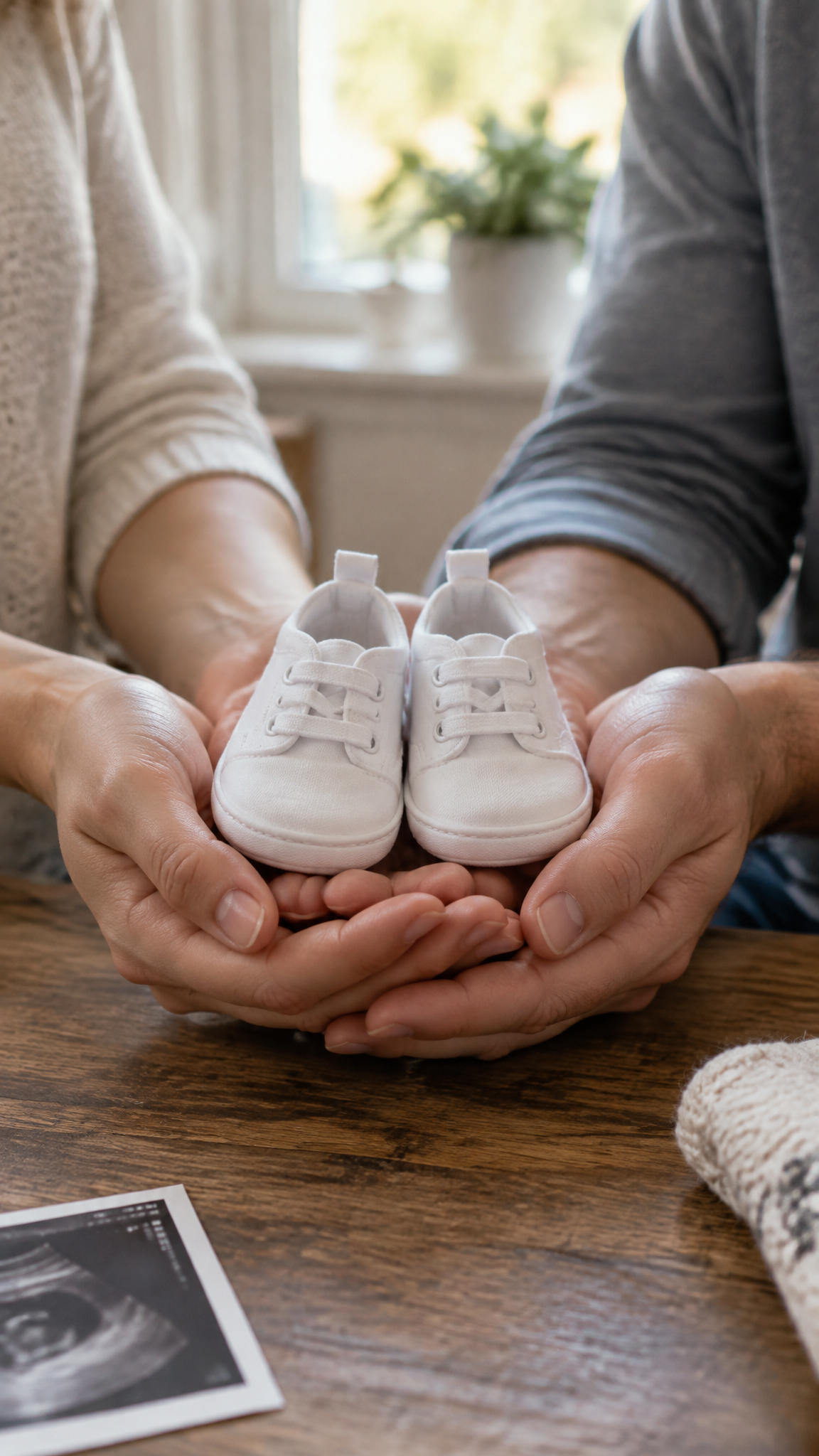
The hands slowly move the tiny shoes forward toward the camera, one hand rests gently on top of the other, and soft light spreads across the table.
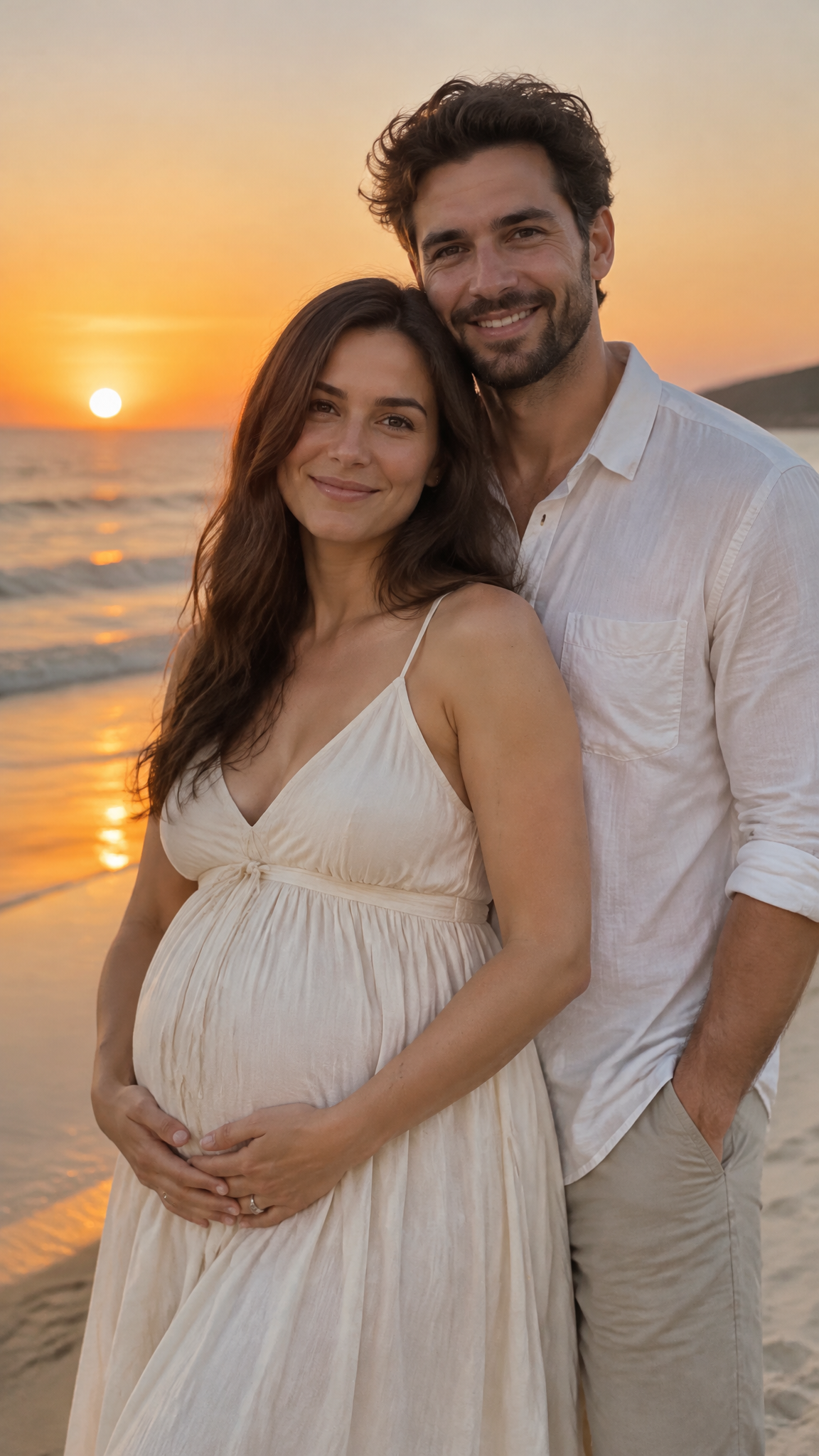
He wraps his arms around her and places his hands over hers on her belly. She laughs and leans back into him as the waves roll in.
How it works
Add the photo
Baby shoes, the scan, the two of you, the dog with a bow. A photo you already have works.
Say how it moves
A hug, a hand on the belly, the camera pushing in on the shoes.
Add your words and share
Put "Coming in June" on top in your phone's editor, then send it.
Specs
- Output
- One MP4 clip, up to 30 seconds
- Aspect ratios
- 9:16, 1:1 and 16:9
- Sound
- Generated audio on or off, per clip
- Pruna P-Video-2 Pro model
- 480p and 768p, up to 15s
- Pruna P-Video-2 model
- 720p and 1080p, up to 20s
- Grok Imagine model
- 720p, up to 15s
- MiniMax H3 Max Turbo model
- 480p and 768p, up to 15s
- MiniMax H3 Lite model
- 480p and 768p, up to 15s, default
- Alibaba Wan 3 model
- 480p, 720p and 1080p, up to 30s
- Seedance 2.5 model
- 480p and 720p, up to 30s
- Seedance 2.0 Fast model
- 480p and 720p, up to 15s
- Kling 3.0 model
- 720p and 1080p, up to 15s
- Kling 4.0 model
- 720p and 1080p, up to 30s
- Veo 3.1 Fast model
- 720p and 1080p, up to 8s
- Input
- One photo, plus a line about the motion
Made in FrameSurfer
Full projects, built from single shots like these.
Questions
Can it write "We're expecting" on the video?
Lettering drawn by the AI can come out misspelled, so leave the words out of the prompt. Add them on top in your phone's editor or in FrameSurfer's editor.
Can I use our ultrasound photo?
Yes. Keep the motion gentle, like the camera slowly pushing in, so the picture itself stays as it is.
Is it free?
You can try it free. New accounts get 20 free credits with no card, and they make clips on MiniMax H3 Lite at 480p. Every other model and size needs a plan.
How much does it cost?
Two ways to pay. $20 once buys 500 credits that stay until you use them, with no subscription. Or Basic is $19 a month for 500 credits. Either one covers more than one video, so you can make a few takes and keep the best. You see the credits a video takes before you make it.
Can I use the clips commercially?
Yes. Under our terms you own what you create and can use it personally or commercially.
Videos for every occasion
Same tools, each set up for one moment.
AI Christmas photo
Upload a photo and say how Christmas it should look. The faces stay exactly as they are.
Personalized Santa video
Type what Santa should say, with your child's name. Get a video of Santa saying it, in minutes.
Black Friday ad video
Upload a product photo and say how the Black Friday ad should move. Get a vertical clip ready for Reels, TikTok and Stories.
Video call from Santa
Santa calls your child by name from the North Pole. You write what he says.
Happy birthday from Santa
Santa wishes your child a happy birthday by name. You write what he says.
Santa caught on camera
A photo of your living room in. A video of Santa leaving presents in it out.
Elf caught on camera
A photo of your elf in. A video of it moving when nobody is looking out.
Christmas video card
Your Christmas photo in. A moving card with falling snow out.
Tooth fairy caught on camera
A photo of their pillow in. A video of the tooth fairy's visit out.
Easter Bunny caught on camera
A photo of your garden in. A video of the Easter Bunny hiding eggs in it out.
Leprechaun caught on camera
A photo of your kitchen or trap in. A video of a leprechaun sneaking through it out.
Gender reveal video
Your photo in. A reveal clip out: the balloon pops, pink or blue.
Wedding invitation video
Your engagement photo in. A save the date clip out.
Talking dog video
A photo of your dog or cat in. A video of them saying your words out.
Other tools

Tell them the news.
One photo, one line, one clip.