
Views: 1.4M
Likes: 17.9k
Describe your idea. FrameSurfer will help build it, refine it, and finish the video.
 can create
Explore stories, explainers, product videos, and visual experiments—from first prompt to final edit.
Video 1 of 8
From character stories to product ads and explainers, every example starts with a simple prompt.
Prompt
“I want a video about a grandma who is the world's greatest Formula 1 driver. A cool grandma.”
1 reference used
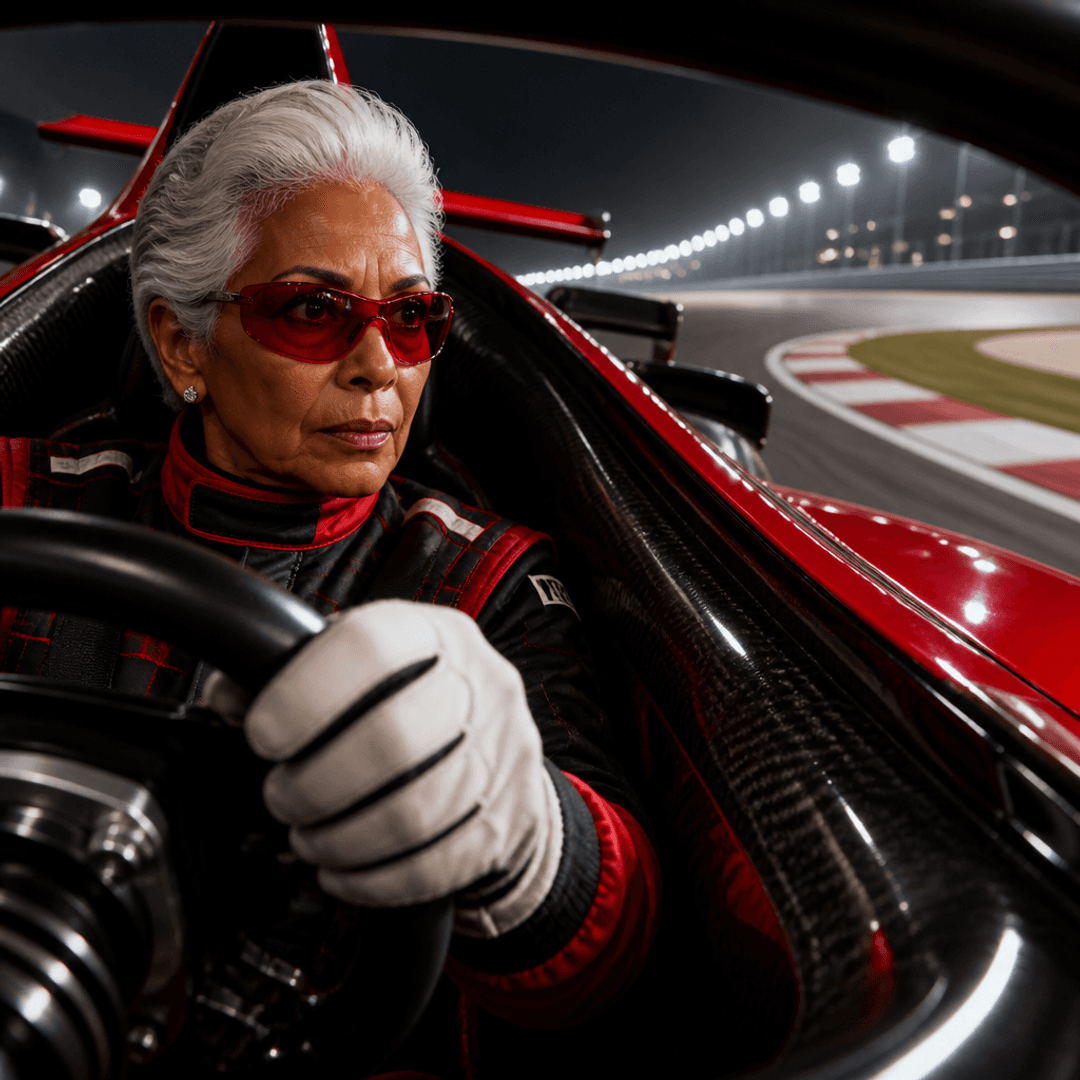
Result
Whether you have a story in your head, a script you’ve written, or just an idea you want to see—FrameSurfer makes high-quality video creation accessible to all.
“I had twelve good photos of the apartment and absolutely no idea what to post with them. Dropped them into FrameSurfer with the listing details and got a proper walkthrough reel.”
B. Fletcher
“I sell handmade candles, not videos. I gave it three product photos and the messy launch notes from my phone. The video looked like I had planned a whole campaign.”
L. Bennett
“My son invented a story about a whale whose tail was as big as a bus. We typed it in after dinner and watched his ‘movie’ before bed. He made us play it three times.”
M. Harris
“I needed an alphabet video for Friday and remembered on Thursday night. Made one with dancing animals, and the kids were shouting every letter before the narrator.”
E. Collins
“I typed ‘the history of ketchup’ mostly as a joke. Somehow it came back as a genuinely good one-minute video that I ended up posting.”
J. Turner
“We had been showing the same property photos for weeks. FrameSurfer turned them into a video that actually showed how the rooms connected.”
A. Walker
“My product is useful but painfully boring to explain. I wrote down what it does, uploaded a few screenshots, and got a demo people could understand without calling me.”
K. Morgan
“I gave it one sentence: a girl hears her name coming from under the bed. The video it made was creepy enough that I regretted watching it alone.”
D. Hughes
“My daughter wanted a bedtime story where she was a princess and our dog could fly. Ten minutes later, we were watching it together. That one felt kind of magical.”
S. Parker
“We made a little video about sharing for the kindergarten class. The children remembered the characters all week and kept repeating the last line.”
N. Foster
“I had a new listing going live that afternoon. FrameSurfer made the reel while I was still writing the property description.”
T. Cooper
“I wanted to advertise one tiny AirPod bag without making it feel like a serious commercial. It gave me this cute pastel video that matched the product perfectly.”
R. Mitchell
“I’ve wanted to start a faceless history channel forever. I kept getting stuck on the actual video part. Now I type the subject, make a few changes, and post.”
A. Bailey
“My students could repeat the definition of a webhook but still didn’t understand it. The animated video made it click in about thirty seconds.”
C. Ward
“We used it to turn the weekly lunch menu into a short video. Way better than uploading another blurry picture of the board.”
M. Dawson
“My kid asked why the moon follows our car. Instead of trying to explain it badly, we made a little video about it together.”
P. Sullivan
“I wrote a ridiculous story involving a laboratory, flying fish, and a penguin DJ. FrameSurfer somehow turned the whole thing into an actual video. No notes.”
I. Fraser
“I had the story, the characters, even the ending. I just couldn’t make the video in my head exist. That’s the part FrameSurfer finally solved.”
S. Byrne
“I uploaded our holiday photos and asked for something that didn’t feel like a slideshow. It came back looking like a small travel film.”
V. Clarke
“Honestly, I use it because I can type a weird idea at midnight and have a real video instead of another note I’ll never open again.”
R. Lawson
Give Framesurfer your product, character, and background. See how those details stay connected in the finished video.
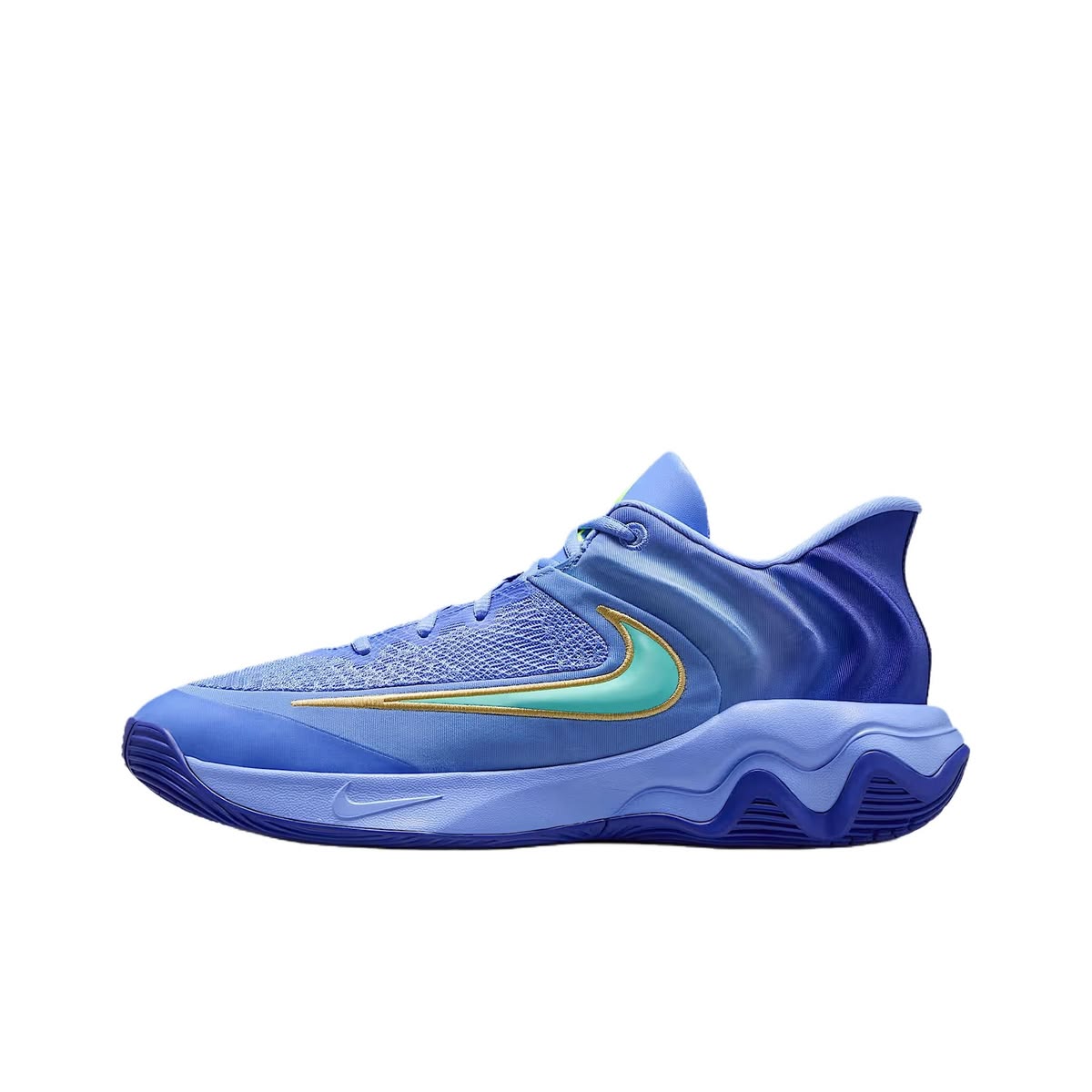
Keep the same product shape, color, and key details.

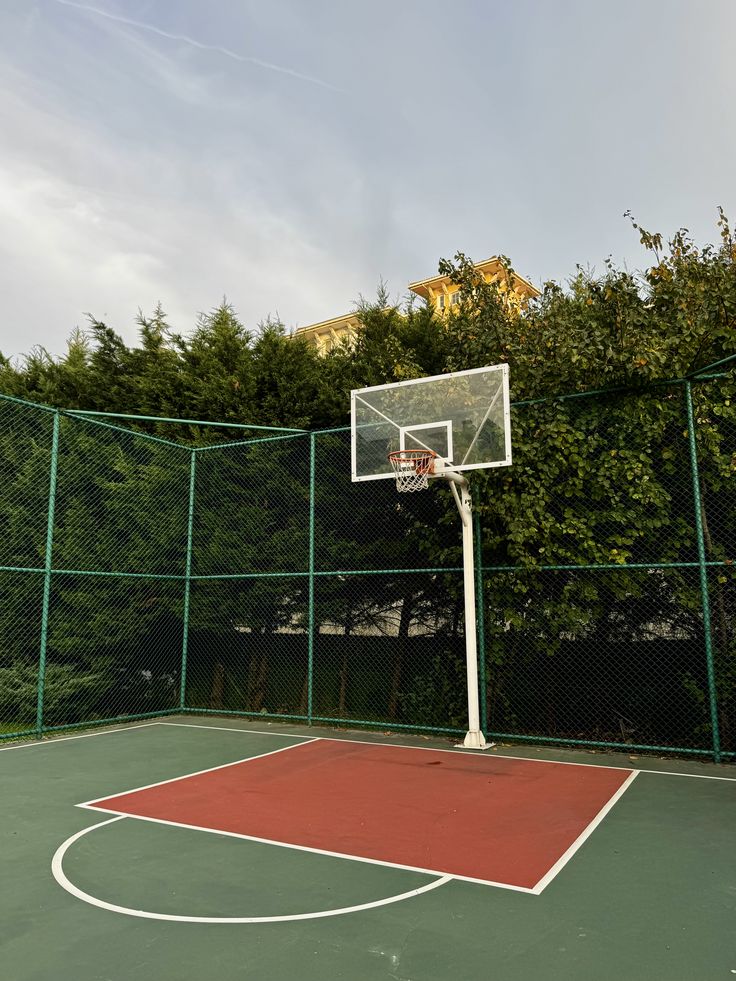
One generated video combining the product, character, and background in a consistent visual world.
Start creating. Scale as you grow.
A simple way to start creating with AI video.
More credits for consistent, regular creation.
Higher volume for growing creative output.
Everything you need to know before making your first video with Framesurfer.
Not primarily. Framesurfer is built to generate a video from an idea or prompt. You can refine the generated result in the editor, but it is not a footage-first editor like Premiere or CapCut.
It's real AI generation. You type a story, and AI creates unique visuals for each scene, writes and records narration, adds synchronized captions, and selects music. Every video is different because it's generated from your specific prompt and not pulled from a template library.
Yes. Framesurfer generates videos at up to 1080p with AI generated visuals, professional narration, timed captions, and music. They're built specifically for TikTok, Reels, and Shorts and are ready to publish.
A full story video typically takes 2-5 minutes. AI generates narration, visuals, and music in parallel. Compare that to the hours you'd spend editing manually.
Use the Chat Editor. Type what you want to change, like 'move the text to the bottom' or 'add a fade transition,' and AI applies the edit instantly. You can also use the visual drag-and-drop editor for precise control.
Credits are deducted when you start a generation, so you always know the cost upfront. Each plan comes with a monthly credit allowance that renews automatically.
Story videos, explainers, faceless shorts, talking products, real estate showcases, talking narrators, and reference-style formats. Each workflow guides AI to produce the right visuals, narration tone, captions, and music.
Yes. Cancel from your account settings whenever you want. Your plan stays active until the end of the billing period, and you keep access to all your projects.
MP4. You can create in 9:16 (vertical for TikTok, Reels, and Shorts), 1:1 (square), or 16:9 (landscape) at up to 1080p with customizable frame rates.
Describe it, add references if you have them, and start creating.