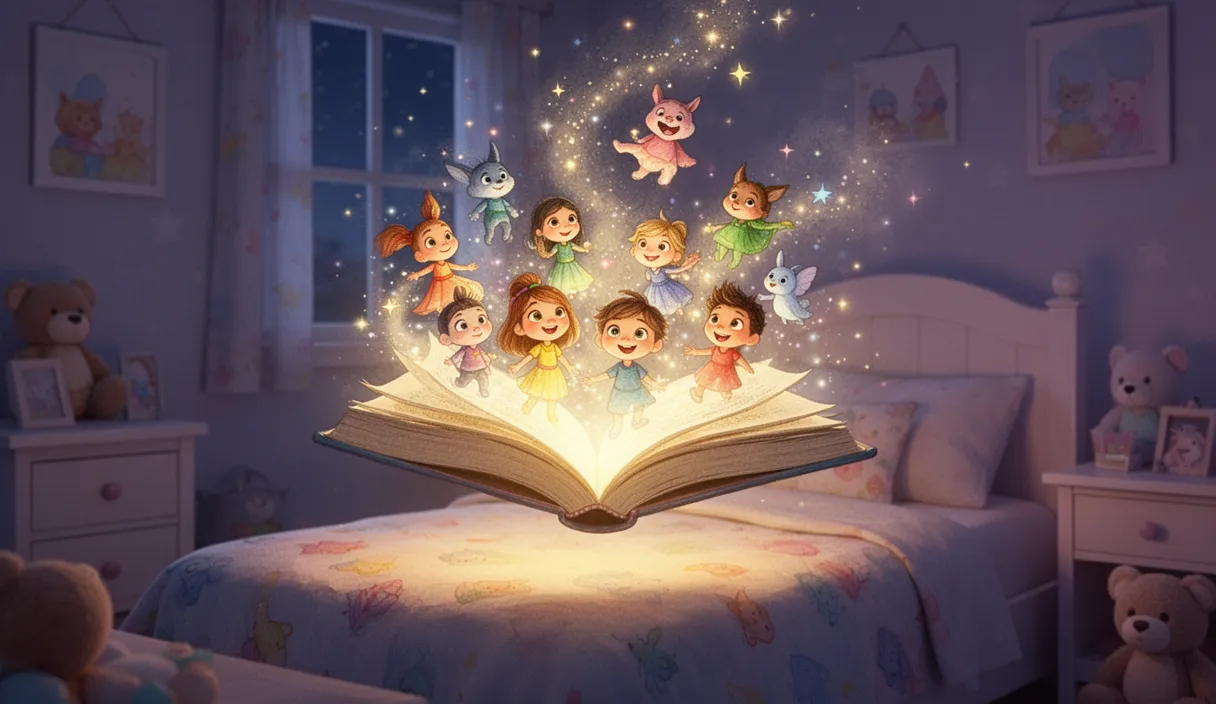
Bedtime stories have been a childhood staple for centuries, and now AI is giving them a visual dimension that captivates young imaginations in entirely new ways. Parents are using AI story video tools to create personalized tales featuring their children's favorite themes, while content creators are building dedicated story channels that reach millions of families on YouTube Kids. The technology has matured to the point where a single text prompt can produce a fully narrated, visually illustrated story video in minutes. This guide covers everything you need to know about creating AI-powered children's story videos, from choosing age-appropriate themes to publishing safely on family-friendly platforms.
How AI Generates Animated Story Videos for Children
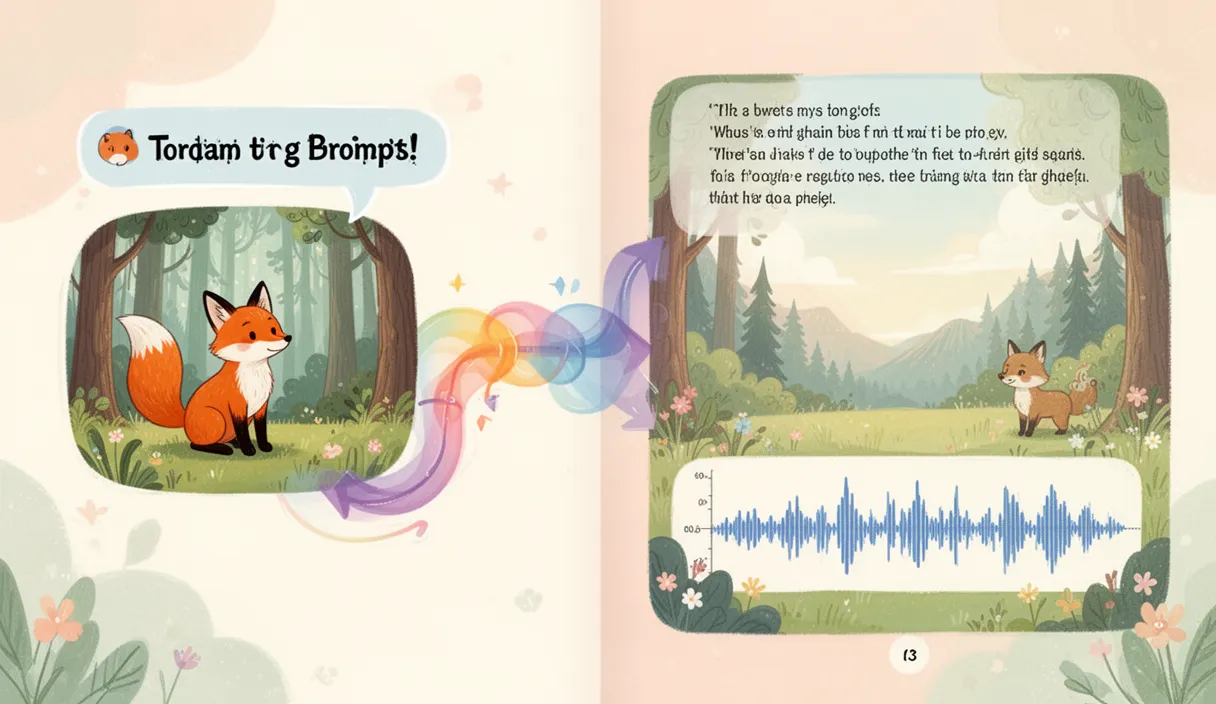
AI children's story video tools work by combining three core technologies: language models that write age-appropriate narratives, image generation that creates illustrated scenes matching each story beat, and text-to-speech that produces warm, expressive narration. When you enter a prompt like 'a brave little fox who learns to share with forest friends,' the AI writes a complete story arc with a beginning, conflict, resolution, and moral lesson. It then generates matching illustrations for each scene and records narration timed to the visuals. The result is a complete animated storybook video, typically two to five minutes long, ready to play at bedtime or publish online.
Choosing Age-Appropriate Themes and Content
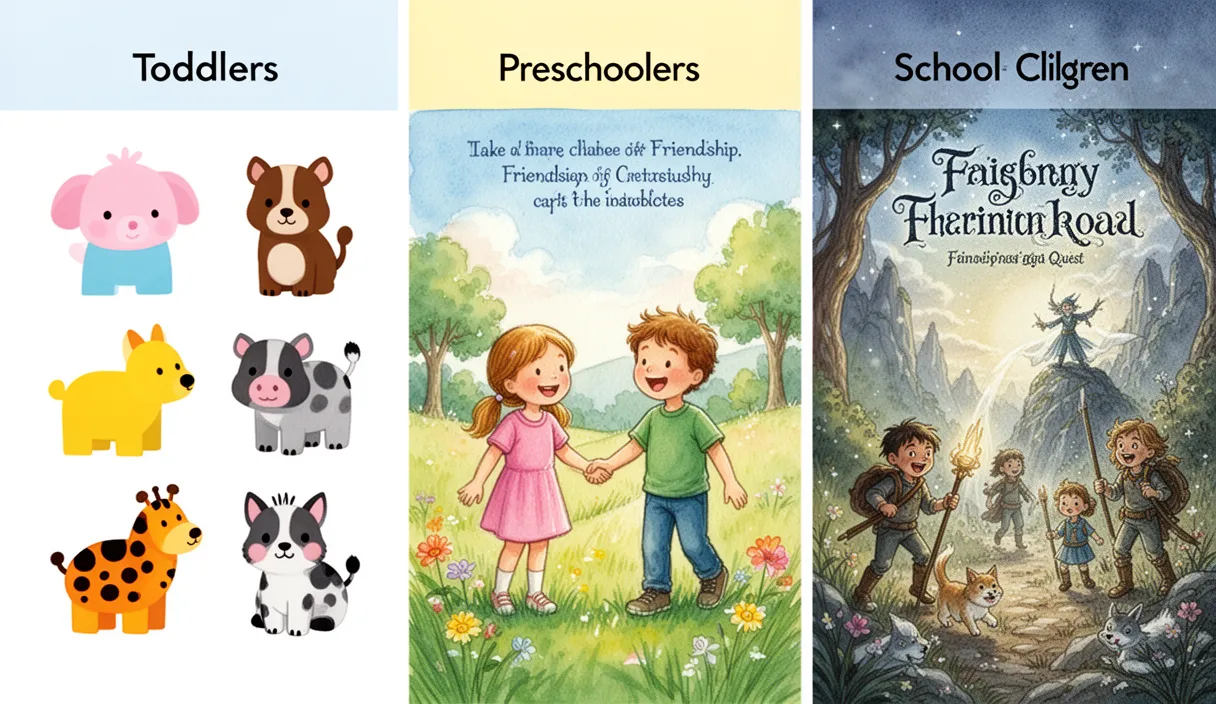
Children's content requires careful attention to age groups and developmental stages. For toddlers aged two to four, focus on simple concepts like colors, animals, counting, and basic emotions with short stories under two minutes. For children aged four to seven, introduce light adventure, friendship challenges, and moral lessons with stories running two to four minutes. For older children aged seven to ten, you can explore more complex narratives including mild mystery, fantasy quests, and stories about courage or kindness with longer five-minute formats. Regardless of age group, avoid themes involving real danger, separation anxiety, or anything that could cause nighttime fear. Stick to resolution-focused narratives where challenges are overcome through positive traits like teamwork, honesty, and creativity.
Age guidelines
- Toddlers 2 4: Simple stories about animals, colors, and feelings. Under 2 minutes. Gentle narration.
- Preschool 4 7: Friendship adventures, sharing lessons, and fairy tales. 2-4 minutes. Expressive narration.
- School age 7 10: Fantasy quests, mystery solving, and courage themes. 3-5 minutes. Engaging pacing.
Creating Children's Stories with FrameSurfer
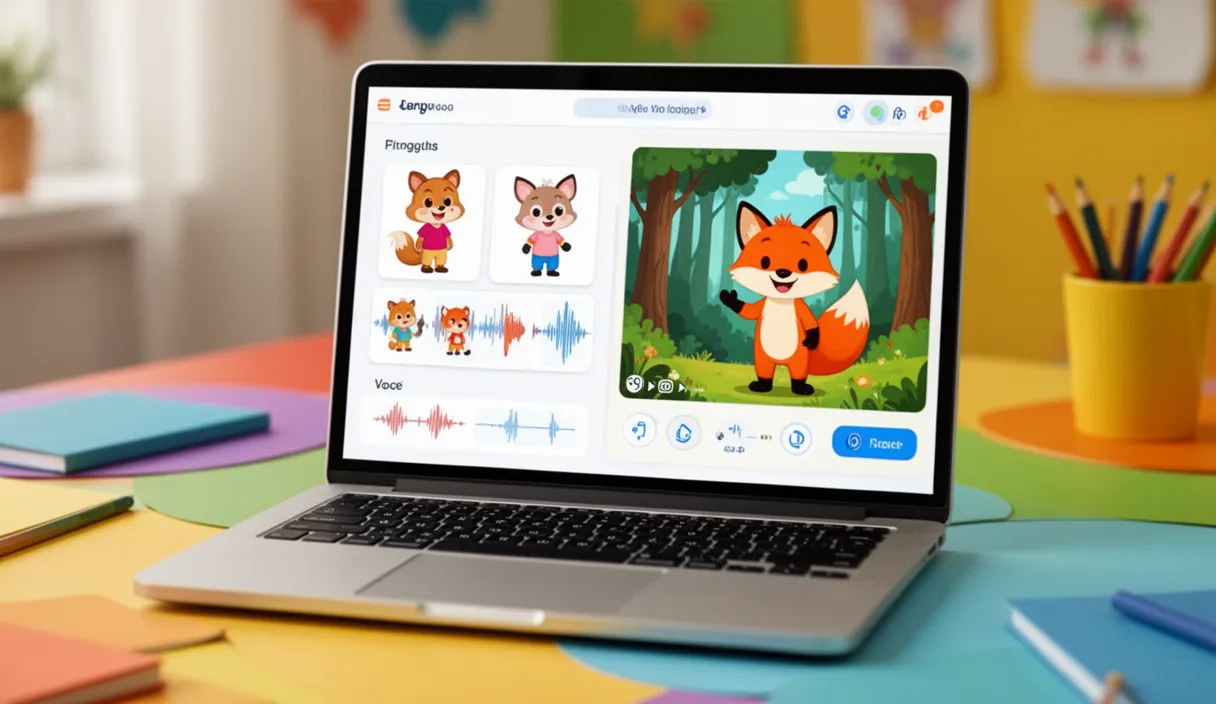
FrameSurfer offers dedicated children's story and fairy tale tools designed specifically for this content type. Select the Children's Story tool, enter your story concept or theme, and choose the visual style you prefer, from watercolor storybook to colorful cartoon. The AI generates the complete narrative, creates matching illustrated scenes, and produces narration with a warm, storytelling voice. You can preview the full video, then edit individual scenes in the visual editor to adjust text, swap illustrations, or modify the narration. For parents creating personal bedtime stories, you can include your child's name in the prompt for a personalized experience. For creators, the tool supports batch creation so you can produce an entire series around a character or theme efficiently.
Steps
Step 1: Choose your story tool
Select Children's Story or Fairy Tale from the FrameSurfer tools page based on your desired format.
Step 2: Enter your story concept
Describe the theme, characters, and lesson. Example: 'A shy penguin who discovers she has the most beautiful singing voice in Antarctica.'
Step 3: Select visual style and voice
Choose an illustration style and narration voice that fits your audience age group.
Step 4: Review and edit
Preview the complete video. Use the editor to adjust any scenes, narration, or timing.
Step 5: Export and share
Download the finished video for personal bedtime use or upload to YouTube Kids.
Safety Considerations: Reviewing AI Output Before Sharing
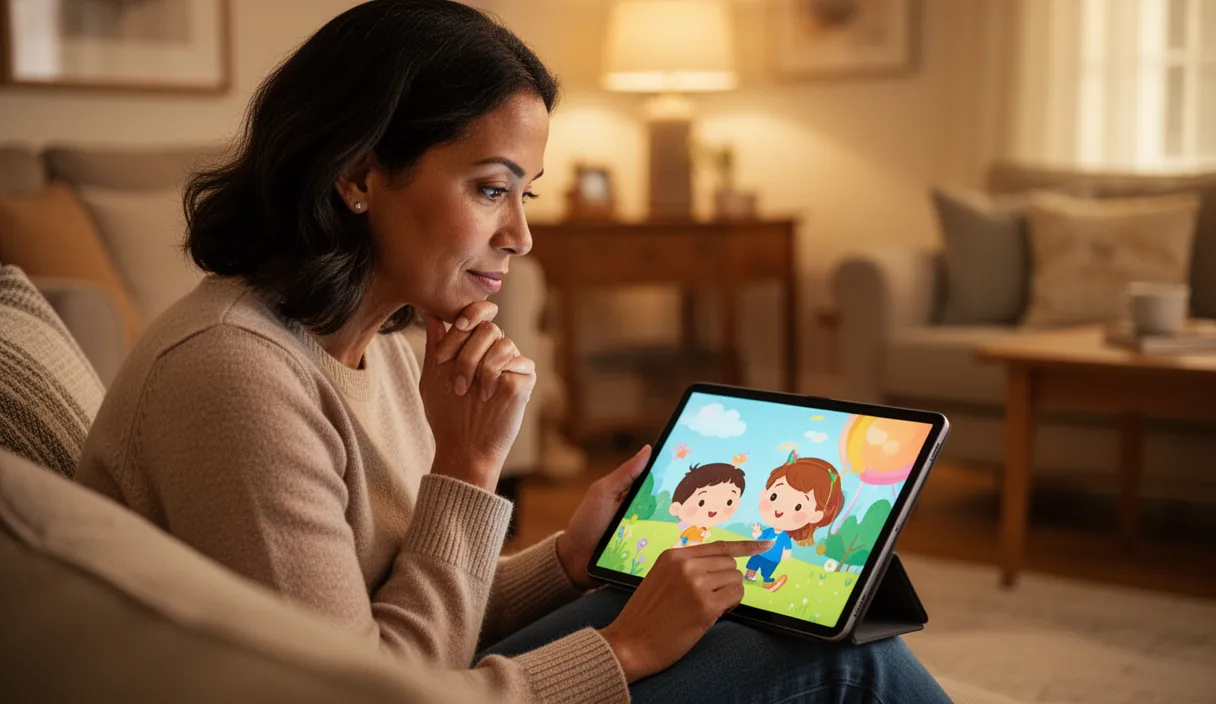
AI-generated content for children demands an extra layer of human review that should never be skipped. Always watch the complete video before showing it to a child or publishing it online. Check that the narrative does not contain unintended scary imagery, confusing plot elements, or language that is too advanced for the target age. AI image generation occasionally produces visual artifacts or unexpected elements, so review each scene's illustrations carefully. For content published on YouTube Kids, ensure compliance with COPPA regulations by avoiding any content that could be considered commercial or that collects information from children. If you are creating a channel, establish a review checklist that covers story content, visual appropriateness, audio clarity, and platform compliance before every upload.
Publishing on YouTube Kids and Building a Story Channel
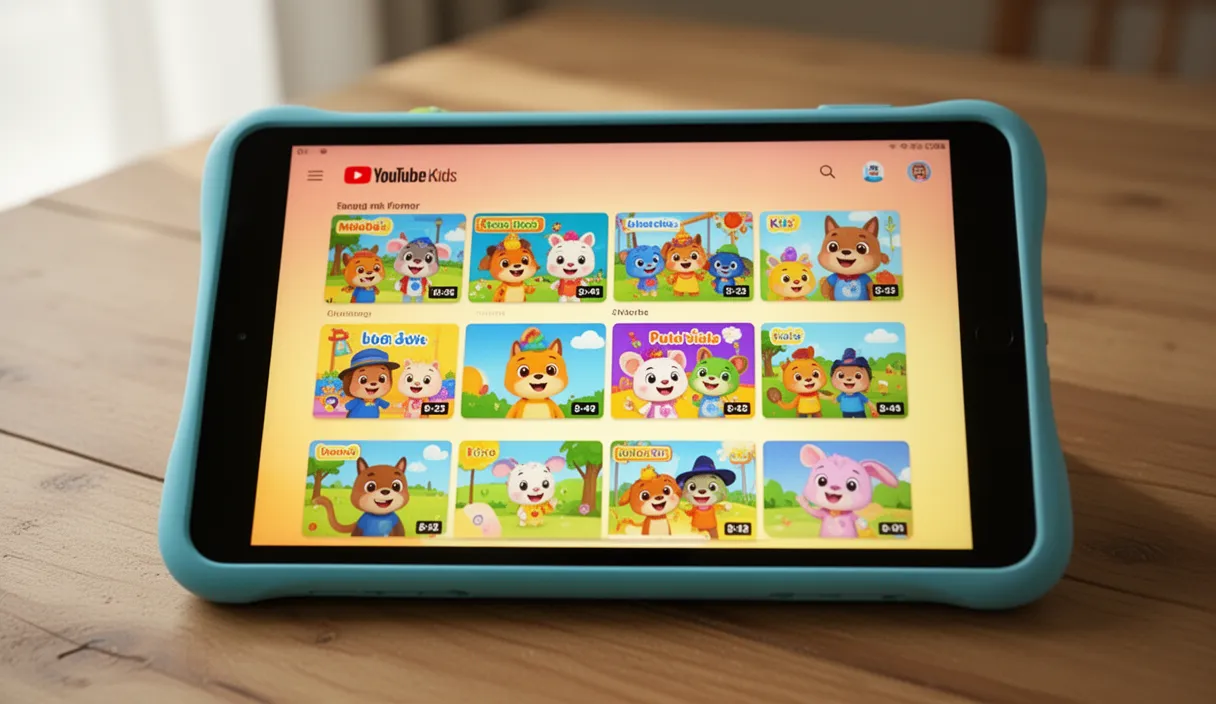
YouTube Kids is the primary discovery platform for children's story content, with parents actively searching for bedtime stories, fairy tales, and educational videos. To make your content eligible for the YouTube Kids app, upload through a standard YouTube channel and ensure your content settings are marked as 'made for kids' in YouTube Studio. Build a consistent upload schedule, ideally two to three videos per week, to gain traction with the recommendation algorithm. Organize videos into playlists by theme such as Animal Adventures, Fairy Tales, and Bedtime Stories so parents can queue up multiple episodes. Use descriptive, keyword-rich titles that parents actually search for, such as 'Bedtime Story for Kids: The Brave Little Rabbit' rather than creative but unsearchable titles. Successful children's story channels grow through consistency and trust: parents who find one video their child enjoys will subscribe and return for every new upload.
Conclusion
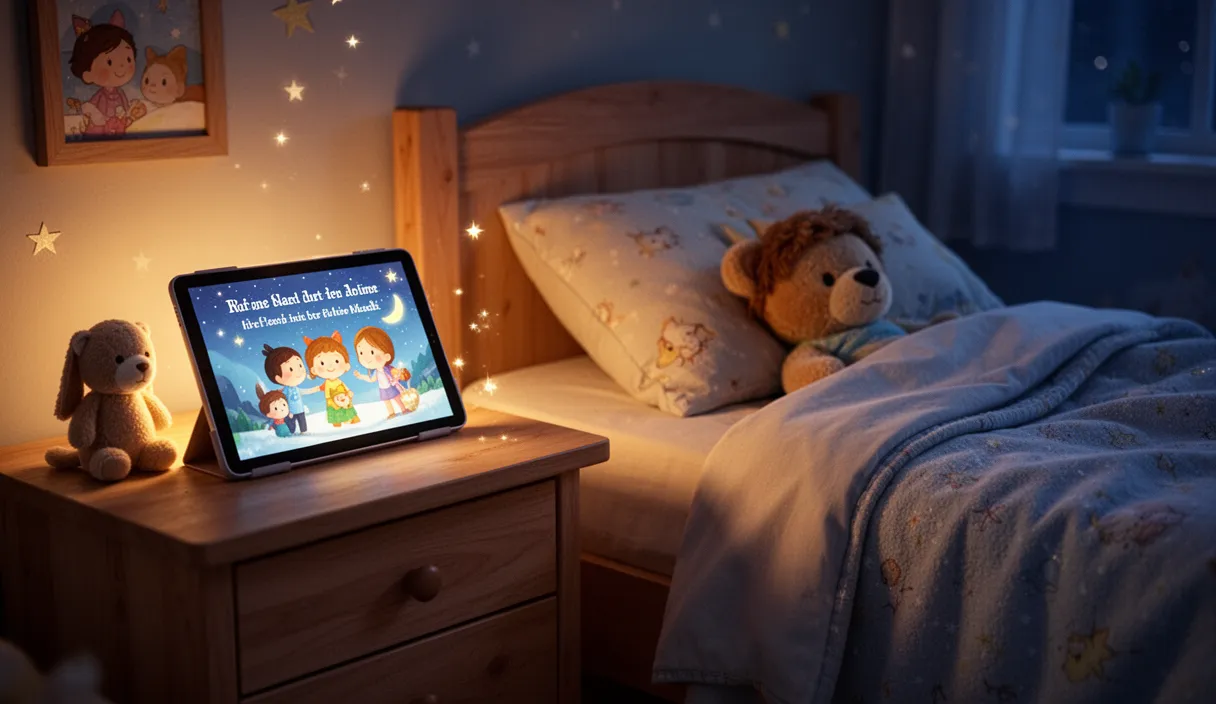
AI children's story videos represent a genuinely positive application of generative AI, bringing personalized, imaginative storytelling to families who might not have access to large libraries of children's media. Whether you are a parent creating a one-of-a-kind bedtime ritual or a content creator building a channel that entertains and educates thousands of children, the tools are now accessible and the audience is eager. The key is to prioritize quality, age-appropriateness, and safety in every video you create.
Frequently Asked Questions
Is AI-generated children's content safe for kids to watch?
AI-generated content is safe when a parent or creator reviews it before showing it to children. Always watch the complete video first to check for any unintended imagery, confusing narrative elements, or age-inappropriate language. FrameSurfer generates family-friendly content by default, but human review remains an essential step.
Can I personalize AI stories with my child's name?
Yes. Include your child's name and any personal details in the story prompt, such as 'a story about a girl named Lily and her pet cat Whiskers who go on a garden adventure.' The AI will weave these details into the narrative naturally.
What age group works best for AI story videos?
AI story videos work well for children aged two through ten. The sweet spot for engagement is the three to seven age range, where children are old enough to follow a narrative but young enough to be fully captivated by illustrated storytelling. Adjust story length and complexity to match your target age group.
How long should a children's story video be?
For toddlers, keep stories under two minutes. For preschool-age children, two to four minutes works well. For school-age children, you can extend to five minutes or slightly longer. Shorter stories tend to perform better on YouTube because children rewatch them, which boosts the video in recommendations.
Can I monetize a children's story YouTube channel?
Yes, children's content channels can be monetized through the YouTube Partner Program once they meet the subscriber and watch hour thresholds. However, content marked as 'made for kids' has restrictions on personalized ads and comments. Many successful children's channels earn through ad revenue, merchandise, and book adaptations of their most popular stories.